
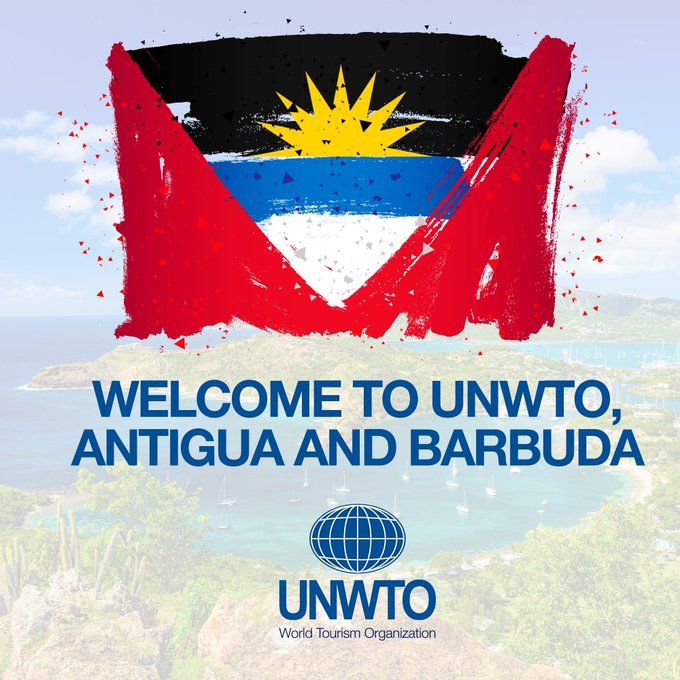
Antigua and Barbuda has become a full member of the World Tourism Organization (UNWTO).

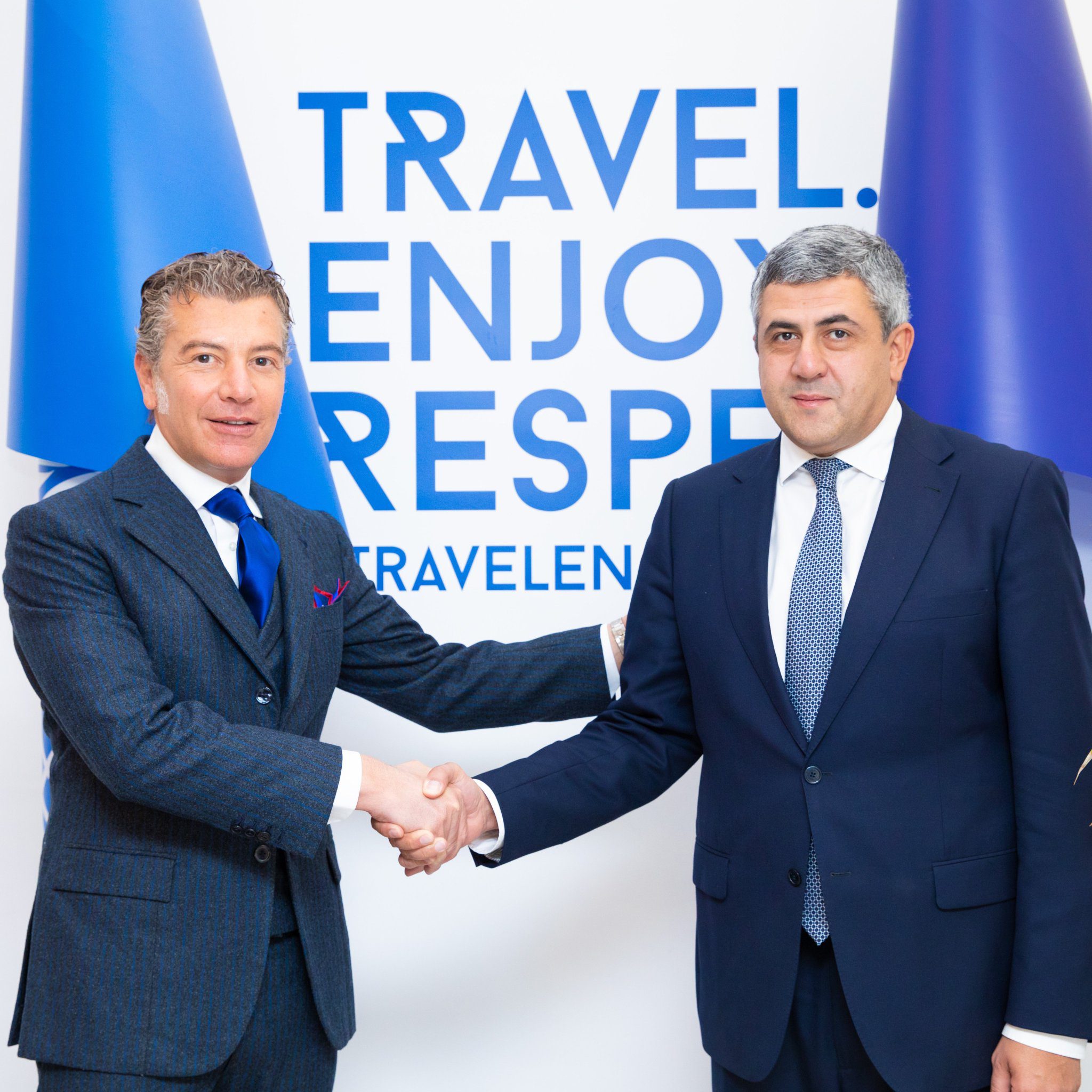
Antigua and Barbuda has become a full member of the World Tourism Organization (UNWTO).
On February 9th, 2021, the Government of Antigua and Barbuda submitted the country’s candidature to full membership of the Organization formally adopting the Statutes of the UNWTO and all the amendments and accepting the obligations of membership in accordance with Article 5 of the Statutes.
The candidature was accepted during the twenty-fourth session of the General Assembly of the World Tourism Organization held in Madrid from 30 to 3 December 2021.
In accordance with past practice, the membership of Antigua and Barbuda take effect on 1 January 2022.
UNWTO Secretary General Zurab Pololikashvili said:
“I am very happy to see the UNWTO family growing. It’s been a pleasure to work with Ambassador of Antigua e Barbuda to Spain, Dr. Dario Item, to make this possible. Antigua and Barbuda can count on UNWTO full support to restart tourism for sustainable growth.”
In this period of great uncertainty for world tourism, Antigua and Barbuda counts on the full support of the UNWTO to relaunch tourism in the country. The adhesion of Antigua and Barbuda appears therefore particularly strategic in this moment of difficulty for the entire sector in order to better prepare for a full restart in the years to come.
Antigua and Barbuda’s adhesion to the UNWTO is part of the country’s overall plan to considerably increase its diplomatic network and relations.
In 2018, Antigua and Barbuda opened its first embassy in Continental Europe, right in the center of Madrid. Ambassador Extraordinary and Plenipotentiary Dr. Dario item has been appointed as Head of Mission. Ambassador Item presented his credentials to the King of Spain on January 16, 2019 and is also accredited to the Principality of Monaco and the Principality of Liechtenstein.
This story was first published by Antigua News on : antigua.news/2022/01/21/antigua-and-barbuda-becomes-a-full-member-of-the-unwto. © 2022 Antigua News. Republication without permission is not allowed.

About the author
The Editorial Staff refers to all reporters employed by Antigua.news. When an article is not an original creation of Antigua.news—such as when it is based on a press release, other media articles, letters to the editor, or court decisions—one of our staff members is responsible for overseeing its publication.
Read our editorial standards and corrections policy. Spotted an error? Contact the newsroom.
More from Antigua and Barbuda
View section
Hodges Bay Man Robbed at Gunpoint After Late-Night Taxi Offer on South Street
A late-night walk to the West Bus Station took a frightening turn when a man offering taxi services allegedly led the victim into a by-road, where an accomplice threatened him with what appeared to be a firearm.
By Cory Wayland

Churches to Unite in Prayer for Antigua and Barbuda Ahead of CHOGM
Christian leaders and intercessors from across the country will gather Saturday evening to seek divine protection, wisdom and peace as Antigua and Barbuda prepares to welcome Commonwealth leaders.
By Cory Wayland

Antigua and Barbuda Strengthens Prison Rehabilitation Efforts Through UNDP-Backed Regional Training
Correctional and probation officers receive specialised training in crisis management, psychological support and rehabilitation as Caribbean countries work to reduce repeat offending and improve prison safety.
By Cory Wayland

Botchwey Eyes US$34 Billion in Projects to Drive Commonwealth Investment
Commonwealth Secretary-General highlights investment opportunities as she arrives in Antigua and Barbuda, while Foreign Minister Greene reports readiness for CHOGM.
By Shermain Bique-Charles
Comments
Be the first to comment.