
CIBC to pull out from Dominica

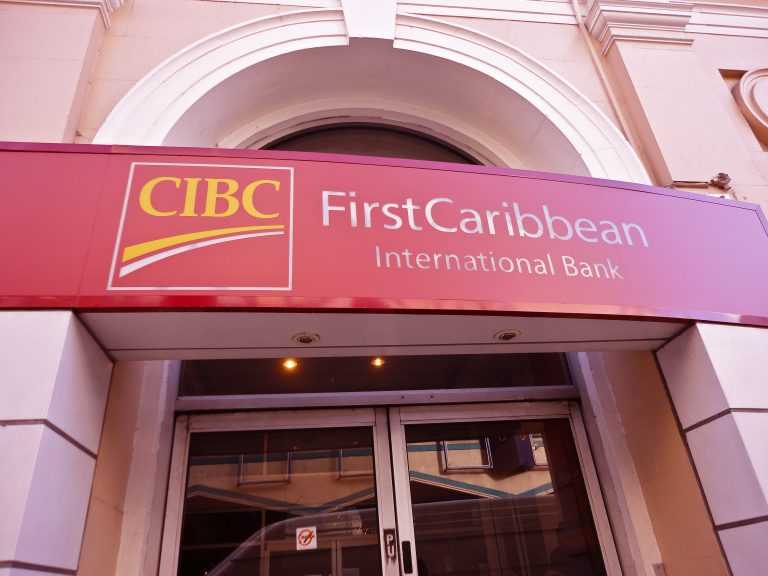
In what can be described as a surprise move, FirstCaribbean International Bank announced yesterday that it will cease its operations in Dominica on 31st January 2023.
Managing Director for Barbados and the OECS, Donna Wellington, says she understands that decisions like this are never easy, and never taken lightly.
She said in a press statement that the bank is very mindful of the impact on employees and customers.
“We have made this decision in light of our stated strategy of simplifying our structure and following the sale of two of our businesses in St. Kitts and St. Vincent, in addition to the sale of our business in Aruba earlier in 2022.”
In addition, Wellington said the bank is mindful of its continuing obligations its team in Dominica and clients during the period of transition.
She said the bank will make moves to begin to contact clients within the next few weeks to ensure that they are aware of the need to transfer their deposits to another financial services institution, as well as collect any outstanding property that was used as collateral but was not collected after the loan was repaid, or in safety deposit boxes.
Additionally, CIBC FirstCaribbean said it will put in place arrangements for clients with loan facilities and credit card services.
“Until we can put the necessary arrangements in place, we will continue doing what we’ve always done – helping our clients to make the right decision to maintain their financial health. Our focus is also on supporting our employees through this time of transition. We will continue to keep all our stakeholders apprised of the developments as they unfold,” Wellington added.
Furthermore, she said the bank’s employees would continue to be available to facilitate an orderly transition for both the bank and its clients in the coming months.
This story was first published by Antigua News on : antigua.news/2022/09/04/cibc-to-pull-out-from-dominica. © 2022 Antigua News. Republication without permission is not allowed.

About the author
Shermain Bique-Charles is an accomplished journalist with over 24 years of dynamic experience in the industry. Renowned for her exceptional storytelling and investigative skills, she has garnered numerous awards that highlight her commitment to journalistic integrity and excellence. Her work not only informs but also inspires, making her a respected voice in the field.
Read our editorial standards and corrections policy. Spotted an error? Contact the newsroom.
More from Caribbean
View section
BREAKING | Dominica Heads to the Polls on December 16
Nomination Day is November 30 as Prime Minister Roosevelt Skerrit seeks a fresh mandate for the Dominica Labour Party.
By Shermain Bique-Charles

DOMINICA: Relief as Three Missing Men Are Found Alive at Sea Near Aves Islands
Davel Baron, Ryan Royer and a third man were rescued by a cargo vessel after being found drifting at sea, bringing relief following days of uncertainty over their whereabouts.
By Cory Wayland

Two Men Vanish at Sea in Dominica, Sparking Growing Fears for Their Safety
Police issue missing-person alerts for Davel Baron and Ryan Royer as concerns grow over their whereabouts.
By Cory Wayland

Saint Lucia Makes Decision on Citizenship by Investment Programme Amid EU Pressure
Prime Minister Philip J. Pierre confirms his government has formally responded to the European Union but says the decision will remain confidential until Brussels acknowledges receipt of the correspondence.
By Cory Wayland
Comments
Be the first to comment.