
Walker accuses ABLP of ‘tiefing’ Barbuda relief funds

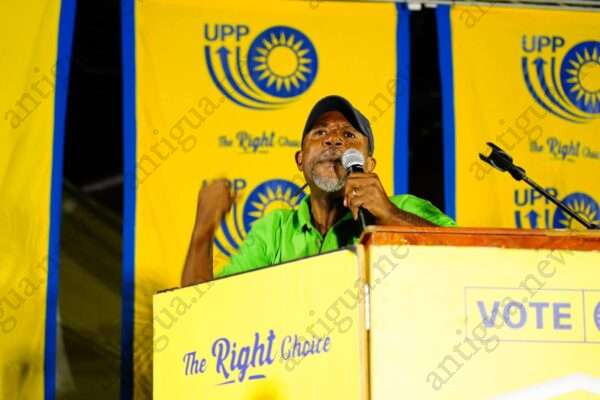
Trevor Walker, the MP for the Sister Ilse has accused the Gaston Browne-led administration of raping Barbuda.
Walker told a United Progressive Party rally on Thwaites corner last night that the current administration has destroyed the country and its reputation.
He also accused the government of being the most corrupt in the country’s history.
“You see all them plywood they putting up and making billboards, is Barbuda relief money buy them. I’m not afraid to say it because I know. They thief half of Barbuda’s relief money and we still struggling and sufferings,” Walker said on the podium.
Walker also addressed the land issue, saying that the people of Barbuda are willing to put their lives on the line to defend Barbuda.
“Barbuda people have their heads on because Gaston Browne wants to come to Barbuda to chap up and cut up and sell off Barbuda…We don’t play. We don’t only fight in the courts; we fight all how. They can come and try to set up a land registry but the first man who tells Barbudans they cannot occupy Barbuda, something is gonna happen…we will defend that land with our lives…”
“They have raped Barbuda. They have robbed Barbuda…Barbuda people are suffering…and you want to tell me that we must look at that government as being a caring government, I will stand against that”
Meanwhile, Walker told young people to be on their guard against the political gimmicks that is imminent during this election year.
“I want you all to understand that this election is serious. Our future is at stake and anytime you make that mistake and forget your future and your children’s future….Gaston Browne will destroy Barbuda. When it comes to Barbuda, we will keep him out and the BPM will stand with the United Progressive Party,” he said.
Antiguans and Barbudans are getting set to go to the polls soon. Elections are due here in 2023.
This story was first published by Antigua News on : antigua.news/2022/11/18/walker-accuses-ablp-of-tiefing-barbuda-relief-funds. © 2022 Antigua News. Republication without permission is not allowed.

About the author
The Editorial Staff refers to all reporters employed by Antigua.news. When an article is not an original creation of Antigua.news—such as when it is based on a press release, other media articles, letters to the editor, or court decisions—one of our staff members is responsible for overseeing its publication.
Read our editorial standards and corrections policy. Spotted an error? Contact the newsroom.
More from Election Watch: Antigua and Barbuda
View section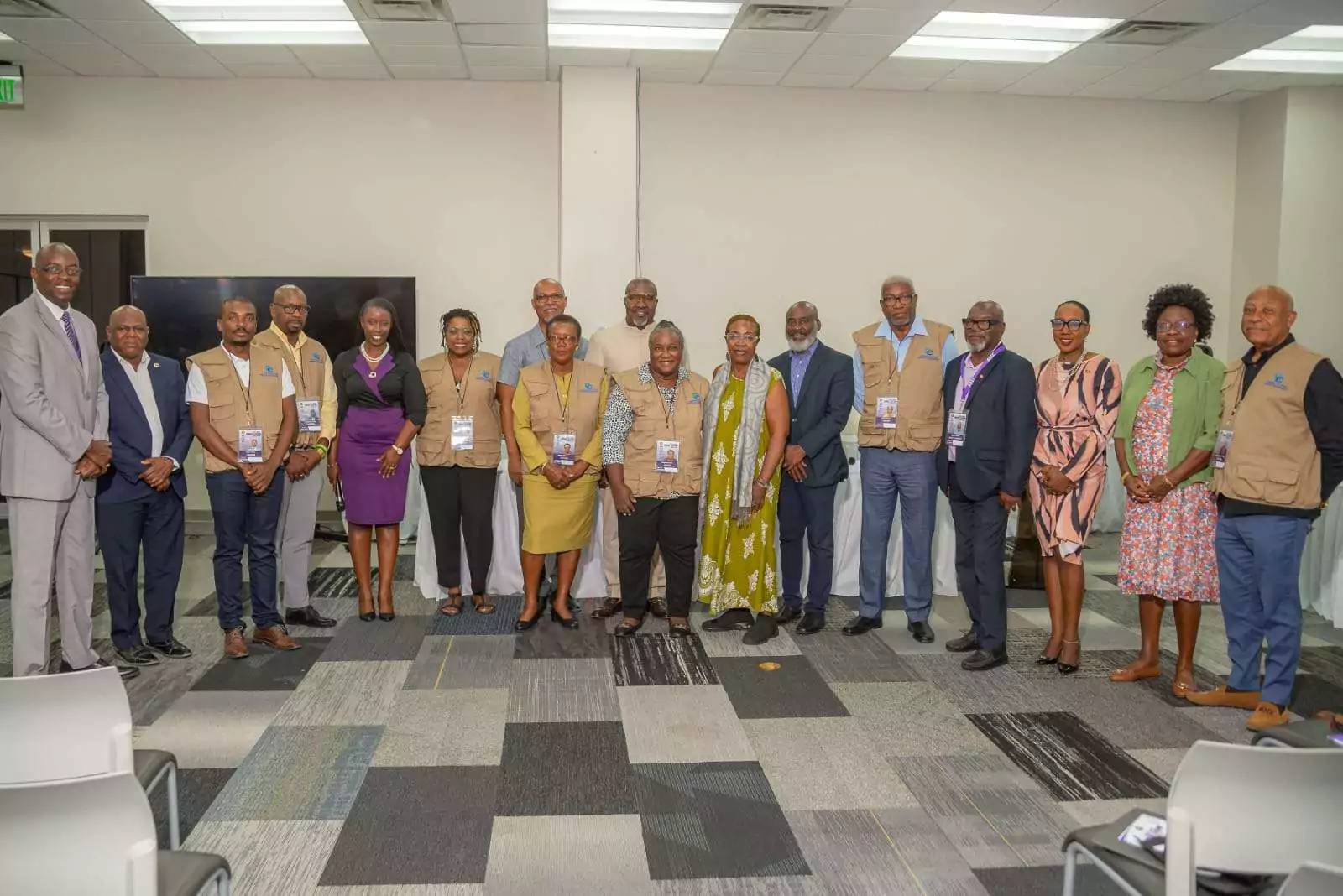
ABEC engages Election Observers ahead of General Elections 2026
By Editorial Staff
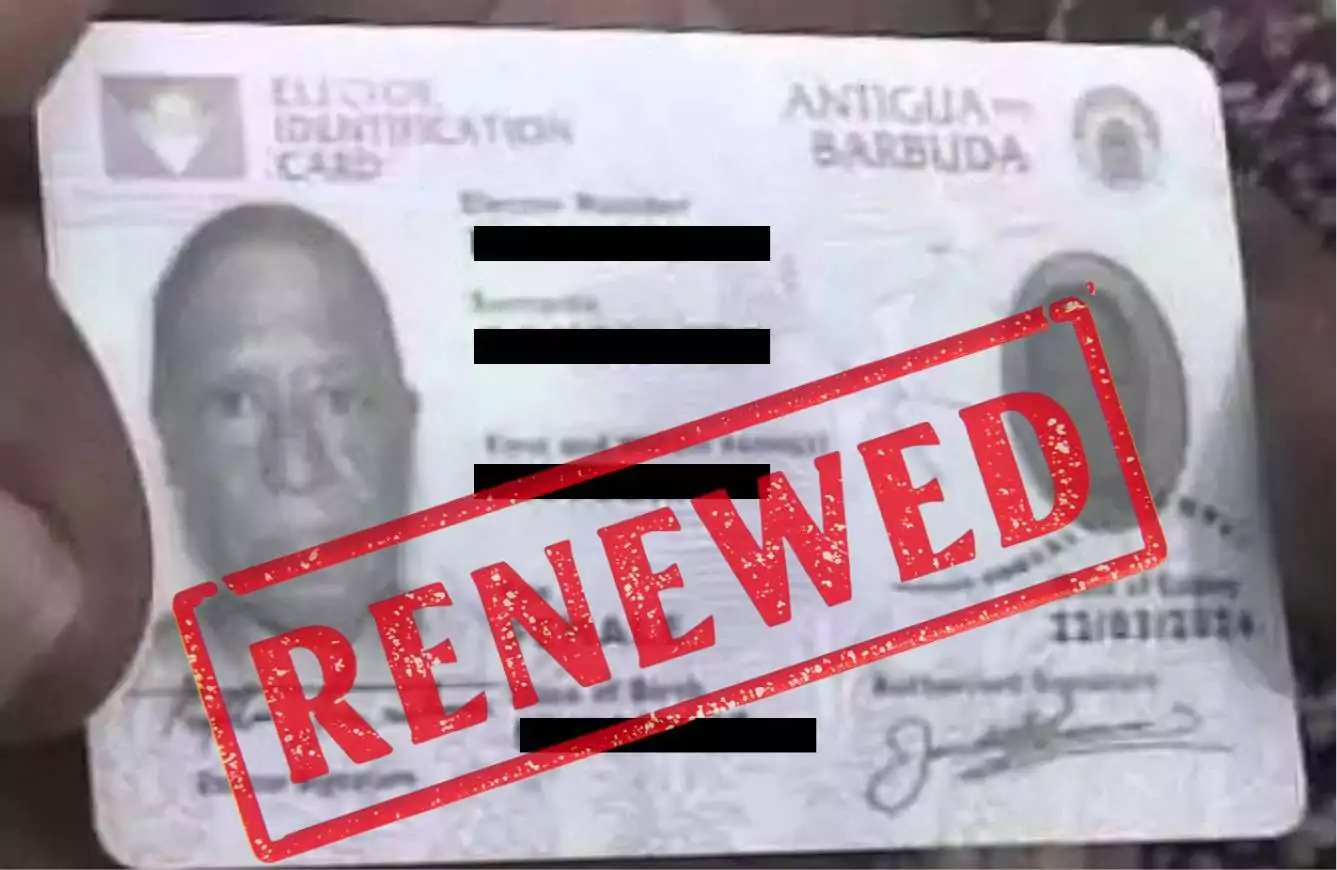
ABEC Extends Voter ID Collection Hours to 10PM Ahead of Election Day
By Editorial Staff
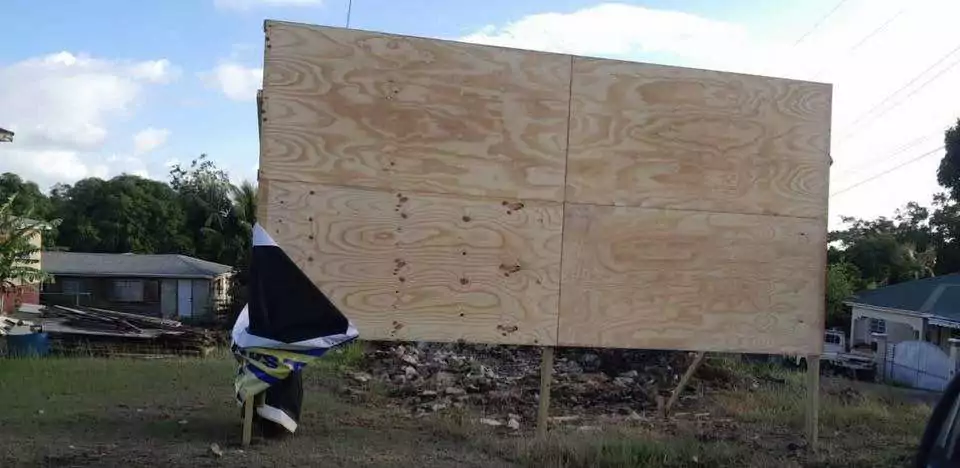
ABLP Condemns Destruction of Political Paraphernalia
By Shermain Bique-Charles
Pringle Nominated, Confident of Retaining UPP Stronghold in All Saints East & St Luke
By Editorial Staff
Comments
Be the first to comment.