
Pringle “up to the task” to lead UPP


The man on whose shoulders the leadership of the opposition United Progressive Party (UPP) now rests say he believes his political journey thus far and the experience gained have prepared him for a time like this.
Jamale Pringle was re-elected Member of Parliament for All Saints East and St Luke’s in the January 18th polls after beating contenders Colin James of the Antigua and Barbuda Labour Party (ABLP), and Avoy Knight of the Democratic National Alliance (DNA).
In addition to his responsibilities as an MP, he now has the added responsibility of Political Leader of the party following the resignation of his predecessor Harold Lovell, and Leader of the Opposition in Parliament.
“I am up to the task,” Pringle responded when he was asked the question during an Observer Radio interview.
“I believe it is not where you start, it’s where you aspire to be, and with hard work and dedication and commitment you can achieve”.

He said leadership, “was not my may focus, it was trusted on me and I have to rise to the occasion to deliver to the thousands of people who have the confidence in me to lead them”.
As it relates to his predecessor who resigned a day after losing to ABLP’s Melford Nicholas, the incoming political leader said he regarded Lovell as a mentor, one he could lean on for advice in both his personal and professional life.
He noted while, the resignation was not expected, his training thus far has, “prepared me for a time like this”.
“He is an individual whom I have a strong admiration for, he has been a true friend and brother and sometimes like a father”, Pringle added.
As to the way forward, the newly minted political leader said the new UPP team, inclusive of his other five colleagues who will join him in the Lower House, will be committed to holding the government to tasks on various issues of national interest.
He explained that each member will be assigned to specific tasks as they seek to hold the government accountable for the governance of the country and they will be protesting, picketing, and making use of the local courts to aid in this regard.
This story was first published by Antigua News on : antigua.news/2023/01/25/pringle-up-to-the-task-to-lead-upp. © 2023 Antigua News. Republication without permission is not allowed.

About the author
The Editorial Staff refers to all reporters employed by Antigua.news. When an article is not an original creation of Antigua.news—such as when it is based on a press release, other media articles, letters to the editor, or court decisions—one of our staff members is responsible for overseeing its publication.
Read our editorial standards and corrections policy. Spotted an error? Contact the newsroom.
More from Election Watch: Antigua and Barbuda
View section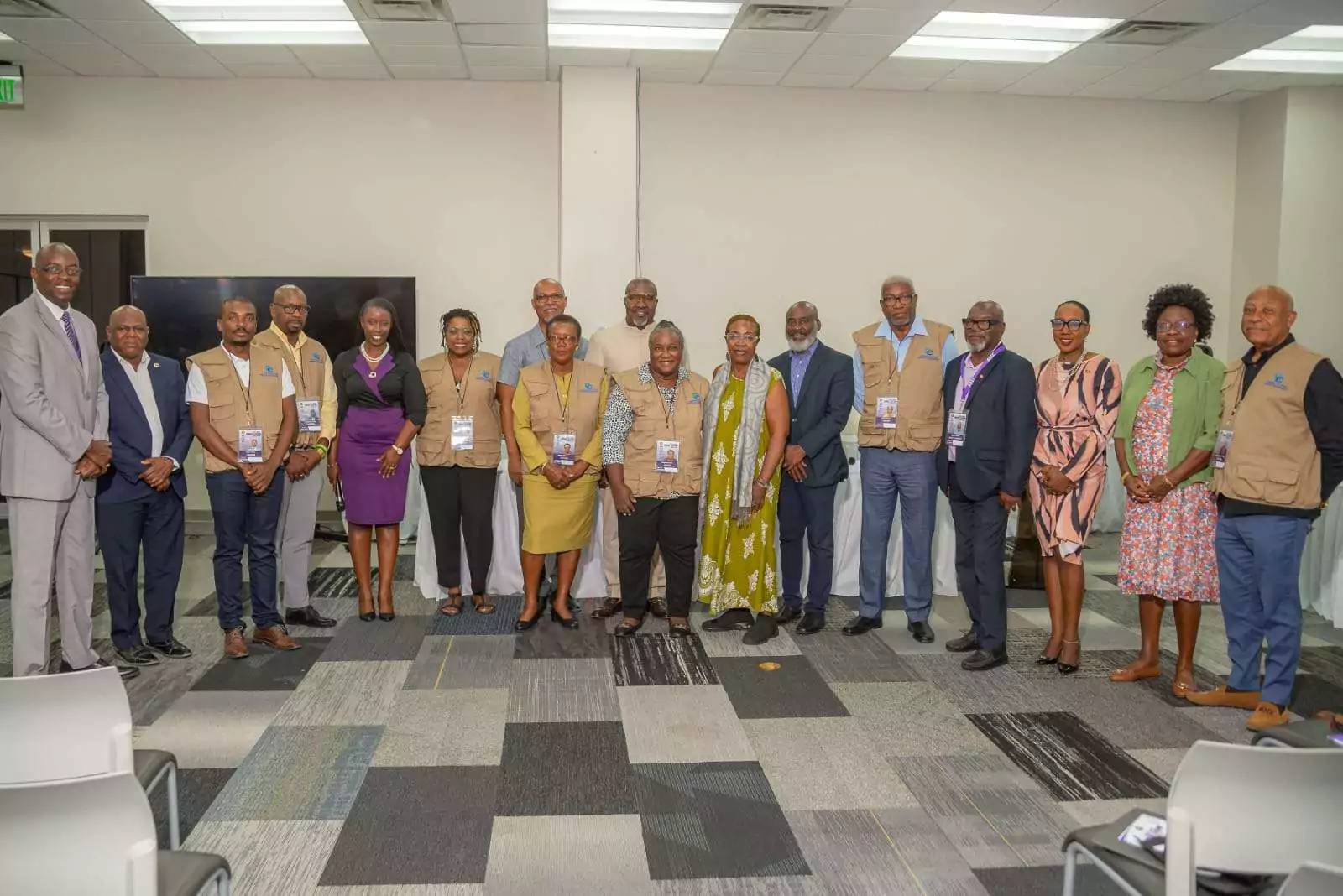
ABEC engages Election Observers ahead of General Elections 2026
By Editorial Staff
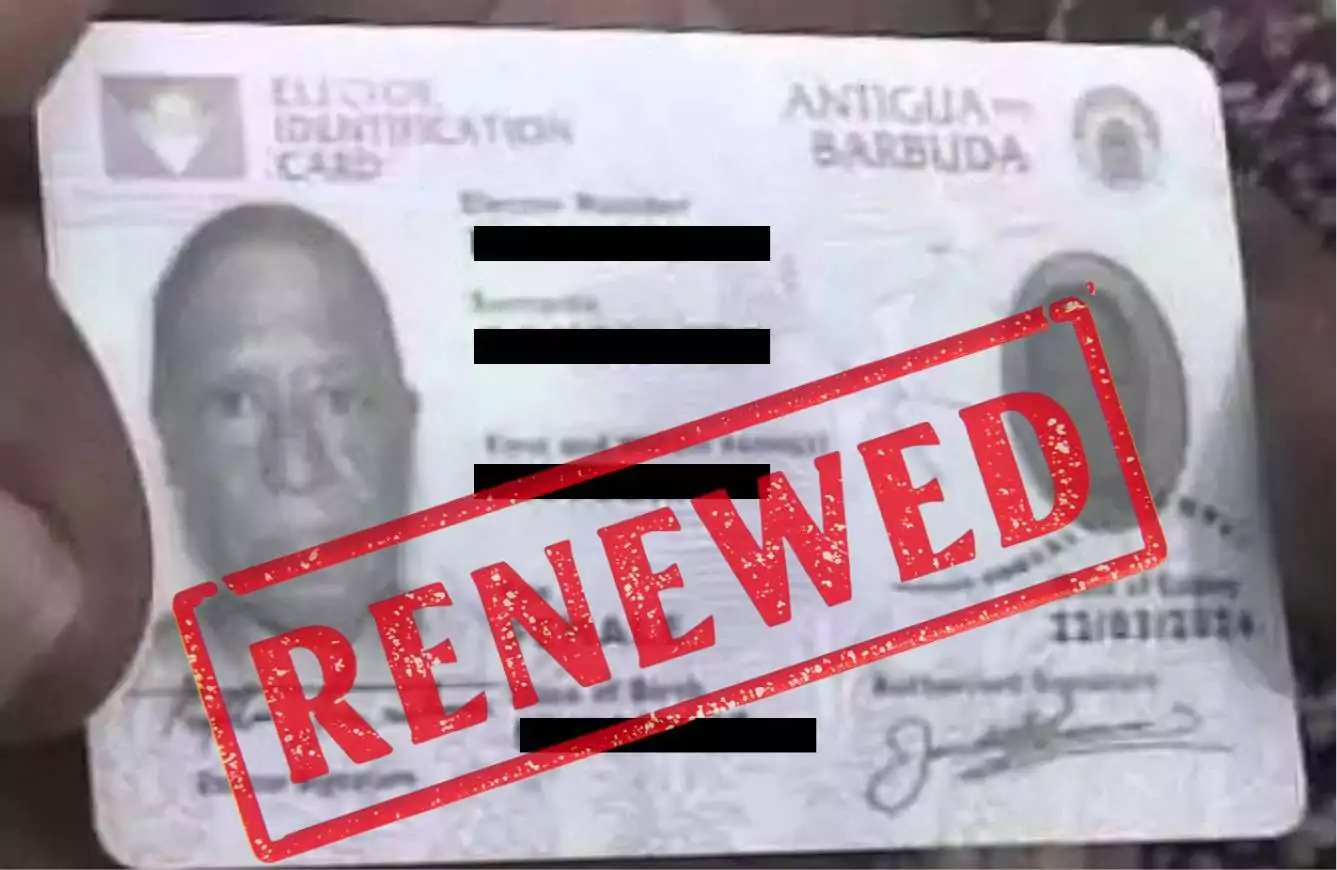
ABEC Extends Voter ID Collection Hours to 10PM Ahead of Election Day
By Editorial Staff
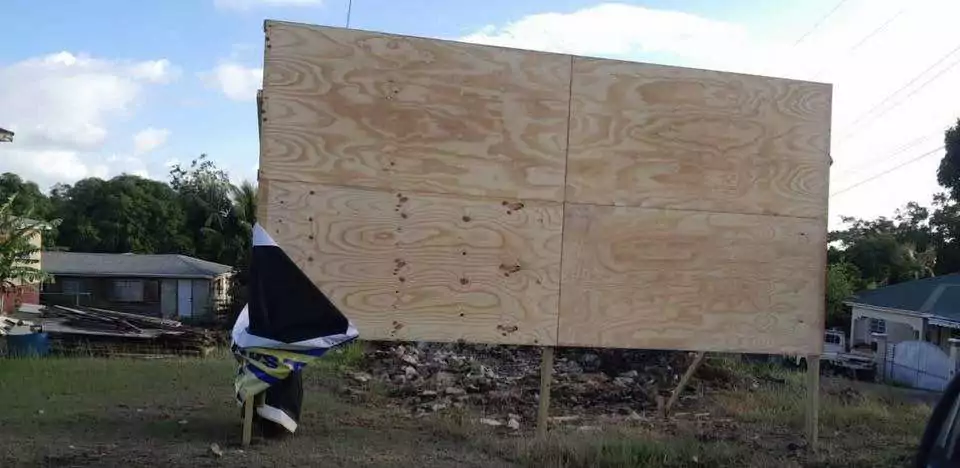
ABLP Condemns Destruction of Political Paraphernalia
By Shermain Bique-Charles
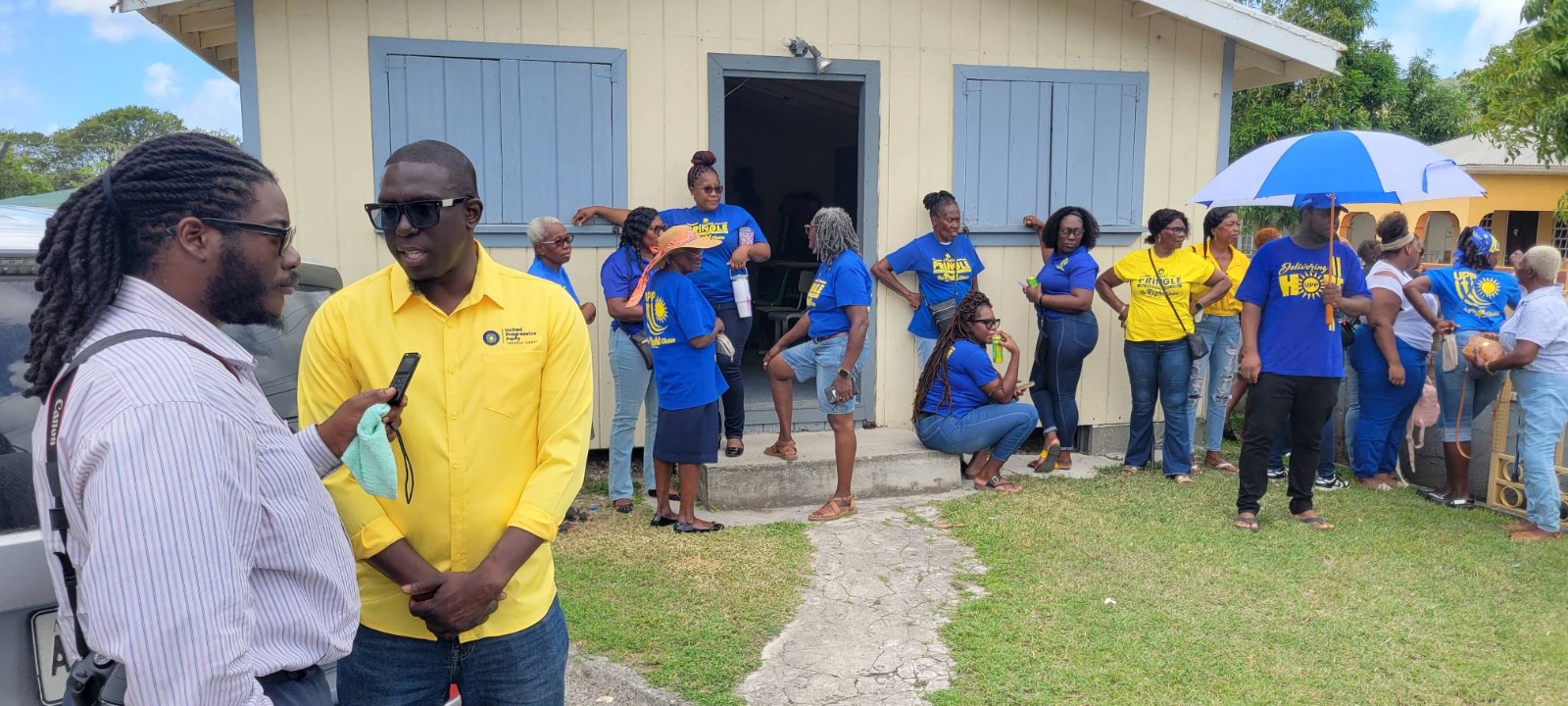
Pringle Nominated, Confident of Retaining UPP Stronghold in All Saints East & St Luke
By Editorial Staff
Comments
Be the first to comment.