
OECS 8th Council of Ministers underway in Antigua and Barbuda

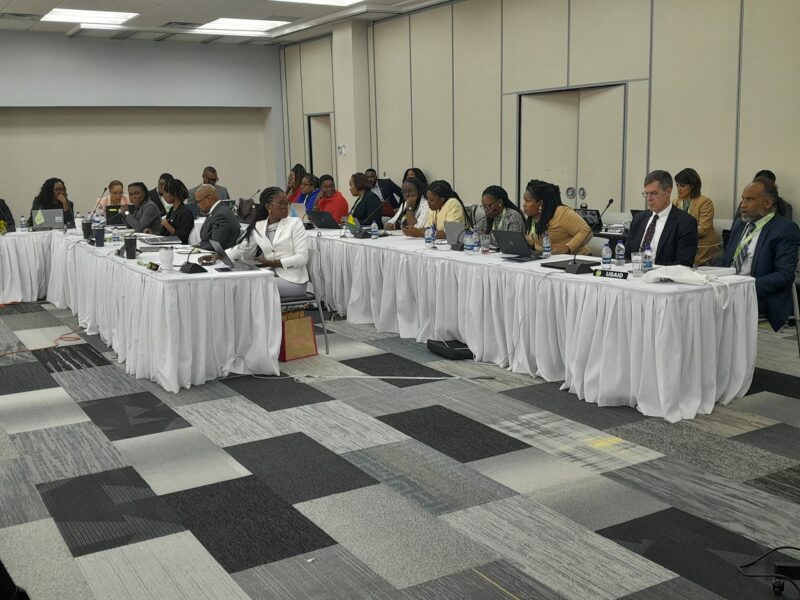
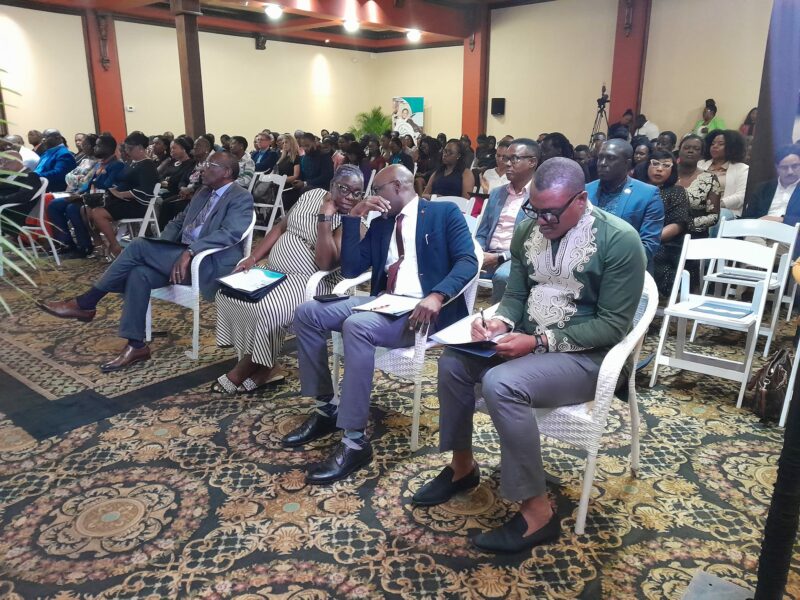
The 8th OECS Council of Ministers for Human and Social Development meeting commenced Tuesday in Antigua and Barbuda.
Minister of State in the Ministry of Health, Wellness, Social Transformation, and the Environment, Senator Samantha Marshall, declared the meeting open.
“Our youth involvement and meaningful participation are critical at this juncture since our aim is to make a change now for the future. And whom better to have a voice now to determine their future outcomes, but our youth themselves,” Marshall said.
She said as a result, the intervention led by the Youth ambassadors, is the most timely and relevant to the overall purpose of social protection, gender equity, diversity, equal access, and opportunities, security participation, and empowerment for all.
“As the Council of Ministers of Social Development, we are anticipating the final endorsement of the Social Inclusion and Social Protection Action Plan for 2023 2030, which will not only serve as a guiding document at the national and regional levels but will be a key impetus for future council meetings” she added
She said it will also serve as an aide memoir for ministers to advocate for increased technical and financial resources, strengthen human resource capacity and improve national and regional data management for better delivery of social protection services.
“The ultimate aim for ministers of social development is to improve the quality of life for our most vulnerable populations while addressing issues of social protection, equal access to quality social services, and empowerment across the life cycle for the region,” she added.
This project is being implemented in six OECS independent Member States of Antigua & Barbuda, St Kitts & Nevis, Dominica, Saint Lucia, St Vincent and the Grenadines and Grenada.

This story was first published by Antigua News on April 19, 2023: antigua.news/2023/04/19/oecs-8th-council-of-ministers-underway-in-antigua-and-barbuda. © 2023 Antigua News. Republication without permission is not allowed.

About the author
The Editorial Staff refers to all reporters employed by Antigua.news. When an article is not an original creation of Antigua.news—such as when it is based on a press release, other media articles, letters to the editor, or court decisions—one of our staff members is responsible for overseeing its publication.
Read our editorial standards and corrections policy. Spotted an error? Contact the newsroom.
More from Antigua and Barbuda
View section
‘They Can’t Dictate That’: Freeland Rejects Player Pressure Over National Coach
Freeland defends the coaching staff and says players should demonstrate their value through training and performance.
By Shermain Bique-Charles

Search Ends as All Four Juveniles Who Escaped Bolans Police Station Return to Police Custody
Police apprehended three of the juveniles during a search operation in Liberta on Thursday morning, less than a day after the fourth surrendered to authorities.
By Cory Wayland

Farmers Given 90 Days to Plant as Government Launches 102-Acre Land-Clearing Programme
Antigua launches a 102-acre agricultural land-clearing programme requiring beneficiaries to establish viable crops within 90 days of land preparation.
By Cory Wayland

Freeland Blames Poor Player Commitment for Antigua and Barbuda’s Basketball Withdrawal
Basketball president acknowledges unpaid stipends but says repeated low practice attendance drove the decision to withdraw.
By Shermain Bique-Charles
Comments
Be the first to comment.