
Irregularities Found in CXC; concerns over use of smart devices

During the 2023 exam period, the Caribbean Examinations Council (CXC) encountered multiple irregularities, with the use of cell phones and smartwatches being a significant concern.
Dr. Nicole Manning, the Council’s Director of Operations, revealed these issues during a press conference on Thursday to announce the official release of the 2023 CXC exam results.
Manning disclosed that there was a total of 19 irregularities detected in the CSEC exams, while the CAPE exams registered 17 irregularities.
According to Manning, there were five CSEC students caught with cellular phones, five plagiarized content, four displayed disruptive behavior, three used unauthorized material, and one case of territorial malpractice.
In the CAPE exams, four students were caught with cellular phones, eight were caught cheating, four had unauthorized material, and one even tried to impersonate another student. Manning stated that although the numbers are small, there is still cause for concern.
Manning expressed concern about the use of cellular phones by candidates during exams, stating that it is something that they would not want to see again this year.
She further noted that the Council will review its regulations in response to the emergence of new devices such as smartwatches.
Manning also disclosed that all irregularities carry a penalty, and if a candidate repeatedly carries out the behavior, they can lose everything.
The CXC is committed to addressing these concerns to ensure a level playing field for all exam takers.
Although the numbers are lower for CAPE than CSEC, Manning emphasized that it speaks more about the maturity of the candidates they are engaging at CAPE.
The Council is doing a full review of its regulations to ensure that all these devices are noted and will share the information with its stakeholders.

This story was first published by Antigua News on : antigua.news/2023/08/28/irregularities-found-in-cxc-concerns-over-use-of-smart-devices. © 2023 Antigua News. Republication without permission is not allowed.

About the author
The Editorial Staff refers to all reporters employed by Antigua.news. When an article is not an original creation of Antigua.news—such as when it is based on a press release, other media articles, letters to the editor, or court decisions—one of our staff members is responsible for overseeing its publication.
Read our editorial standards and corrections policy. Spotted an error? Contact the newsroom.
More from Caribbean
View section
St. Kitts DPP Seeks Antigua’s Help in Outstanding Case Involving Former Resort Clerk
By Shermain Bique-Charles

Royal Caribbean in Talks to Buy Half of Sandals in Reported $3 Billion Deal
By Shermain Bique-Charles

Four Killed in Latest US Military Strike on Suspected Drug Vessel in Caribbean
By Shermain Bique-Charles
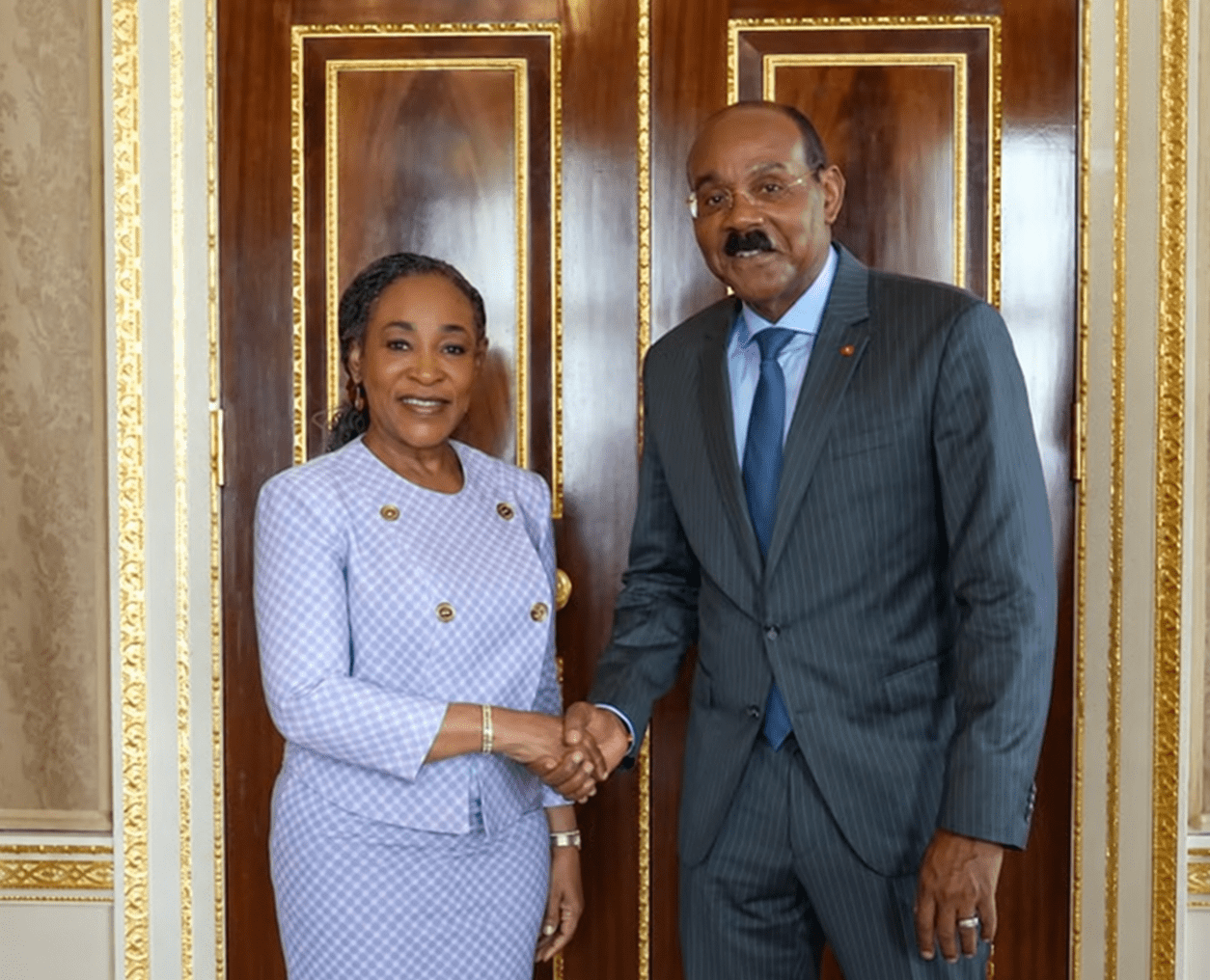
Browne, Commonwealth Secretary-General Review Final Preparations for CHOGM 2026
By Editorial Staff
Comments (1)
Talk Truth August 29, 2023, 10:25 PM