
PM Browne to Deliver National Statement at UN Assembly Tomorrow

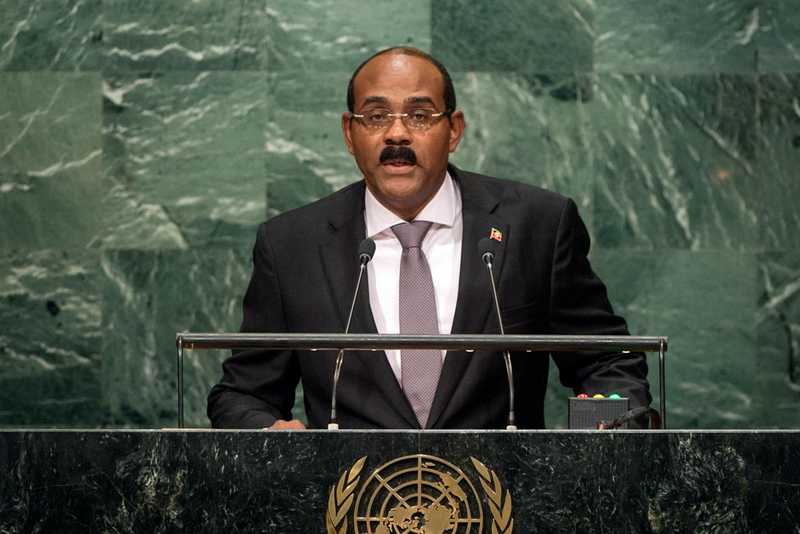
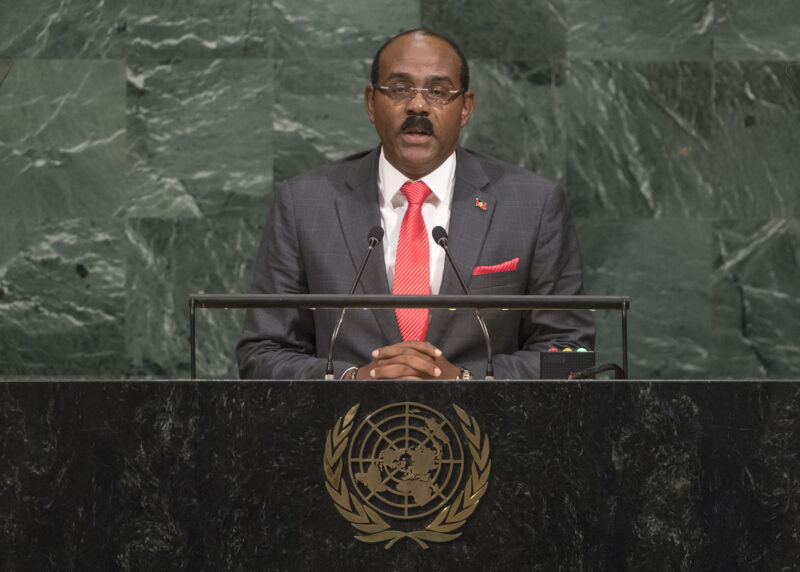
Prime Minister Gaston Browne is attending the 78th Session of the United Nations General Assembly in New York. He will participate in a series of important engagements during his visit.
On Friday, Prime Minister Browne will deliver the National Statement at the Assembly, focusing on “Rebuilding Trust and Reigniting Global Solidarity: Accelerating Action on the 2030 Agenda and its Sustainable Goals towards Peace, Prosperity, Progress, and Sustainability for All.”
As the Co-Chair of the Commission of Small Island States on Climate Change and International Law, Prime Minister Browne will continue the fight for developed countries to address the plight faced by small island states on the impacts of climate change.
On Wednesday, Prime Minister Browne spoke at a High-Level Dialogue on Financing for Development and attended a Climate Ambition Summit opening. He will also participate in High-Level Thematic Sessions on Climate Ambition.

Today, he will hold bilateral meetings with the Deputy Prime Minister of Ireland, Micheal Martin, and Minister Andrew Mitchell, UK’s Development Minister.
Discussions with Tom Mitchell and Dr. Leone of the Climate and Development Knowledge Network will also be held on various issues, including disaster insurance and loss and damage.
The country’s leader will also meet with top officials of Saudi Arabia, His Highness Prince Faisal bin Farhan Al Saud, and Minister for Tourism and Chair of the Saudi Fund, His Excellency Ahmed Al-Khateeb.
During his visit, he will also engage with representatives of the Dominican Republic, Venezuela, and Korea and attend meetings with his Caribbean counterparts, Prime Minister Benjamin Netanyahu of Israel, and an Ad Hoc Advisory Group on Haiti.
Health Minister Sir Molwyn Joseph and Foreign Affairs Minister E. P. Chet Greene will also attend meetings on behalf of Antigua and Barbuda.
This story was first published by Antigua News on : antigua.news/2023/09/21/pm-browne-to-deliver-national-statement-at-un-assembly-tomorrow. © 2023 Antigua News. Republication without permission is not allowed.

About the author
The Editorial Staff refers to all reporters employed by Antigua.news. When an article is not an original creation of Antigua.news—such as when it is based on a press release, other media articles, letters to the editor, or court decisions—one of our staff members is responsible for overseeing its publication.
Read our editorial standards and corrections policy. Spotted an error? Contact the newsroom.
More from Antigua and Barbuda
View section
Three-Year-Old Girl Found in Nut Grove Safely Reunited with Family
Police thank the public for responding to an appeal and urge parents and guardians to remain vigilant.
By Shermain Bique-Charles

Italis Among Two Killed in Creek Side Shooting
A 49-year-old man and an 18-year-old woman died after gunmen reportedly opened fire outside a shop.
By Shermain Bique-Charles

Police Seek Family of Three-Year-Old Girl Found Alone in Nut Grove
The child, who identified herself as Mya, is being cared for at Grays Farm Police Station.
By Shermain Bique-Charles

Matthew Condemns Fatal Creek Side Shooting of Two Rastafarian Community Members
St. John’s Rural South representative urges calm and acknowledges residents’ longstanding concerns about crime and safety.
By Shermain Bique-Charles
Comments (1)
Mae September 21, 2023, 10:47 AM