
Ministry issues caution for influenza cases

By Aabigayle McIntosh
Health authorities are advising residents to exercise infection-prevention methods to prevent the spread of germs, as the influenza virus (FLU) continues to affect the Caribbean region.
The Health department says the Influenza A and B viruses are responsible for seasonal flu epidemics seen each year usually between October and February.
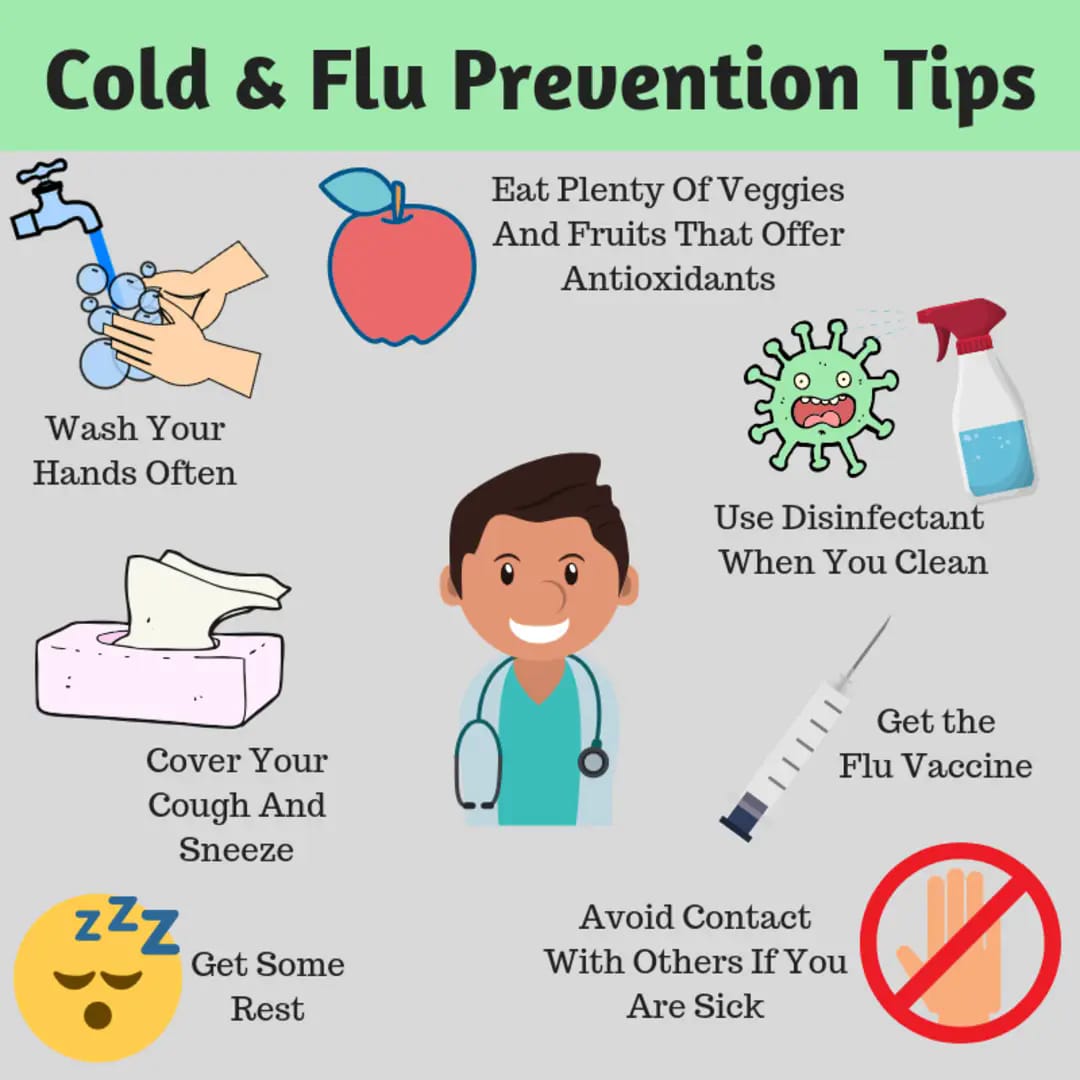
The Influenza A virus is spread mainly by droplets when people with the flu talk, cough, or sneeze. Less often, a person might get the flu by touching a surface or object that has the flu virus on it and then touching their own mouth, nose, or possibly their eyes. Prevention includes social and physical distancing, cough and sneeze etiquette, regular hand washing, and sanitization of frequently touched surfaces.

Symptoms of Influenza A or flu infections include fever, cough, sore throat, runny or stuffy nose, muscle or body aches and headaches. Some persons may have vomiting and diarrhoea. Illness can be severe or mild and can lead to death. The elderly and children are more susceptible to severe disease and complications such as pneumonia and death. Particular attention must be made to these age groups if they exhibit flu symptoms.
Recognizing flu symptoms early is crucial for prompt medical attention and preventing further spread, the ministry says.
Additionally, individuals are reminded to practice preventive measures, such as getting vaccinated, practicing good hand hygiene, and avoiding close contact with sick individuals.
Influenza can be prevented through vaccination with the Influenza vaccine. This is available to the general public at the main health centers in Antigua and Barbuda at no cost. Citizens and residents are therefore encouraged to utilize the service.
This story was first published by Antigua News on : antigua.news/2023/11/15/ministry-issues-caution-for-influenza-cases. © 2023 Antigua News. Republication without permission is not allowed.

About the author
The Editorial Staff refers to all reporters employed by Antigua.news. When an article is not an original creation of Antigua.news—such as when it is based on a press release, other media articles, letters to the editor, or court decisions—one of our staff members is responsible for overseeing its publication.
Read our editorial standards and corrections policy. Spotted an error? Contact the newsroom.
More from Antigua and Barbuda
View section
Senator Colin O’Neal Earns Political Science Degree at UWI Five Islands, Sets Sights on Law Degree
Senator Colin O’Neal graduates with a Bachelor’s Degree in Political Science from UWI Five Islands Campus and announces plans to pursue a law degree in 2027.
By Cory Wayland

Young Man Suffers Minor Scrapes After Leg Gets Trapped in St. John’s Sidewalk Grating
The incident raises fresh concerns about pedestrian safety following similar occurrences in the city.
By Cory Wayland

Mighty Sparrow’s National Funeral Set for October 16 as Trinidad and Tobago Prepares Grand Farewell
Two days of public viewing and a grand cultural procession will precede the October 16 Celebration of Life honouring the legendary entertainer whose music helped shape Caribbean culture.
By Cory Wayland

Antigua and Barbuda Art Week 2026 to Bring Folklore and Creativity to Life with Exciting New Experiences
From the legendary Jam Bull to evening gallery tours, live painting battles and interactive workshops, this year's Art Week promises an immersive celebration of Antigua and Barbuda's artistic and cultural heritage.
By Cory Wayland
Comments
Be the first to comment.