
PM Browne buoyed by his government’s track record as he looks toward the new year with optimism

By Aabigayle McIntosh
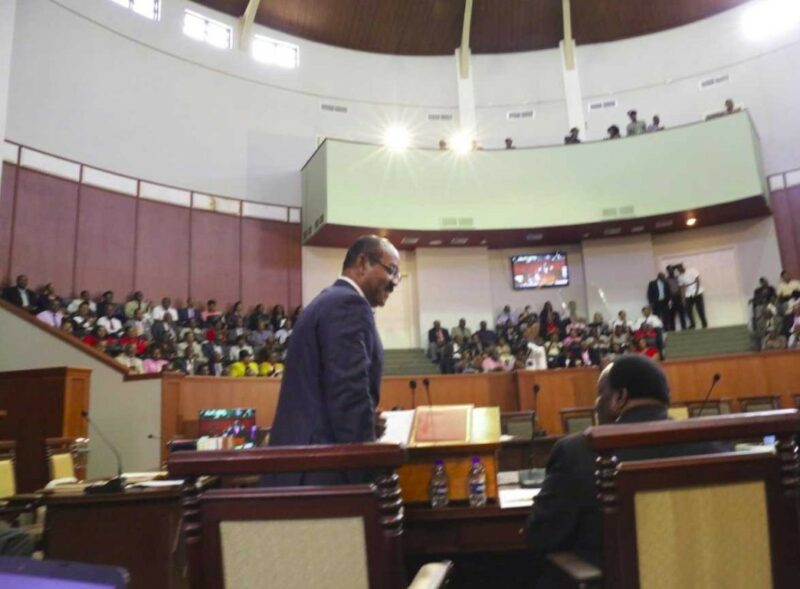
Prime Minister Gaston Browne is taking comfort in his government’s track record and its ability to continue to drive economic growth in the twin island states.
Giving his initial reaction to the 2013 Speech from the Throne, PM Browne said the speech by Governor General Sir Rodney Williams was condensed because he is very confident of his government’s track record and their ability to drive continued growth.
According to Browne significant growth was recorded over the past two years and this will be repeated in the coming year.
“By the end of next year, the country’s economy will be close to EC$6 billion showing that my administration has done well to grow the country’s economy and to provide opportunities for the people of Antigua and Barbuda.
“Within the last few days, we have had the announcement of two luxury brands One and Only which will be constructed at the Half-Moon Bay property site as well as a Rosewood which will be constructed in Barbuda,” Browne said in a state media interview.
Another hurdle the government has had to overcome is climate change and its impact on the country’s water supply.
PM Browne said plans are in the pipeline for more significant upgrades in the coming year.
“We are also in the process of raising financing to do a complete re-piping because the pipes that were laid over 100 years ago are old and are not very reliable. So, in essence, we are building out the country’s socio-economic infrastructure so that we can position Antigua and Barbuda for sustained growth for resilient prosperity,” the nation’s leader said.

This story was first published by Antigua News on : antigua.news/2023/12/08/pm-browne-buoyed-by-his-governments-track-record-as-he-looks-toward-the-new-year-with-optimism. © 2023 Antigua News. Republication without permission is not allowed.

About the author
The Editorial Staff refers to all reporters employed by Antigua.news. When an article is not an original creation of Antigua.news—such as when it is based on a press release, other media articles, letters to the editor, or court decisions—one of our staff members is responsible for overseeing its publication.
Read our editorial standards and corrections policy. Spotted an error? Contact the newsroom.
More from Antigua and Barbuda
View section
Senator Colin O’Neal Earns Political Science Degree at UWI Five Islands, Sets Sights on Law Degree
Senator Colin O’Neal graduates with a Bachelor’s Degree in Political Science from UWI Five Islands Campus and announces plans to pursue a law degree in 2027.
By Cory Wayland

Young Man Suffers Minor Scrapes After Leg Gets Trapped in St. John’s Sidewalk Grating
The incident raises fresh concerns about pedestrian safety following similar occurrences in the city.
By Cory Wayland

Mighty Sparrow’s National Funeral Set for October 16 as Trinidad and Tobago Prepares Grand Farewell
Two days of public viewing and a grand cultural procession will precede the October 16 Celebration of Life honouring the legendary entertainer whose music helped shape Caribbean culture.
By Cory Wayland

Antigua and Barbuda Art Week 2026 to Bring Folklore and Creativity to Life with Exciting New Experiences
From the legendary Jam Bull to evening gallery tours, live painting battles and interactive workshops, this year's Art Week promises an immersive celebration of Antigua and Barbuda's artistic and cultural heritage.
By Cory Wayland
Comments
Be the first to comment.