
‘Teacher Gen’ Smith celebrated a milestone with loved ones.

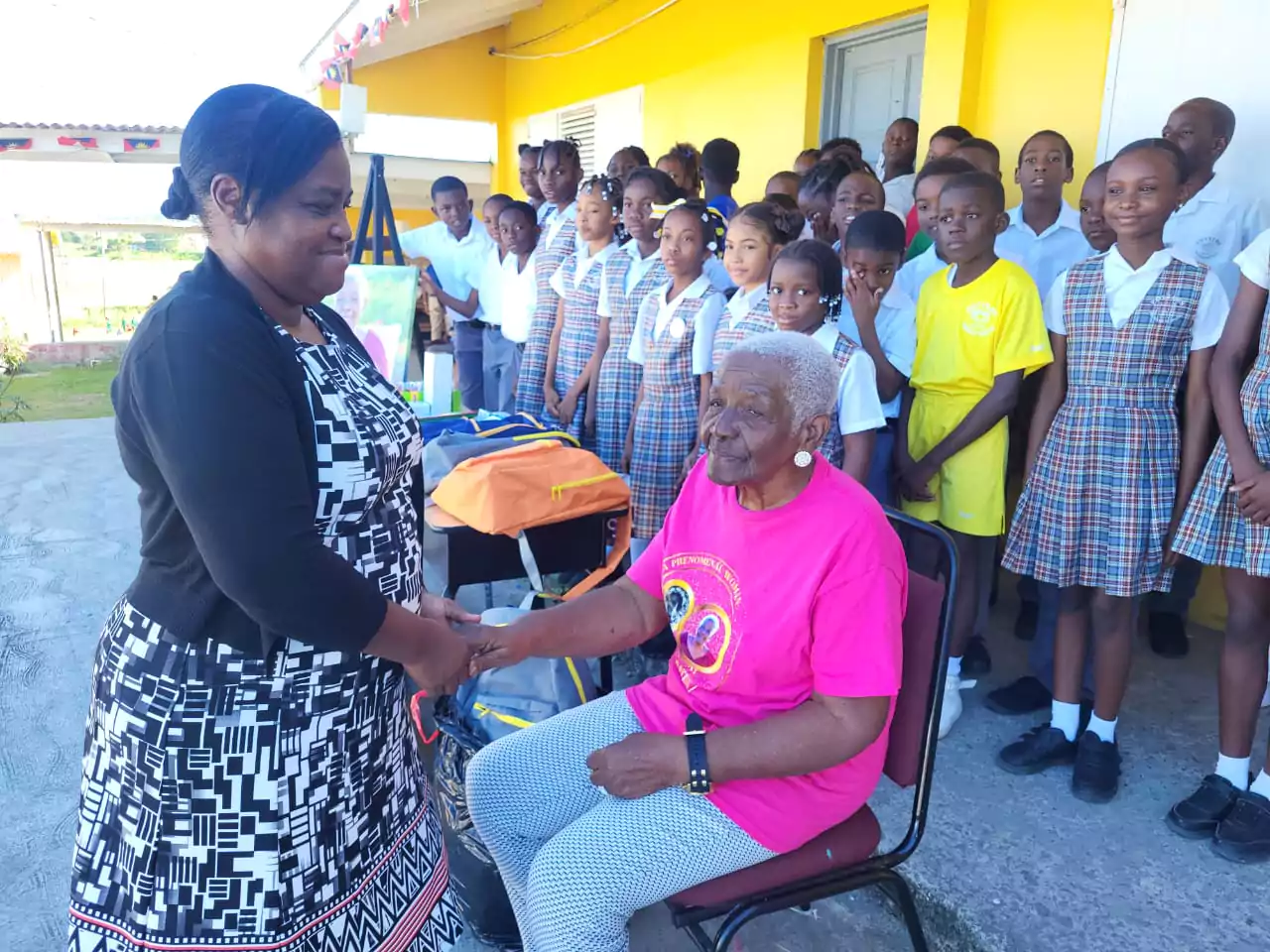
Genevieve Smith, who is affectionately called ‘Teacher Gen’, was celebrated on January 7th at Potters Zion Moravian Church as she marked her remarkable 90th birthday.
Her life’s journey, which was full of wisdom, love, and unwavering dedication, was joyfully remembered in a heartfelt service that illuminated her unyielding spirit and lifelong commitment to service.
The celebration continued with a joyful banquet hosted at Avec Amour on January 8th. The attendees shared stories and cherished moments that exemplified Genevieve’s impactful life, highlighting her steadfast dedication to education and community service.
In a testament to her unwavering commitment to education, the family extended her legacy beyond words. A generous donation of school supplies, including books, pens, crayons, markers, binder sheets, folders, bags, pens, pencils, and book bags, was made to Potters Primary School on January 9th.
This heartfelt contribution honors her dedicated service of over 40 years, nurturing young minds and fostering academic excellence.
“Granny’s impact on education and our community is immeasurable,” said J’noure Smith-Kellman, one of her many grandchildren.
“She believed in the potential of every child, tirelessly working to ensure their success, especially those with special needs.”

Smith-Kellman emphasized her grandmother’s legacy of compassion and dedication, noting that Genevieve officially fostered 63 children, but her nurturing extended far beyond, impacting countless lives throughout her lifetime.
Donald Smith, Genevieve’s firstborn son, highlighted, “This scholarship is a fitting tribute to her unwavering commitment to students’ success.”
The family announced the establishment of an annual scholarship at Potters Primary School, honoring exceptional students – the top male and female students, the most in need student, and the most improved student during the school’s upcoming graduation ceremony.
As Genevieve Smith’s life was celebrated, the community came together to honor a woman whose impact will resonate for years to come.
Her unyielding spirit, boundless love, and dedication to education and community service will continue to inspire future generations.
This story was first published by Antigua News on : antigua.news/2024/01/10/teacher-gen-smith-celebrated-a-milestone-with-loved-ones. © 2024 Antigua News. Republication without permission is not allowed.

About the author
The Editorial Staff refers to all reporters employed by Antigua.news. When an article is not an original creation of Antigua.news—such as when it is based on a press release, other media articles, letters to the editor, or court decisions—one of our staff members is responsible for overseeing its publication.
Read our editorial standards and corrections policy. Spotted an error? Contact the newsroom.
More from Antigua and Barbuda
View section
Greenaway to Represent Antigua and Barbuda on UN Governance Panel in Baku
The Permanent Secretary will discuss partnerships to improve public service delivery at the UN Governance Innovation Summit.
By Shermain Bique-Charles

OPINION: From Commonwealth connections to economic opportunity: Expanding
Commonwealth, Afreximbank and ITC leaders call for stronger transport links, accessible finance and simpler payments to unlock Africa–Caribbean trade.
By Editorial Staff

Royal Visit Ends After Week of Independence Celebrations and Commonwealth Engagements
King Charles III and Queen Camilla departed Antigua and Barbuda this morning following national, community and diplomatic events.
By Shermain Bique-Charles

Samoa Urges Climate Finance That Does Not Deepen Vulnerable Nations’ Debt
Outgoing Commonwealth chair calls for accessible and predictable support as climate losses mount.
By Shermain Bique-Charles
Comments
Be the first to comment.