
4 UWI FIC students get scholarship bursaries

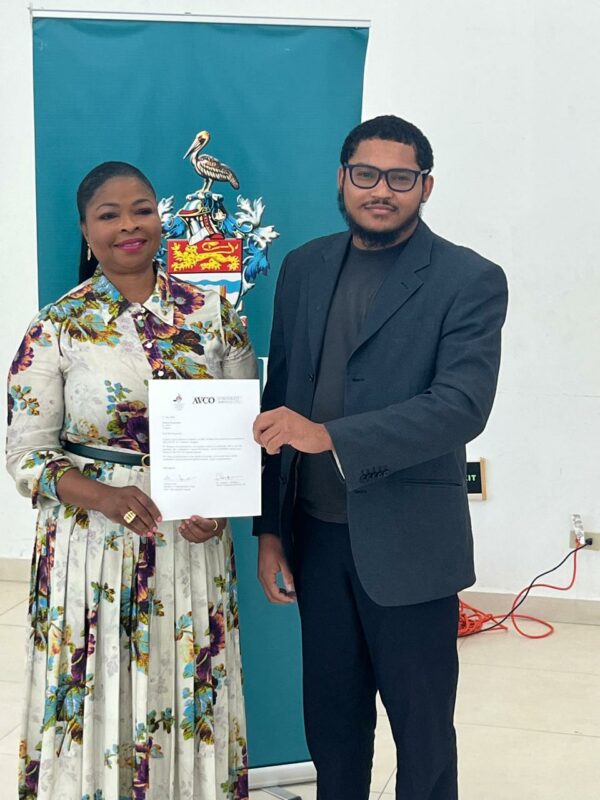
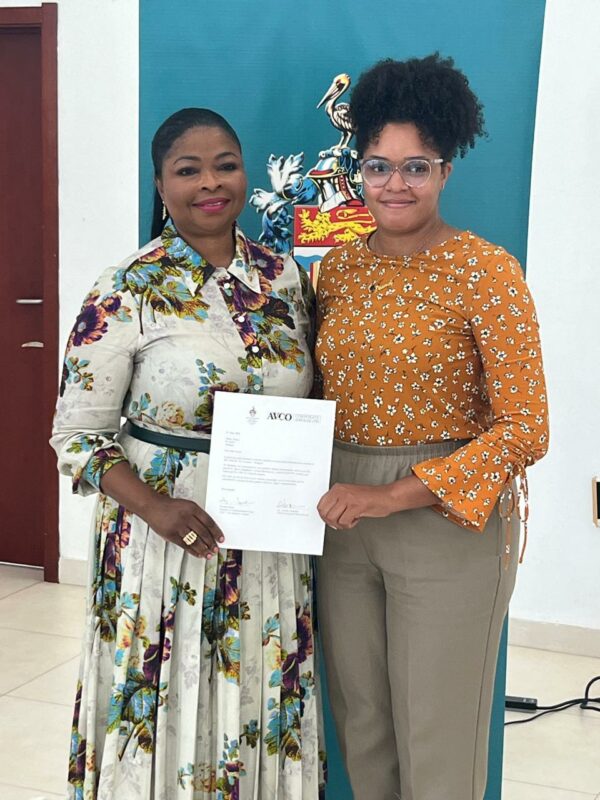
Two students from the University of the West Indies Five Islands Campus received scholarships from the Antigua Rotary Club to continue their academic journey at the institution.
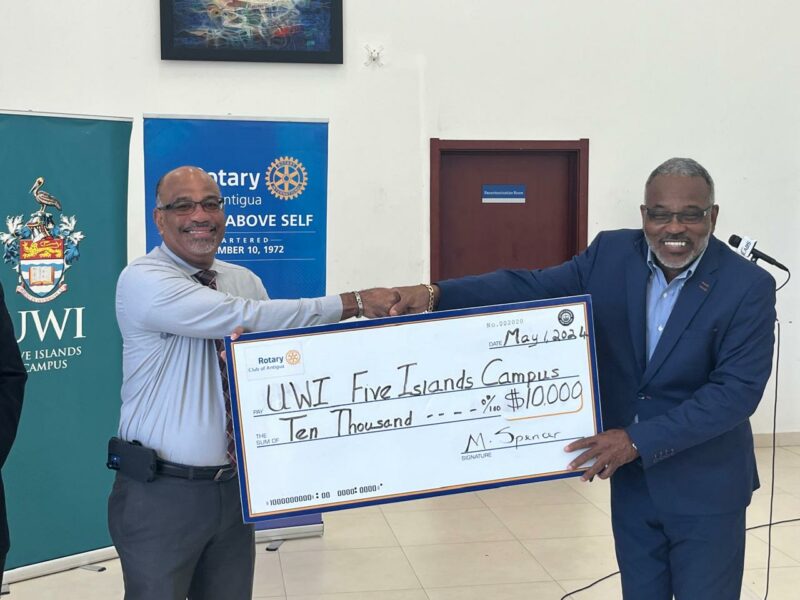
The two students, Pia Nichols, pursuing a degree in Business Management, and Lauria Lewis, enrolled in a Computer Science and Artificial Intelligence program, were awarded a combined $10,000.00 bursary to support their studies at the UWI FIC.
Hyram Forde, the Director of Administration, spoke at the event and highlighted that the university follows the Triple Helix model, which combines efforts from the government, private sector, and academia to finance the operations of the institution.
He explained that many universities around the world require stakeholder involvement to exist sustainably.
In this regard, he stated that the Rotary Club of Antigua was the first entity to come forward to make a contribution, and he thanked them for their partnership with the university and their support for its tenets and programs.
Michael Spencer, the President of the Antigua Rotary Club, expressed the club’s commitment to supporting the community.

He emphasized the importance of education as the cornerstone of progress and praised the scholars for representing a bright future for Antigua and Barbuda.
He also noted that the club believes in their potential to make meaningful contributions to society and is honored to support them in their academic journey.
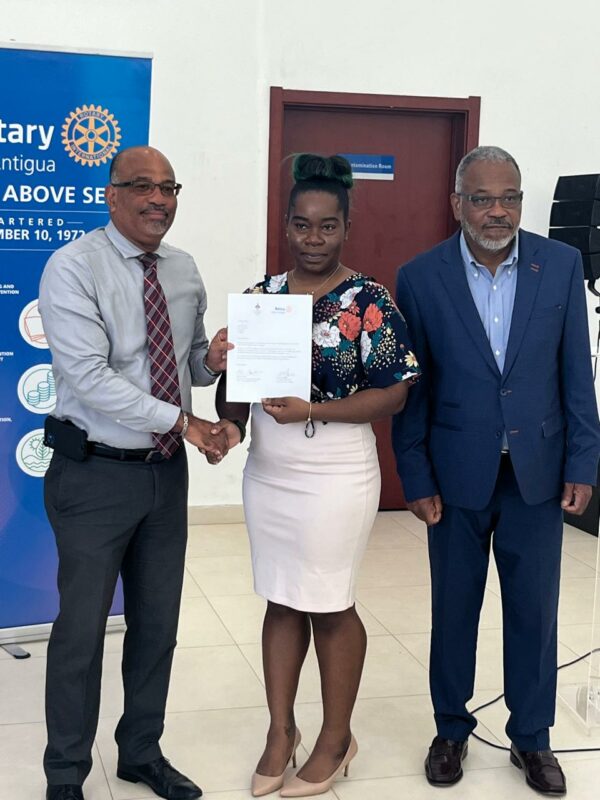
Dr. Rodgers also announced her intention to make the award an annual presentation to assist needy students in completing their program of studies at the university.
Additionally, Fitzpatrick, a previous scholarship recipient, shared that receiving the award fueled him despite the challenges he has encountered in his life. He encouraged other students to persevere and never give up.
This story was first published by Antigua News on : antigua.news/2024/05/01/4-uwi-fic-students-get-scholarship-bursaries. © 2024 Antigua News. Republication without permission is not allowed.

About the author
The Editorial Staff refers to all reporters employed by Antigua.news. When an article is not an original creation of Antigua.news—such as when it is based on a press release, other media articles, letters to the editor, or court decisions—one of our staff members is responsible for overseeing its publication.
Read our editorial standards and corrections policy. Spotted an error? Contact the newsroom.
More from Antigua and Barbuda
View section
More Than 12,000 Registered for CHOGM as Overseas Participation Nears 5,000
Organisers say the accreditation total includes local workers and participants preparing to support the Commonwealth gathering.
By Shermain Bique-Charles

VIDEO: Sherese ‘Washington’ Bramble Arrested During Live CHOGM Town Hall Broadcast
Sources say police were seeking Bramble in connection with a separate matter unrelated to the meeting.
By Editorial Staff

Emergency Response Teams to Stage Mass Casualty Drill at Scotts Hill Ahead of CHOGM
Emergency personnel will simulate a serious vehicle crash to test hospital readiness, while a separate evacuation exercise is planned for the CHOGM opening ceremony venue.
By Cory Wayland

Karim Edwards’ Trial Over Fatal Friars Hill Road Crash Postponed Until December
More than four years after the collision that claimed the life of medical student Kenneth Mathew and left Priyanjana Das with life-altering injuries, the accused driver is still awaiting trial.
By Cory Wayland
Comments
Be the first to comment.