
CDEMA annual press conference to be hosted in St Kitts on Tuesday

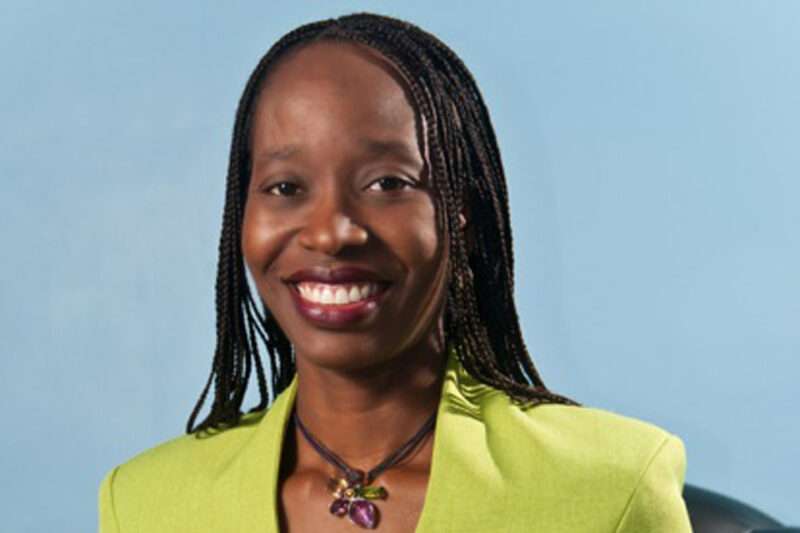
St Kitts and Nevis is the host country for Caribbean Disaster Emergency Management Agency (CDEMA) Annual Hurricane Season Press Conference which takes place in the St. Lucia Meeting Room at the St. Kitts Marriott Resort on Tuesday, June 4th at 10:00 am.
The annual regional media conference is a significant part of the CDEMA Coordinating Unit’s activities, aimed at enhancing community resilience by ensuring the public is informed, prepared, and aware of the support available during the hurricane season.
The event will feature the latest hurricane season forecasts and predictions from the National Oceanic and Atmospheric Administration (NOAA) and other meteorological experts, providing insights on the expected number of storms, their potential intensity, and likely affected areas.
The press conference will be led by Kittian Prime Minister, Dr. Terrance Drew; Executive Director of CDEMA, Elizabeth Riley; Communication and Public Relations Specialist, Keith Goddard; and University of the West Indies TV Global (Media Partner), Charles Maxi Baldeo.

In addition to the forecasts, the conference will outline readiness actions undertaken by CDEMA to assure the public that effective response measures are in place for any emergencies.
CDEMA will also take the opportunity to announce a soft launch for the upcoming Thirteenth (13th) Comprehensive Disaster Management (CDM) Conference, scheduled for December 2-6, 2024, in Saint Kitts and Nevis.
The Government of Saint Kitts and Nevis will host this bi-annual conference. The CDM Conference is expected to draw over four hundred (400) disaster management practitioners and stakeholders from around the globe.
This story was first published by Antigua News on : antigua.news/2024/06/03/cdema-annual-press-conference-to-be-hosted-in-st-kitts-on-tuesday. © 2024 Antigua News. Republication without permission is not allowed.

About the author
The Editorial Staff refers to all reporters employed by Antigua.news. When an article is not an original creation of Antigua.news—such as when it is based on a press release, other media articles, letters to the editor, or court decisions—one of our staff members is responsible for overseeing its publication.
Read our editorial standards and corrections policy. Spotted an error? Contact the newsroom.
More from Antigua and Barbuda
View section
Emergency Response Teams to Stage Mass Casualty Drill at Scotts Hill Ahead of CHOGM
Emergency personnel will simulate a serious vehicle crash to test hospital readiness, while a separate evacuation exercise is planned for the CHOGM opening ceremony venue.
By Cory Wayland

Karim Edwards’ Trial Over Fatal Friars Hill Road Crash Postponed Until December
More than four years after the collision that claimed the life of medical student Kenneth Mathew and left Priyanjana Das with life-altering injuries, the accused driver is still awaiting trial.
By Cory Wayland

Jury Rejects Self-Defence Claim And Finds Kareem Simon Guilty Of Dennis Edwards’ Murder
Jury rejects Simon’s self-defence claim after video footage reveals details of the fatal confrontation on Lower All Saints Road.
By Cory Wayland

Tourism Ministry and ABTA Working with Bert Kirchner on Proposed Louis Tomlinson Campaign
Minister Michael Freeland has held talks on the project, which aims to turn international exposure into visitor interest and bookings.
By Shermain Bique-Charles
Comments
Be the first to comment.