
Sagicor funds initiatives for sport, youth, and women entrepreneurs

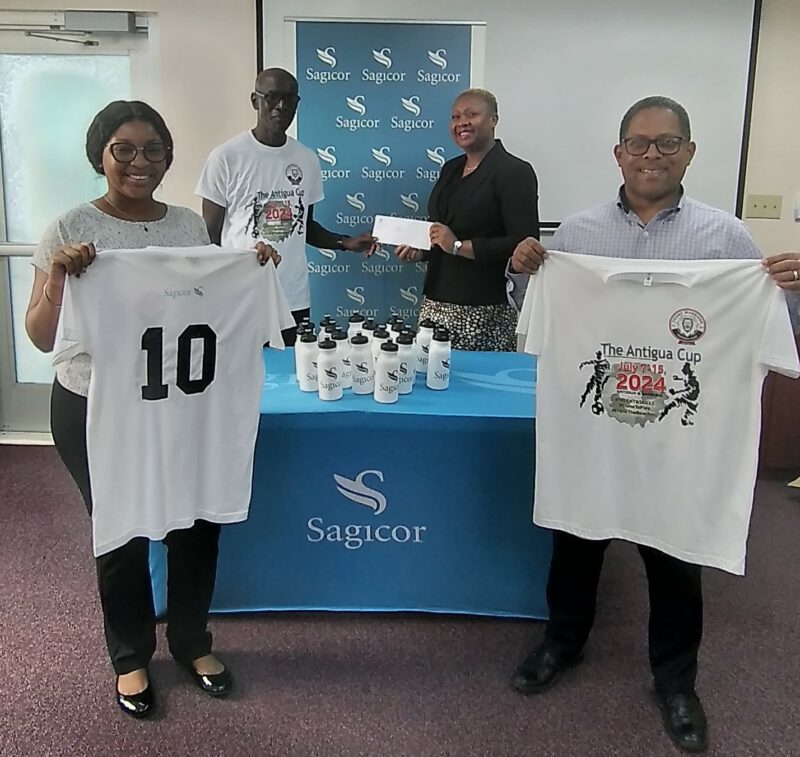
Insurance provider Sagicor provided financial support for some non-governmental and community-based organisations to continue their work within the community recently.
The Young Warriors Football Club and the Academy of Women’s Entrepreneurs both received financial support to further their work in the community, which assists children in sport, and women entrepreneurs.
The Academy of Women’s Entrepreneurs (AWE) was formed with the objective of promoting economic prosperity by creating opportunities for women with brilliant ideas, to become successful entrepreneurs.
The organisation which was formalized following support from Jan’s Empowerment Institute (JEI) Inc. in partnership with the U.S. Embassy to Barbados, the Eastern Caribbean and the OECS, is supporting students from the Harrison Centre Antigua & Barbuda School of Continuing Education (ABSCE) with supplies to support their educational endeavours.
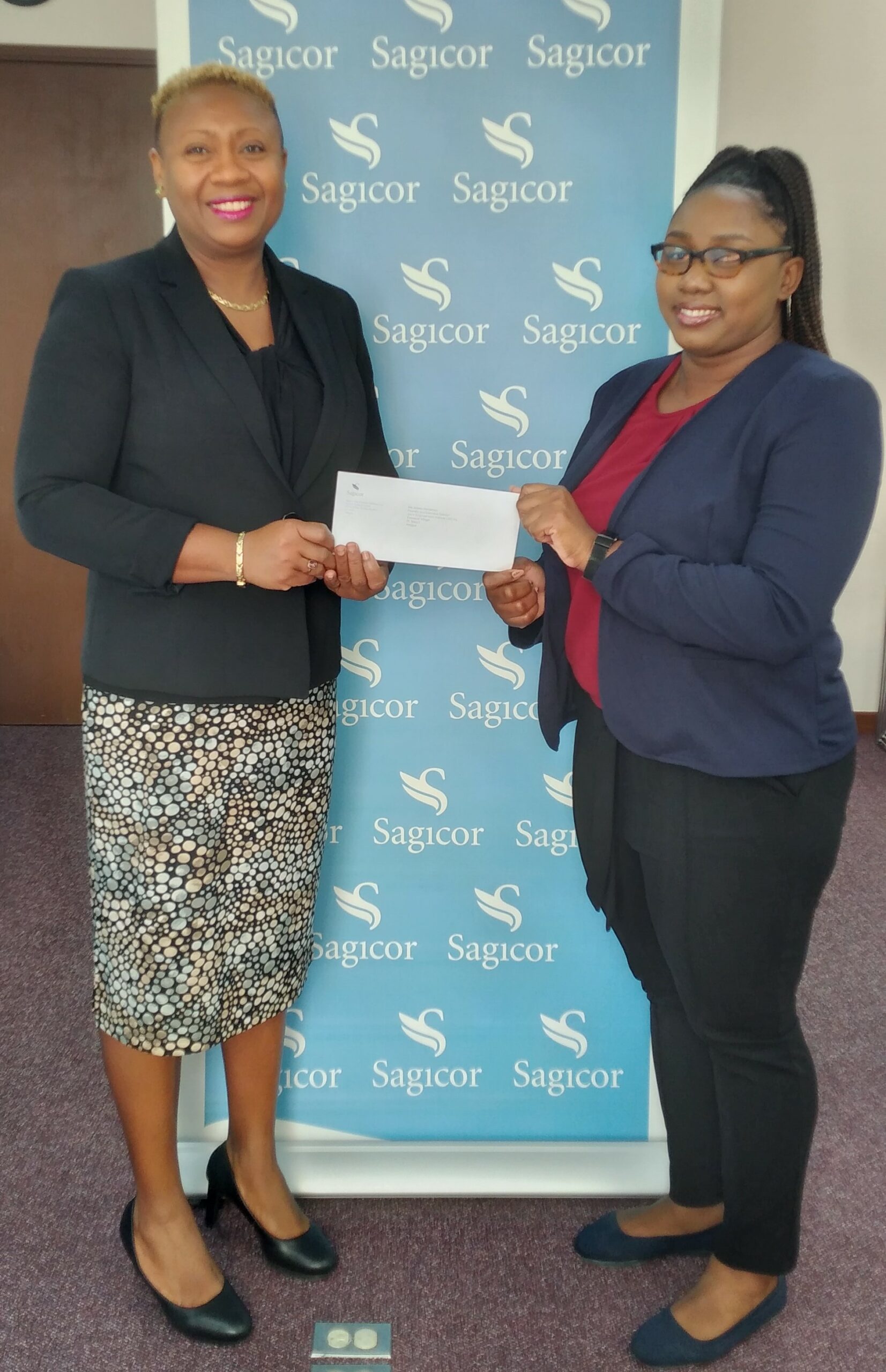
Sagicor agreed to provide funding to purchase the supplies which was presented to programme participant Patricia March.

Additionally, the Young Warriors Football Club which has been operational for 34 years received a donation to support their ongoing programmes for football development in young persons between the ages five to 15.
The donation which was presented to Club President Colin James will support upcoming activities in 2024 including participation in the ongoing Generation Next Youth League, the upcoming International Youth Tournament dubbed The Antigua Cup for overseas and Antigua clubs and teams which is scheduled for July and the Club’s Second Elite Player Development Camp in late August in preparation for the 2024/25 ABFA season.
This story was first published by Antigua News on : antigua.news/2024/06/24/sagicor-funds-initiatives-for-sport-youth-and-women-entrepreneurs. © 2024 Antigua News. Republication without permission is not allowed.

About the author
The Editorial Staff refers to all reporters employed by Antigua.news. When an article is not an original creation of Antigua.news—such as when it is based on a press release, other media articles, letters to the editor, or court decisions—one of our staff members is responsible for overseeing its publication.
Read our editorial standards and corrections policy. Spotted an error? Contact the newsroom.
More from Antigua and Barbuda
View section
Browne Pursues Renewable Energy Partnerships and Long-Term EV Programme in Australia
Talks in Perth centre on a proposed OECS energy initiative, investment opportunities and plans to extend electric vehicle use beyond CHOGM.
By Shermain Bique-Charles

Sir Ronald Sanders Receives Ukraine’s Order of Merit for Defence of Sovereignty
Antigua and Barbuda’s ambassador honoured for diplomatic leadership at the OAS and support for Ukraine’s territorial integrity.
By Shermain Bique-Charles

Scottish Bagpipers and Caribbean Steelpan Musicians to Unite for One Commonwealth Night
A unique musical collaboration featuring Scottish bagpipers, Caribbean steelpan performers and an orchestra will highlight cultural unity during the November 2 celebration in Antigua and Barbuda.
By Cory Wayland

Antigua and Barbuda and Panama Sign Air Services Agreement
New aviation agreement opens opportunities for expanded air travel, tourism and trade between Antigua and Barbuda, Panama and destinations across Central and South America.
By Shermain Bique-Charles
Comments
Be the first to comment.