
Ministry of Agriculture Launches Farmer’s Identification Program Pilot.

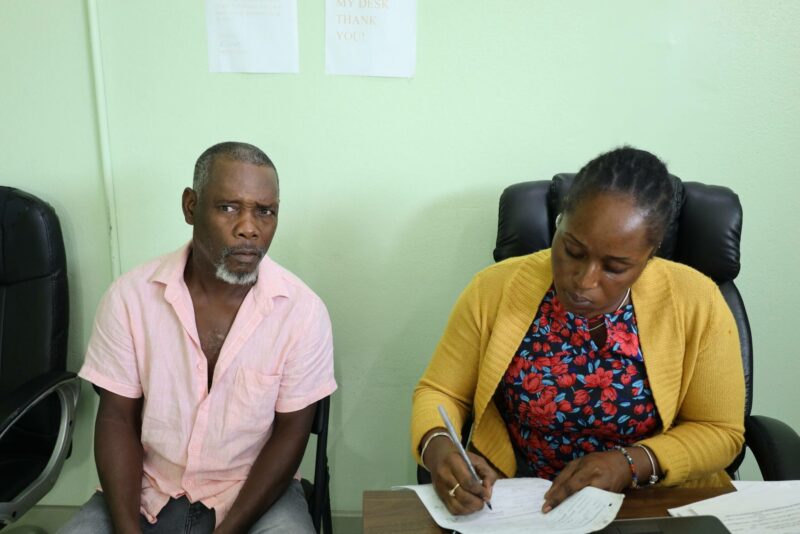
The first phase of the Ministry of Agricultures Famer’s Identification programme kicked off on Monday.
The pilot project is being spearheaded by the Agriculture Extension Division within the Ministry and farmers are said to be responding well.
Agriculture Minister EP Chet Greene said the registration process will allow the government to have a better control and management of the developments within the sector and to provide support for farmers where necessary.
“The first thing I’d like to do is commend the officers at the Extension Division who are carrying through this process of farmer registration. It is a long time coming and so what we’re doing here is to the first 100 by way of our pilot project”.
Minister Greene said the programme will ensure the farmer-focused initiatives of the public and private sectors are not exploited by non-farmers.

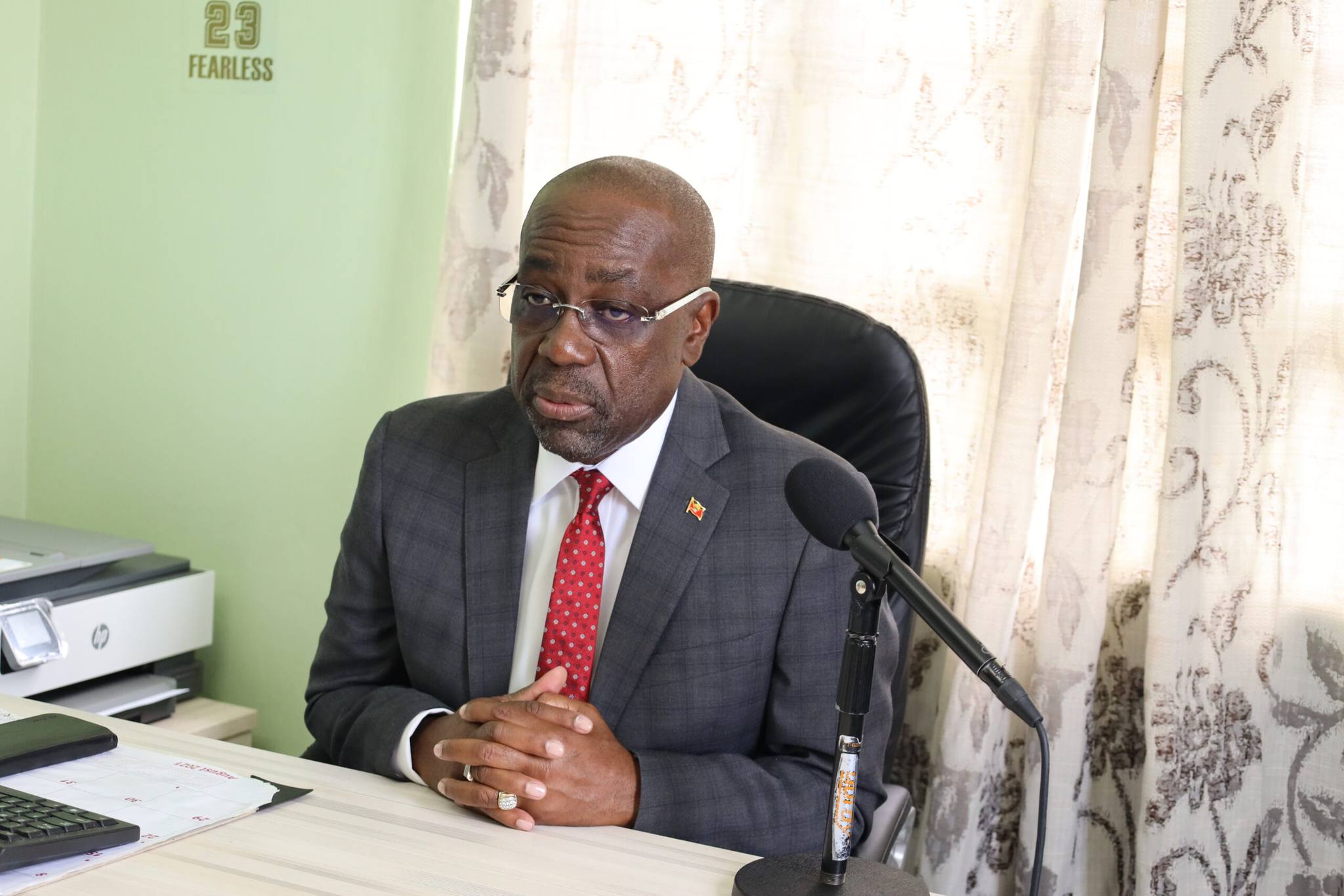
“We will go forward in batches of 100 starting from this month and hopefully by the end of the summer, by the end of August into September the process will be completed and we will be in a position to say with some authority that there’s X amount of farmers in Antigua and Barbuda,” Greene said.
Chief Extension Officer, Owolabi Elabanjo, also stated, “This will allow us and them to be able to market themselves within the context of their business. Now, they don’t really need now to come to us for letters for identification for whatever …they have something well unique that they can present to any organization in Antigua and Barbuda to any bank, to insurance, to name them, that this is who i am,” Elabanjo said.
This story was first published by Antigua News on : antigua.news/2024/06/25/ministry-of-agriculture-launches-farmers-identification-program-pilot. © 2024 Antigua News. Republication without permission is not allowed.

About the author
The Editorial Staff refers to all reporters employed by Antigua.news. When an article is not an original creation of Antigua.news—such as when it is based on a press release, other media articles, letters to the editor, or court decisions—one of our staff members is responsible for overseeing its publication.
Read our editorial standards and corrections policy. Spotted an error? Contact the newsroom.
More from Antigua and Barbuda
View section
Emergency Teams Prepare For CHOGM With Simulated Crash And Evacuation Drills
A mass casualty exercise at Scotts Hill and an evacuation drill at the Performing Arts Centre will test emergency readiness ahead of the summit.
By Cory Wayland

Teen Charged Over Tindale Road Burglary
Police say cash and property valued at EC$9,171.50 were stolen from a home on October 15.
By Shermain Bique-Charles

Browne Pursues Renewable Energy Partnerships and Long-Term EV Programme in Australia
Talks in Perth centre on a proposed OECS energy initiative, investment opportunities and plans to extend electric vehicle use beyond CHOGM.
By Shermain Bique-Charles

Sir Ronald Sanders Receives Ukraine’s Order of Merit for Defence of Sovereignty
Antigua and Barbuda’s ambassador honoured for diplomatic leadership at the OAS and support for Ukraine’s territorial integrity.
By Shermain Bique-Charles
Comments
Be the first to comment.