
Parliament to Consider Three New Youth Violence Legislation Proposals Next Week

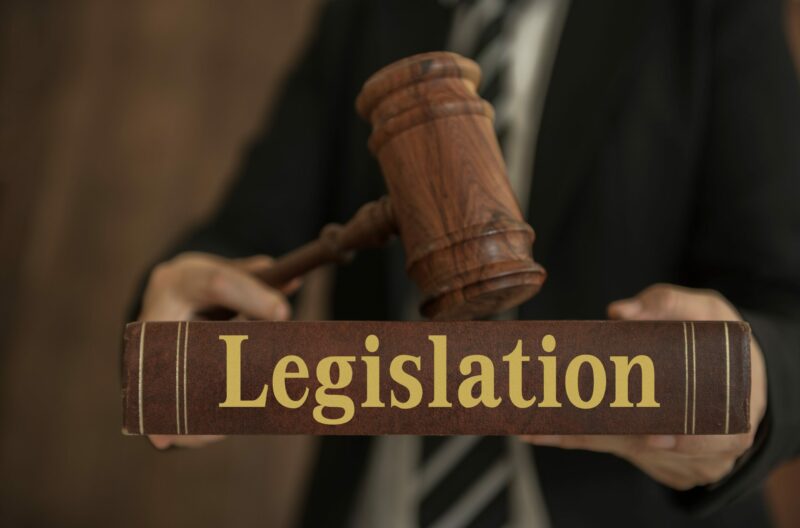
Three important pieces of legislation related to gangs and youth are scheduled to be presented in the Parliament next week.
They were all examined in Cabinet Wednesday
These legislative acts include the Anti-Gang Bill, the Child Justice (Amendment) Bill, and the Misuse of Drugs Amendment Bill.
These new and amended laws’ primary objective is to address the recent surge in criminal activities involving youth.
The Cabinet acknowledged the potential impact of imposing increased minimum sentences while also recognizing the constitutional concerns surrounding the potential limitations on magistrates’ and judges’ discretion in handling criminal cases.
It was noted that despite the proposed two-year minimal custodial sentence for gun crimes, the Cabinet reached a consensus on a minimum sentence of five years, granting magistrates and judges the authority to determine the precise length of incarceration based on individual cases.
Furthermore, the Cabinet has committed to consulting with various stakeholders who have a vested interest in crime deterrence, including Judges, Magistrates, the Police, the Prime Minister and the Attorney General, the Bar Association, religious institutions, the business community, the Director of Public Prosecutions, representatives from private sector organizations, and non-governmental organizations (NGOs).
The meeting highlighted the Cabinet’s intention to establish a Criminal Justice Board with the principal responsibility of reviewing legislative drafts related to crime before they are presented in the Parliament.
This approach aims to ensure that proposed bills incorporate comprehensive input from a wide range of sources, rather than solely reflecting the perspectives of Parliament members.

This story was first published by Antigua News on : antigua.news/2024/08/28/parliament-to-consider-three-new-youth-violence-legislation-proposals-next-week. © 2024 Antigua News. Republication without permission is not allowed.

About the author
The Editorial Staff refers to all reporters employed by Antigua.news. When an article is not an original creation of Antigua.news—such as when it is based on a press release, other media articles, letters to the editor, or court decisions—one of our staff members is responsible for overseeing its publication.
Read our editorial standards and corrections policy. Spotted an error? Contact the newsroom.
More from Antigua and Barbuda
View section
Emergency Response Teams to Stage Mass Casualty Drill at Scotts Hill Ahead of CHOGM
Emergency personnel will simulate a serious vehicle crash to test hospital readiness, while a separate evacuation exercise is planned for the CHOGM opening ceremony venue.
By Cory Wayland

Karim Edwards’ Trial Over Fatal Friars Hill Road Crash Postponed Until December
More than four years after the collision that claimed the life of medical student Kenneth Mathew and left Priyanjana Das with life-altering injuries, the accused driver is still awaiting trial.
By Cory Wayland

Jury Rejects Self-Defence Claim And Finds Kareem Simon Guilty Of Dennis Edwards’ Murder
Jury rejects Simon’s self-defence claim after video footage reveals details of the fatal confrontation on Lower All Saints Road.
By Cory Wayland

Tourism Ministry and ABTA Working with Bert Kirchner on Proposed Louis Tomlinson Campaign
Minister Michael Freeland has held talks on the project, which aims to turn international exposure into visitor interest and bookings.
By Shermain Bique-Charles
Comments (2)
ted? August 28, 2024, 9:40 PM
Anonymous August 28, 2024, 9:53 PM