
C&W Communications makes call for ‘Safer Internet’

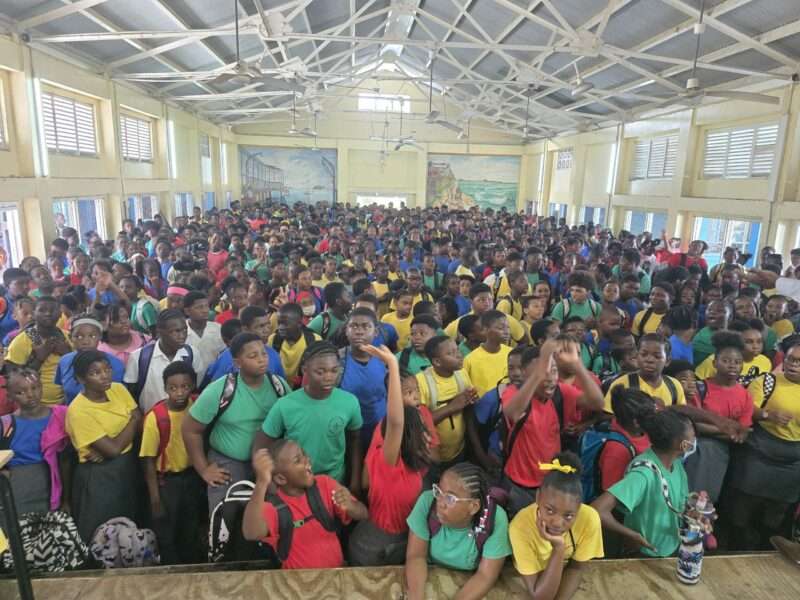
C&W Communications, the operators of Flow, Flow Business, C&W Business and BTC, is proud to join the global community in celebrating Safer Internet Day under the theme “Too Good to Be True? Protecting Yourself and Others from Scams Online.”
Safer Internet Day is an international initiative promoting a safer, more responsible, and inclusive digital world, and this year’s theme highlights the importance of staying vigilant and proactive against the growing threat of cyber scams.
With a 43% increase in cyberattacks across the Caribbean and Latin America since 2021, protecting against cybercrime has never been more critical. Research indicates that one in twenty-three organizations in the region is impacted by cyber threats weekly.
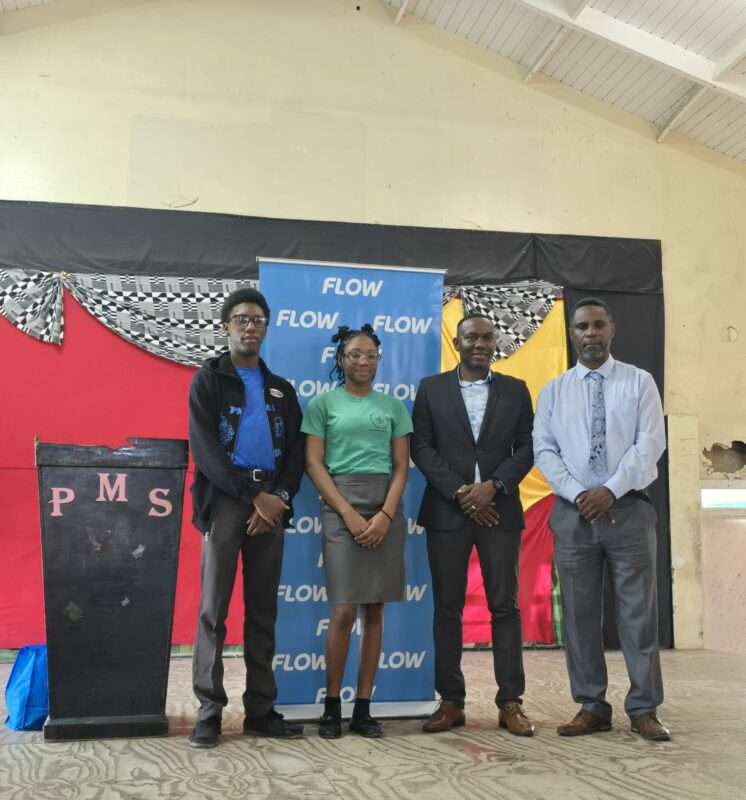
“Cybersecurity is a shared responsibility. As the Caribbean’s leading telecommunications provider, we are committed to informing, advising, and educating stakeholders about online safety,” said Inge Smidts, Chief Executive Officer, C&W Communications.

Globally, 71.1 million people on average fall victim to cybercrimes each year with the top five types of cybercrime being extortion, identity theft, personal data breach, non-payment for products and services, and phishing attacks.
“As a key enabler of digital transformation across the region, C&W Communications is committed to equipping its customers, employees, and communities with the tools and knowledge they need to navigate the internet safely. We are proud to continue championing the cause of safer internet practices by partnering with schools, communities, and senior citizen groups to spread awareness about online security,” added Smidts.
In partnership with parent company Liberty Latin America (LLA), C&W Communications has launched several initiatives to mark Safer Internet Day with a range of education and awareness campaigns designed to reach the youngest and oldest internet users.
The company has also partnered with schools and community groups to deliver sessions focused on recognising online scams, securing personal information, and promoting digital literacy.
Felipe Ruiz, VP, Information Security, and CISO, Liberty Latin America commented, “As a leading connectivity provider in the region, it is our responsibility to help make the internet and digital technologies safer for everyone. That’s why, every year on Safer Internet Day, we take a moment to reflect on our efforts to keep our communities safe. A key part is raising awareness about potential risks and sharing best practices. This year we’re sharing resources to help you, your family, your business, and everyone in your community stay safe online. Through understanding, we grow stronger and together, we can make the internet a better place.”
This story was first published by Antigua News on : antigua.news/2025/02/12/cw-communications-makes-call-for-safer-internet. © 2025 Antigua News. Republication without permission is not allowed.

About the author
The Editorial Staff refers to all reporters employed by Antigua.news. When an article is not an original creation of Antigua.news—such as when it is based on a press release, other media articles, letters to the editor, or court decisions—one of our staff members is responsible for overseeing its publication.
Read our editorial standards and corrections policy. Spotted an error? Contact the newsroom.
More from Antigua and Barbuda
View section
Antigua and Barbuda First in Eastern Caribbean to Sign UN Development Framework for 2027–2031
The agreement will guide cooperation on economic diversification, climate resilience, social protection and other development priorities.
By Shermain Bique-Charles

Parker Defends Call for Age of Consent at 18 in Response to ASPIRE
Senator calls for stronger protection against sexual exploitation alongside adolescent healthcare, education and safeguards for relationships between young people close in age.
By Shermain Bique-Charles

Greene Says CHOGM Could Open Doors for UWI Five Islands
Foreign minister identifies international student recruitment and academic connections as potential longer-term opportunities. Meta description: Greene says CHOGM could help UWI Five Islands promote its programmes and build connections with Commonwealth countries.
By Shermain Bique-Charles

West Indies Oil Seeks Coordination on Fuel Deliveries During CHOGM
Police ask the company to provide delivery dates and times so movements can be coordinated with security arrangements.
By Cory Wayland
Comments (1)
Vexatious One February 13, 2025, 5:58 PM