
AIRPORT AUTHORITY PRAISES EMERGENCY RESPONSE TEAMS AND STAFF FOR EXEMPLARY PERFORMANCE

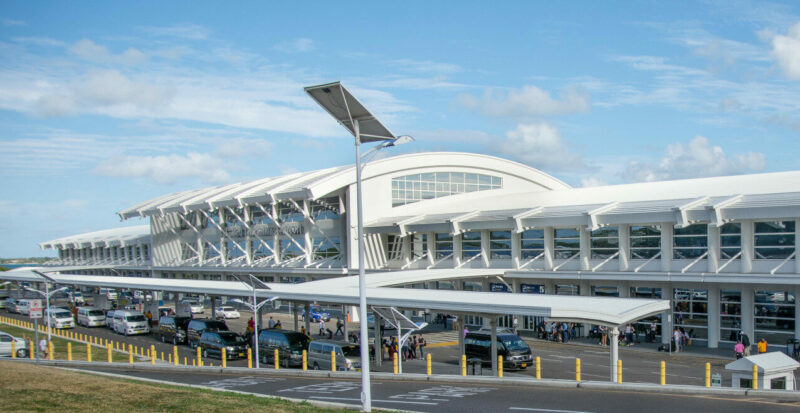
The Antigua and Barbuda Airport Authority wishes to commend the members of its emergency system for their speedy and professional response to the incidents at the VC Bird International Airport yesterday that put to test its robust safety protocols.
On both occasions where an Amerijet Aircraft and an Air Canada flight encountered difficulties, the emergency system was speedily activated and responded in a timely fashion to ensure the safety of all passengers and crew, guaranteeing a swift return to normal operations.
The Air Canada flight, which was carrying in excess of 100 passengers, received particular attention after learning that it was encountering mechanical issues with its landing gear. It was forced to make an emergency landing shortly before 11pm on Thursday night.
The aircraft landed with no incident as the members of our emergency team, including the Antigua and Barbuda Fire Service, remained on the ready to respond if needed.
As part of our emergency protocols, passengers disembarked at stand five (5) using the movable boarding stairs and after captain and crew deplained, the doors of the aircraft were closed until further assessment.

The Antigua and Barbuda Airport Authority also wishes to make clear that no one had access to the aircraft after passengers and crew left and information circulating via social media to suggest otherwise is both unfounded and irresponsible.
At every step of executing our protocols, the entire operations of the VC Bird International Airport were vigilant, responsive and extremely professional.
“As usual, we keep the safety and well-being of our passengers, our staff and all users of the airport as our highest priority,” stated CEO of the Airport Authonty Wendy Francette- Williams.
“I was particularly impressed with the team’s quick response to what was a rare occurrence in our airspace. They all distinguished themselves quite admirably and I am truly proud,” she added.
This story was first published by Antigua News on : antigua.news/2025/02/15/airport-authority-praises-emergency-response-teams-and-staff-for-exemplary-performance. © 2025 Antigua News. Republication without permission is not allowed.

About the author
The Editorial Staff refers to all reporters employed by Antigua.news. When an article is not an original creation of Antigua.news—such as when it is based on a press release, other media articles, letters to the editor, or court decisions—one of our staff members is responsible for overseeing its publication.
Read our editorial standards and corrections policy. Spotted an error? Contact the newsroom.
More from Antigua and Barbuda
View section
Emergency Response Teams to Stage Mass Casualty Drill at Scotts Hill Ahead of CHOGM
Emergency personnel will simulate a serious vehicle crash to test hospital readiness, while a separate evacuation exercise is planned for the CHOGM opening ceremony venue.
By Cory Wayland

Karim Edwards’ Trial Over Fatal Friars Hill Road Crash Postponed Until December
More than four years after the collision that claimed the life of medical student Kenneth Mathew and left Priyanjana Das with life-altering injuries, the accused driver is still awaiting trial.
By Cory Wayland

Jury Rejects Self-Defence Claim And Finds Kareem Simon Guilty Of Dennis Edwards’ Murder
Jury rejects Simon’s self-defence claim after video footage reveals details of the fatal confrontation on Lower All Saints Road.
By Cory Wayland

Tourism Ministry and ABTA Working with Bert Kirchner on Proposed Louis Tomlinson Campaign
Minister Michael Freeland has held talks on the project, which aims to turn international exposure into visitor interest and bookings.
By Shermain Bique-Charles
Comments
Be the first to comment.