
Governor General Sir Rodney Williams Welcomes Honorary Consul Vijay Tewani and Atlantic Solo Rower Ananya Prasad

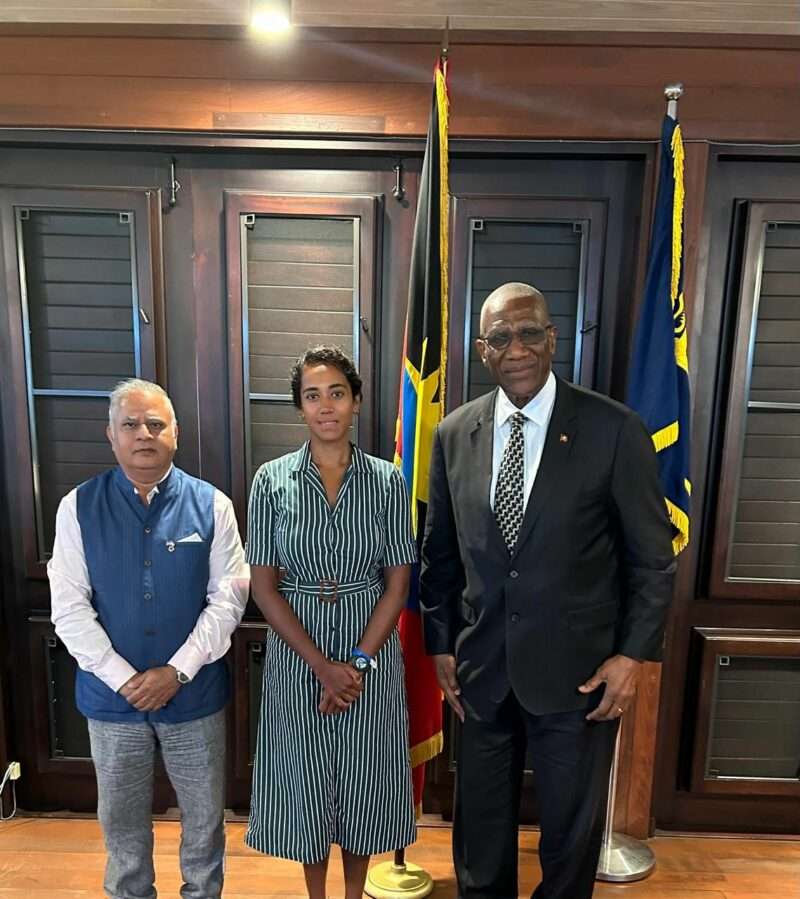
His Excellency Sir Rodney Williams, Governor General of Antigua and Barbuda, recently received a courtesy call from Mr. Vijay Tewani, the nation’s Honorary Consul to India, and Ms. Ananya Prasad, the first woman of Indian origin to complete a solo row across the Atlantic Ocean.
Mr. Tewani has been instrumental in strengthening diplomatic ties between Antigua and Barbuda and India. His efforts have facilitated significant cultural and economic exchanges, enhancing the relationship between the two nations.
Ms. Prasad, an Indian-born adventurer who resides in the UK, recently made history by becoming the first woman of colour to row solo and unsupported across the Atlantic Ocean. She completed the grueling 3,000-mile journey in 52 days, 5 hours, and 44 minutes, securing second place in the solo category of the World’s Toughest Row race.

Her achievement stands as a powerful testament to perseverance, courage, and determination. Funds raised from her endeavour will be donated to charitable causes for mental health support.
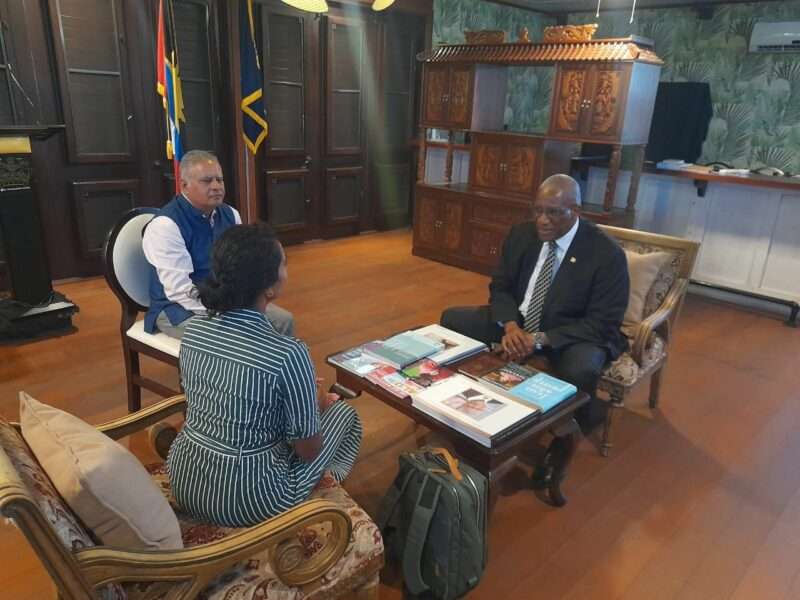
During the meeting, Sir Rodney Williams commended both individuals for their outstanding contributions. He lauded Mr. Tewani’s dedication to fostering international relations and praised Ms. Prasad’s remarkable feat, which not only marks a milestone in adventure sports but also serves as an inspiration for women and minority groups worldwide.
This engagement underscores Antigua and Barbuda’s commitment to celebrating achievements that promote cultural diversity, international cooperation, and the indomitable human spirit.
This story was first published by Antigua News on : antigua.news/2025/02/22/governor-general-sir-rodney-williams-welcomes-honorary-consul-vijay-tewani-and-atlantic-solo-rower-ananya-prasad. © 2025 Antigua News. Republication without permission is not allowed.

About the author
The Editorial Staff refers to all reporters employed by Antigua.news. When an article is not an original creation of Antigua.news—such as when it is based on a press release, other media articles, letters to the editor, or court decisions—one of our staff members is responsible for overseeing its publication.
Read our editorial standards and corrections policy. Spotted an error? Contact the newsroom.
More from Antigua and Barbuda
View section
HIGH SCHOOL STUDENTS CONTINUE TO BENEFIT FROM SANDALS FOUNDATION’S CARE FOR KIDS SCHOLARSHIP PROGRAMME
Kyrah Edwards and Erwin Christopher receive third annual scholarship payments, supporting their education while encouraging community service.
By Shermain Bique-Charles

Chinese Embassy Welcomes Caribbean Youth Parliamentarians for Cultural Exchange
Ambassador Jiang Wei calls for greater understanding through dialogue, while House Speaker Osbert Frederick praises the young leaders.
By Shermain Bique-Charles

LETTER: A Safe Reunion Should Not End Questions About a Child’s Welfare
Delores Harris calls for greater accountability and child protection measures following the safe reunion of a young child found wandering alone.
By Editorial Staff

Browne Demands Climate Finance and Action to Protect Small Island States
Speaking in Australia, the Prime Minister urged major emitters and financial institutions to turn climate commitments into practical support for vulnerable nations.
By Shermain Bique-Charles
Comments (4)
Teje February 22, 2025, 4:37 PM
Robert February 22, 2025, 6:15 PM
Luka Johnson February 22, 2025, 6:34 PM
Antigua Surf February 23, 2025, 6:09 AM