
Pantelleria Airport to Be Renamed After Giorgio Armani

By Cory Wayland
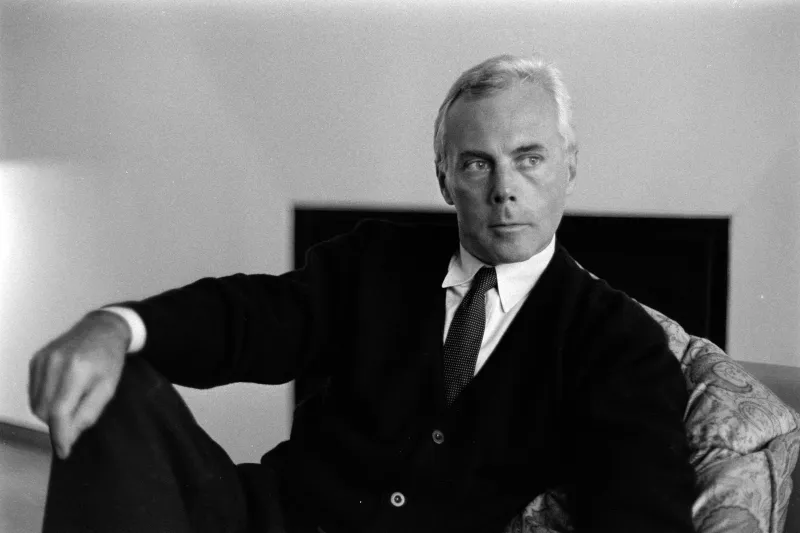
The Italian island of Pantelleria will rename its airport in honour of Giorgio Armani, the legendary fashion designer who passed away earlier this month.
Armani, who has a vacation home in Antigua, nestled in Galley Bay Heights on Antigua’s western coast, died in Italy on 4th September, 2025 at the age of 91.
Armani’s Caribbean retreat comprises two villas, Villa Flower (with seven bedrooms) and Villa Serena (five bedrooms), joined by a tranquil central pavilion.
Armani often spent his summers on the Mediterranean isle, located between Sicily and Tunisia, where he owned a sprawling estate made up of seven traditional dammusi stone houses surrounded by more than 150 palm trees.
The proposal to rename Pantelleria Airport was put forward by the local council and has been backed by Italy’s civil aviation authority ENAC, with the support of Transport Minister Matteo Salvini.
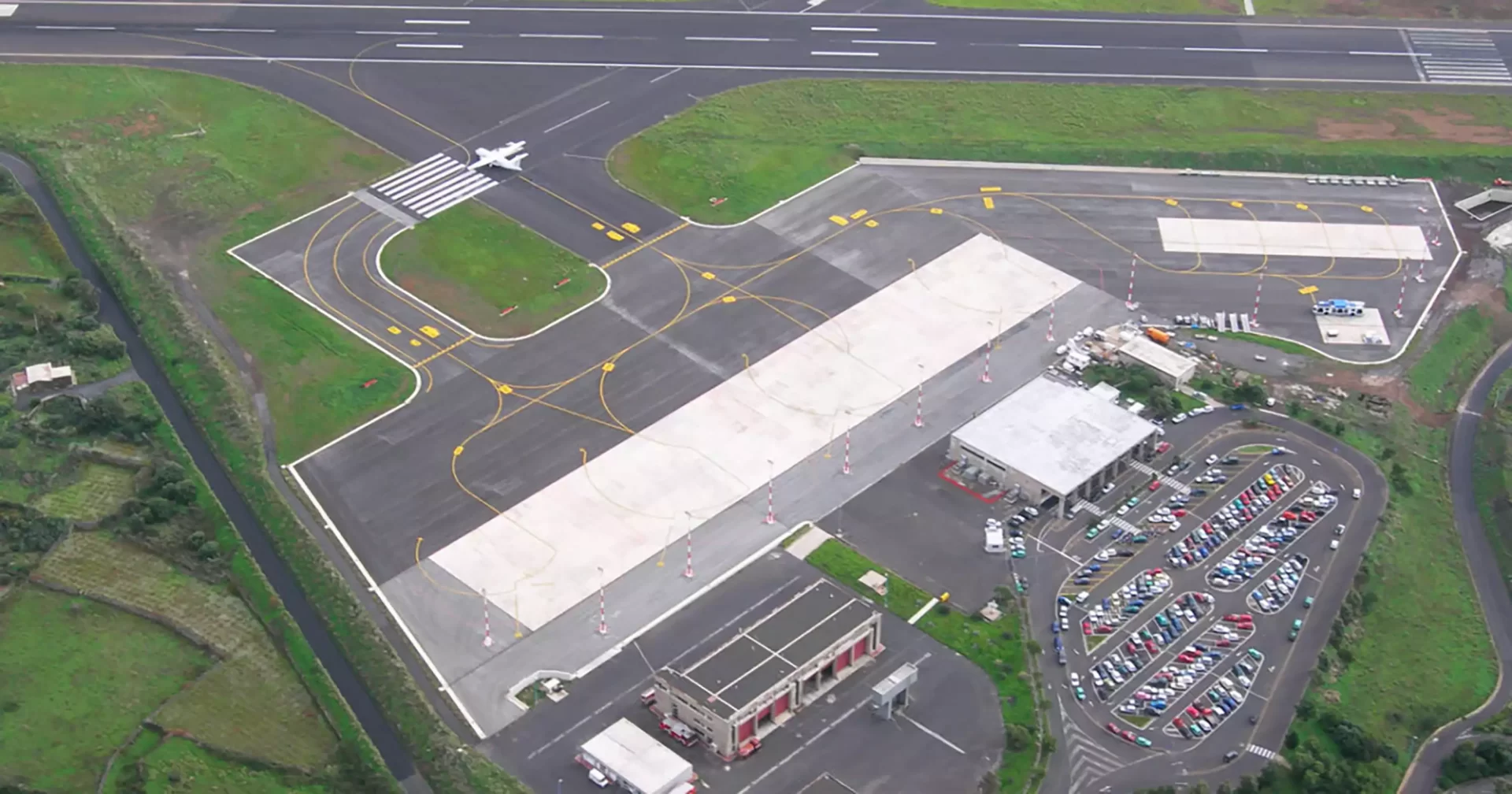
ENAC President Pierluigi Di Palma said the move ties in with plans to upgrade the airport and promote tourism to the island, which is accessible via flights from Rome and several Sicilian airports, including Palermo.
The announcement comes as details of Armani’s succession plan emerge. According to La Repubblica, his will instructs heirs to sell a 15 percent minority stake in the Armani Group, marking a rare openness to outside investors.
The distribution gives 40 percent of the company to longtime collaborator Leo Dell’Orco, 15 percent each to niece Silvana Armani and nephew Andrea Camerana, and 30 percent to the Armani Foundation, established in 2016 as a succession vehicle.
Armani, one of the most iconic figures in Italian fashion, leaves behind not only a global empire but also a personal legacy tied deeply to the places where he found respite, Pantelleria and Antigua.
This story was first published by Antigua News on : antigua.news/2025/09/20/pantelleria-airport-to-be-renamed-after-giorgio-armani. © 2025 Antigua News. Republication without permission is not allowed.

About the author
Cory Wayland is the Social Media Co-ordinator at Antigua.News, where he manages digital content strategy, audience engagement, and real-time news publications across social platforms. With a keen eye for trending topics and a commitment to factual storytelling, Cory plays a key role in shaping the online voice of Antigua.News.
Read our editorial standards and corrections policy. Spotted an error? Contact the newsroom.
More from World
View section
Spain Votes After an Eviction Shook Its Government
An elderly tenant’s eviction helped trigger the November 29 snap election. Pedro Sánchez is recovering in some polls, but the right still has the clearer route to a governing majority.
By Dario Item

Dozens of KFC Restaurants Closing Across 10 U.S. States as Major Franchise Operator Files for Bankruptcy
Financial troubles, falling sales and millions in unpaid franchise fees have forced a major KFC operator into bankruptcy, with 72 restaurant locations affected and more closures possible.
By Cory Wayland

Robert Pattinson is the new James Bond
The Twilight and The Batman star succeeds Daniel Craig as 007 in the next James Bond film, directed by Denis Villeneuve and written by Steven Knight.
By Mick the Ram

Microsoft Outage cripples millions globally
Outlook, Teams and Copilot users reported disruptions across 74 countries as Microsoft cited increased load on its infrastructure.
By Mick the Ram
Comments (3)
Frank September 20, 2025, 4:07 PM
Informed citizen September 20, 2025, 8:16 PM
Apex Jones September 20, 2025, 9:18 PM