
Education Ministry Launches Reading Month 2025 Under the Theme “Unlock Your Possibilities: Read, Imagine, Grow”

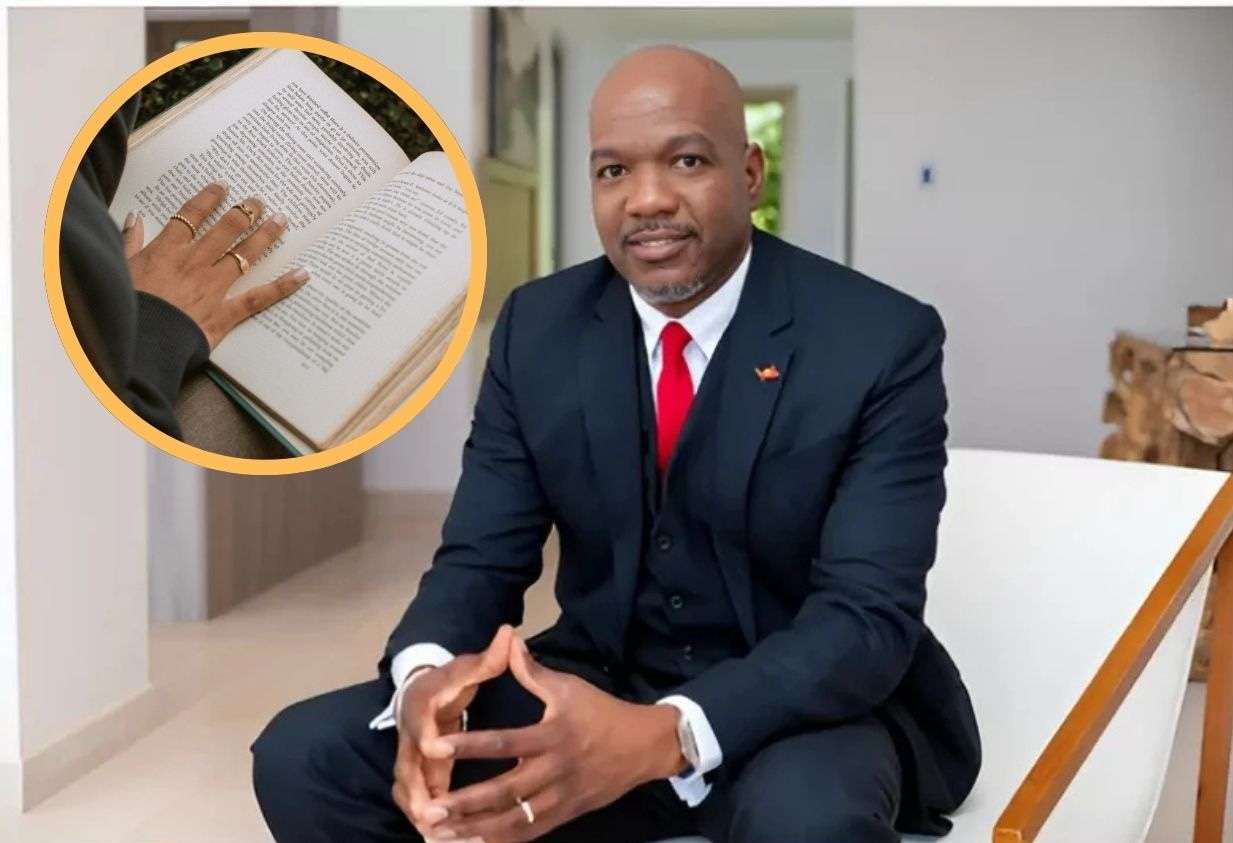
The Ministry of Education, Sports and Creative Industries, in collaboration with the School Library Services, has officially launched Reading Month 2025, a national celebration of literacy, imagination, and the lifelong joy of reading.
Observed annually in October, Reading Month serves as a reminder of the power of books to transform lives and shape a more informed and creative society. This year’s theme, “Unlock Your Possibilities: Read, Imagine, Grow,” challenges students, teachers, parents, and the wider community to embrace reading as a tool for personal and academic growth.
Throughout the month, schools and libraries across the nation will host a series of interactive activities designed to spark enthusiasm for reading. These include storytelling sessions, reading competitions, author visits, book fairs, and community outreach events that bring together readers of all ages.
Education Officer for School Library Services, Karen Browne-Francis, said the observance highlights the essential link between literacy and empowerment.
“Reading opens the door to endless opportunities,” she explained. “Every book allows us to discover new ideas, explore unfamiliar worlds, and develop the confidence to imagine and create a better future.”

Browne-Francis added that fostering a reading culture is not only about improving academic performance but also about nurturing empathy, creativity, and critical thinking among young people.
The Ministry is encouraging students, parents, and community members to take part by reading daily, visiting their local libraries, and sharing stories with friends and family.
“When we read, we grow,” Browne-Francis said. “This month is about celebrating that journey one page, one story, one reader at a time.”
Reading Month 2025 promises to be a dynamic celebration of literature and learning, reaffirming the Ministry’s commitment to building a nation of readers in Antigua and Barbuda.
This story was first published by Antigua News on October 9, 2025: antigua.news/2025/10/09/education-ministry-launches-reading-month-2025-under-the-theme-unlock-your-possibilities-read-imagine-grow. © 2025 Antigua News. Republication without permission is not allowed.

About the author
Shermain Bique-Charles is an accomplished journalist with over 24 years of dynamic experience in the industry. Renowned for her exceptional storytelling and investigative skills, she has garnered numerous awards that highlight her commitment to journalistic integrity and excellence. Her work not only informs but also inspires, making her a respected voice in the field.
Read our editorial standards and corrections policy. Spotted an error? Contact the newsroom.
More from Antigua and Barbuda
View section
Elderly Man Found Dead Inside Ovals Home
Police are investigating after an elderly man was discovered unresponsive at his home in Ovals on Wednesday morning, with no indication of foul play at this stage.
By Cory Wayland

WATCH: Taxi Operators Call for Proper Policing as Minister Freeland Reviews Concerns in St. John’s
Taxi association representatives say vehicles occupying designated spaces and soliciting cruise passengers are affecting operations around Heritage Quay.
By Shermain Bique-Charles

OPINION: The World Must Rise Up With A Single Voice Against All Forms Of Terrorism
Cuban Ambassador Sergio Martinez Gonzalez calls for a united global stand against terrorism as CARICOM and Cuba commemorate the victims of the 1976 Cubana Airlines bombing and reaffirm their opposition to terrorism in all its forms.
By Editorial Staff

SLBMC Cancer Symposium Expands to Include Community Discussions
The 2026 symposium added a dedicated community day, bringing patients, families and caregivers into wider discussions on cancer care.
By Shermain Bique-Charles
Comments
Be the first to comment.