
Cellphone Repair Technicians Raise Concerns Over New Consumer Protection Act

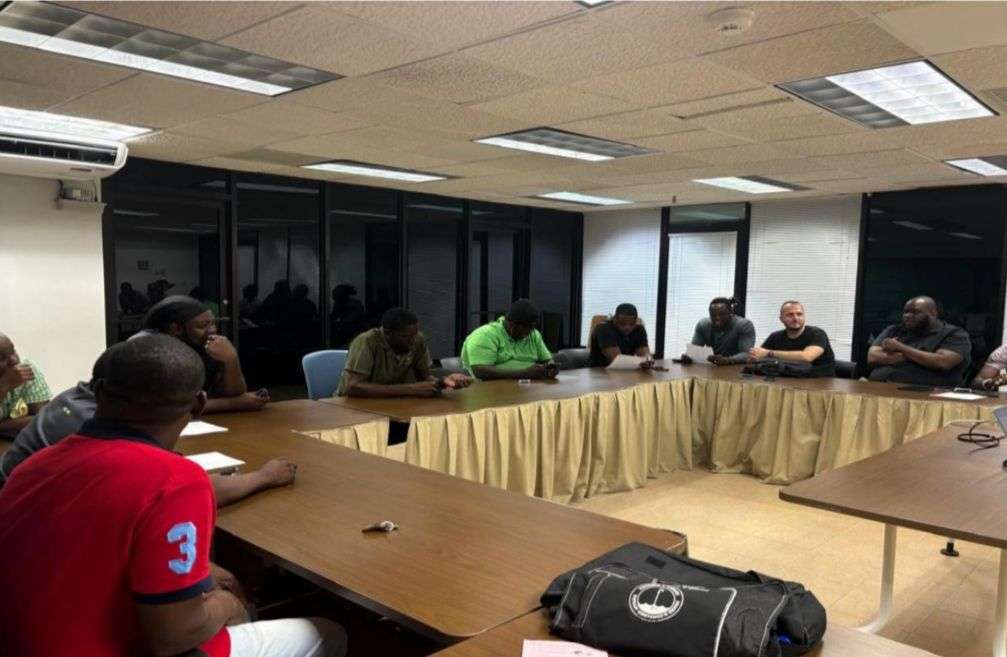
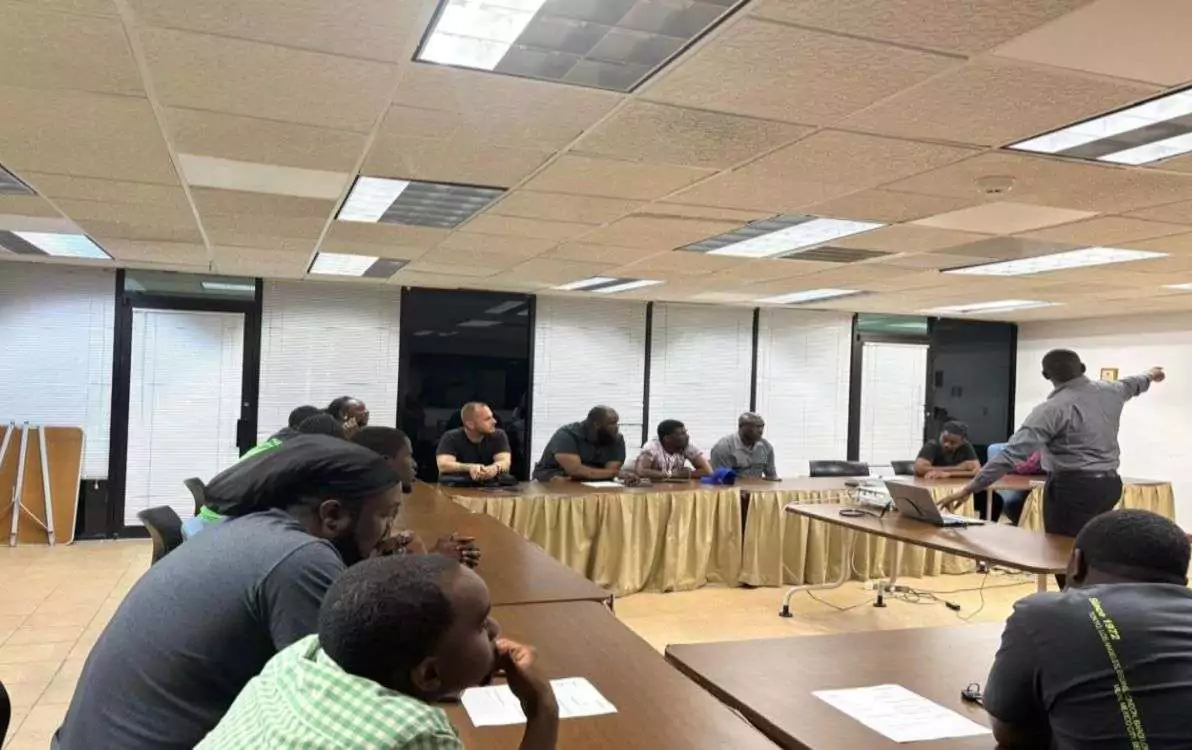
Cellphone repair technicians met with the Prices and Consumer Affairs Division on December 10 to discuss the impact of the new Consumer Protection Act 2025 on their businesses. The meeting, held at the Inland Revenue Department’s Conference Room, was led by Director of Prices and Consumer Affairs, Orrin Steele, and attended by more than 20 technicians.
Technicians raised concerns about new requirements such as price displays, record keeping, disclosure of non-genuine parts, consumer approval for additional repairs, and the return of defective goods. Under the Act, repair service providers must now issue written or electronic records detailing customer information, repair descriptions, estimated costs, and timelines, which must be approved by consumers.
While some participants noted increased operational costs, many acknowledged that the changes could improve customer tracking and dispute resolution. Challenges were also highlighted in setting fixed prices for certain services, with technicians advised to provide price ranges where market conditions fluctuate.
Steele reminded technicians that non-genuine parts must be disclosed to consumers and clearly stated on receipts, warning that misleading sales could result in fines of up to EC$5,000 or imprisonment. The Division also recommended a 90-day period for customers to collect repaired devices, provided this is clearly stated in service agreements.
Other topics included refund policies for non-defective parts, consumer approval for additional repairs, and cancellation fees for layaway agreements. The Division said it will continue working with technicians to support compliance while protecting consumer rights.
This story was first published by Antigua News on : antigua.news/2025/12/15/cellphone-repair-technicians-raise-concerns-over-new-consumer-protection-act. © 2025 Antigua News. Republication without permission is not allowed.

About the author
The Editorial Staff refers to all reporters employed by Antigua.news. When an article is not an original creation of Antigua.news—such as when it is based on a press release, other media articles, letters to the editor, or court decisions—one of our staff members is responsible for overseeing its publication.
Read our editorial standards and corrections policy. Spotted an error? Contact the newsroom.
More from Antigua and Barbuda
View section
19-Year-Old Shaquan Boyle Found Hiding Under Vehicle After Escaping Police at Hospital
The Fort Road teenager was recaptured in the parking lot of Sir Lester Bird Medical Centre hours after reportedly escaping police custody while using the emergency department restroom.
By Cory Wayland

Police Launch Search at Sir Lester Bird Medical Centre After Suspect Escapes Custody
A man detained during a police operation in Fort Road reportedly disappeared after requesting to use the restroom while receiving medical attention at the hospital.
By Cory Wayland

P&O Cruises Secures Replacement Flights to Antigua After Norse Suspends Services
Two charter flights from the UK are scheduled to bring passengers to Antigua on Saturday to join Arvia.
By Shermain Bique-Charles

Social Protection Board Honours Seniors at Annual Tea Party
Under the theme “Ageing with Dignity, Living with Purpose,” the gathering celebrated the contributions of older citizens and called on younger generations to spend more time with them.
By Shermain Bique-Charles
Comments (4)
Informed citizen December 15, 2025, 9:56 PM
Hadassah December 16, 2025, 7:17 AM
Bianca December 16, 2025, 7:17 AM
Juju Bee December 16, 2025, 1:44 PM