
Flights Resume at VC Bird International Airport After Caribbean Airspace Restrictions Lifted

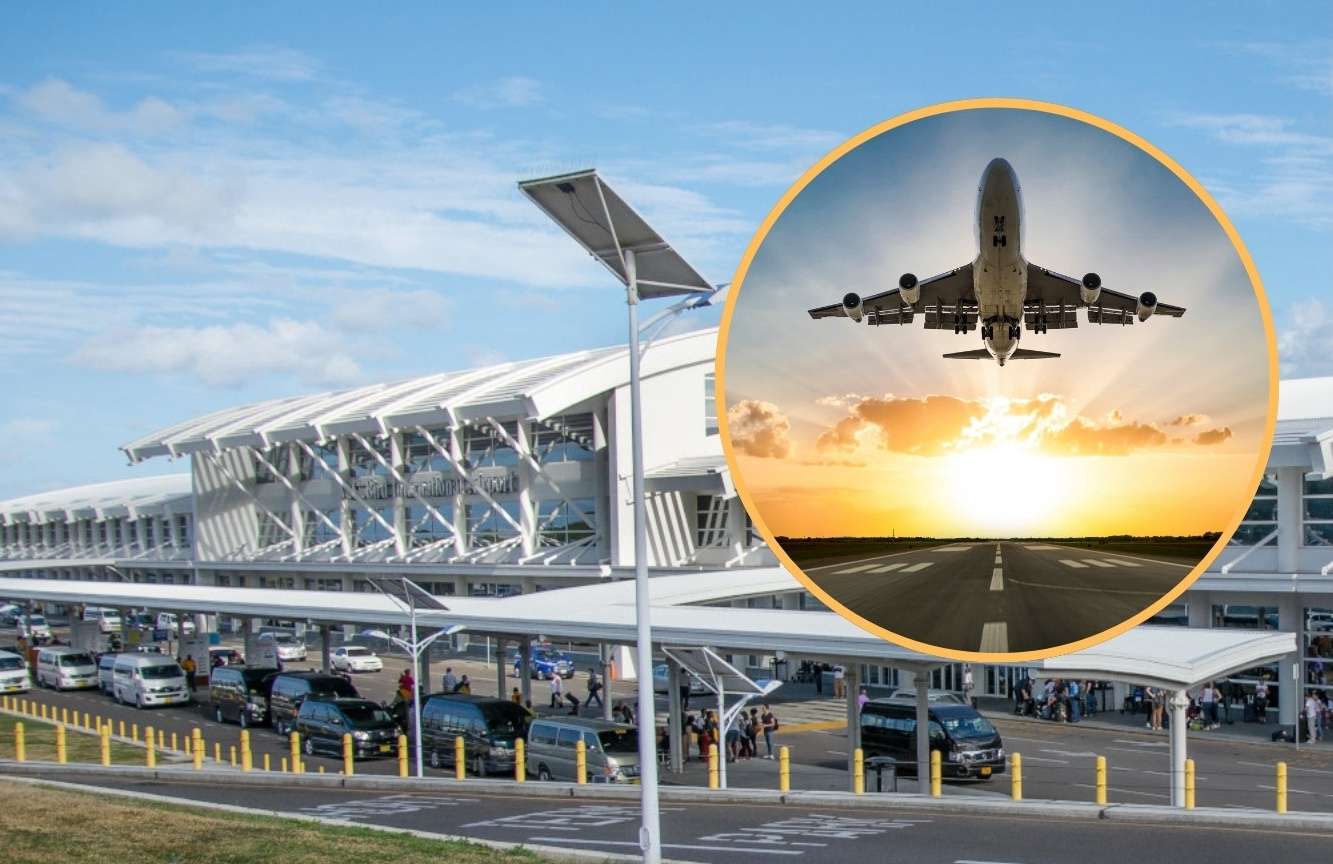
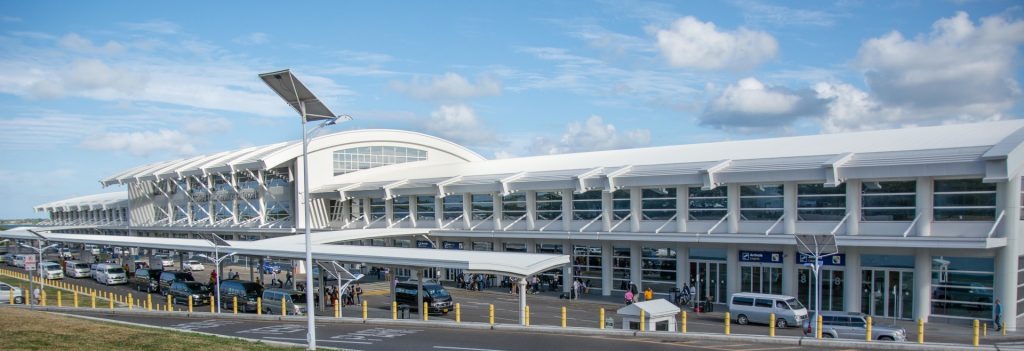
Air travel through V.C. Bird International Airport has resumed after regional airspace restrictions imposed due to developments in Venezuela were lifted, airport authorities confirmed.
In an advisory issued today, Sunday, the airport reported that the temporary restrictions affecting Caribbean airspace, introduced the previous day, have now been removed, allowing airlines to begin restoring normal flight schedules. The disruption had led to delays and cancellations across the region, including flights to and from Antigua.
Airlines serving Antigua are now working to accommodate passengers affected by earlier disruptions. American Airlines has already announced the addition of an extra flight on its Miami–Antigua route. The additional service is scheduled to depart Miami at 2:00 p.m. and return from Antigua at 7:40 p.m. on Saturday.
Passengers are being urged to contact their respective airlines directly for the most up-to-date information regarding flight times and availability.
Airport officials have also advised travellers to arrive at the airport at least three hours ahead of their scheduled or revised departure times, citing an expected increase in passenger volumes and the likelihood that some travellers may require special assistance as operations normalize.
Authorities at VC Bird International Airport said they will continue to provide updates throughout the day as flight schedules stabilize and passenger movement returns to normal.
This story was first published by Antigua News on : antigua.news/2026/01/04/flights-resume-at-vc-bird-international-airport-after-caribbean-airspace-restrictions-lifted. © 2026 Antigua News. Republication without permission is not allowed.

About the author
Shermain Bique-Charles is an accomplished journalist with over 24 years of dynamic experience in the industry. Renowned for her exceptional storytelling and investigative skills, she has garnered numerous awards that highlight her commitment to journalistic integrity and excellence. Her work not only informs but also inspires, making her a respected voice in the field.
Read our editorial standards and corrections policy. Spotted an error? Contact the newsroom.
More from Antigua and Barbuda
View section
King Charles III arrives in Antigua and Barbuda for historic Royal Visit
The Monarch’s arrival marks his first visit to Antigua and Barbuda as King, with the country preparing to welcome Commonwealth leaders for CHOGM.
By Cory Wayland

Nuri Katz Backs Browne’s CIP Exit Proposal, Urges Caribbean Leaders to Follow Suit
The Apex Capital Partners CIP expert supports negotiating a phase-out tied to EU assistance as Antigua and Barbuda seeks a transition until 2030.
By Shermain Bique-Charles

PM Browne Offers to End CIP, Seeks EU Support and Transition Until 2030
Prime Minister proposes a managed closure to preserve Schengen visa-free travel, warning that an abrupt end could threaten public finances, development projects and banks.
By Shermain Bique-Charles

CHOGM Organisers Scrap Park-and-Ride System for November 1 and 2 Events
Patrons can now park near Sir Vivian Richards Stadium as organisers introduce revised parking arrangements, eliminating the need to use previously designated shuttle locations.
By Cory Wayland
Comments (1)
Juju Bee January 4, 2026, 3:28 PM