
CXC Made Special Assessment Arrangements for Over 3000 Candidates with Disabilities in 2025

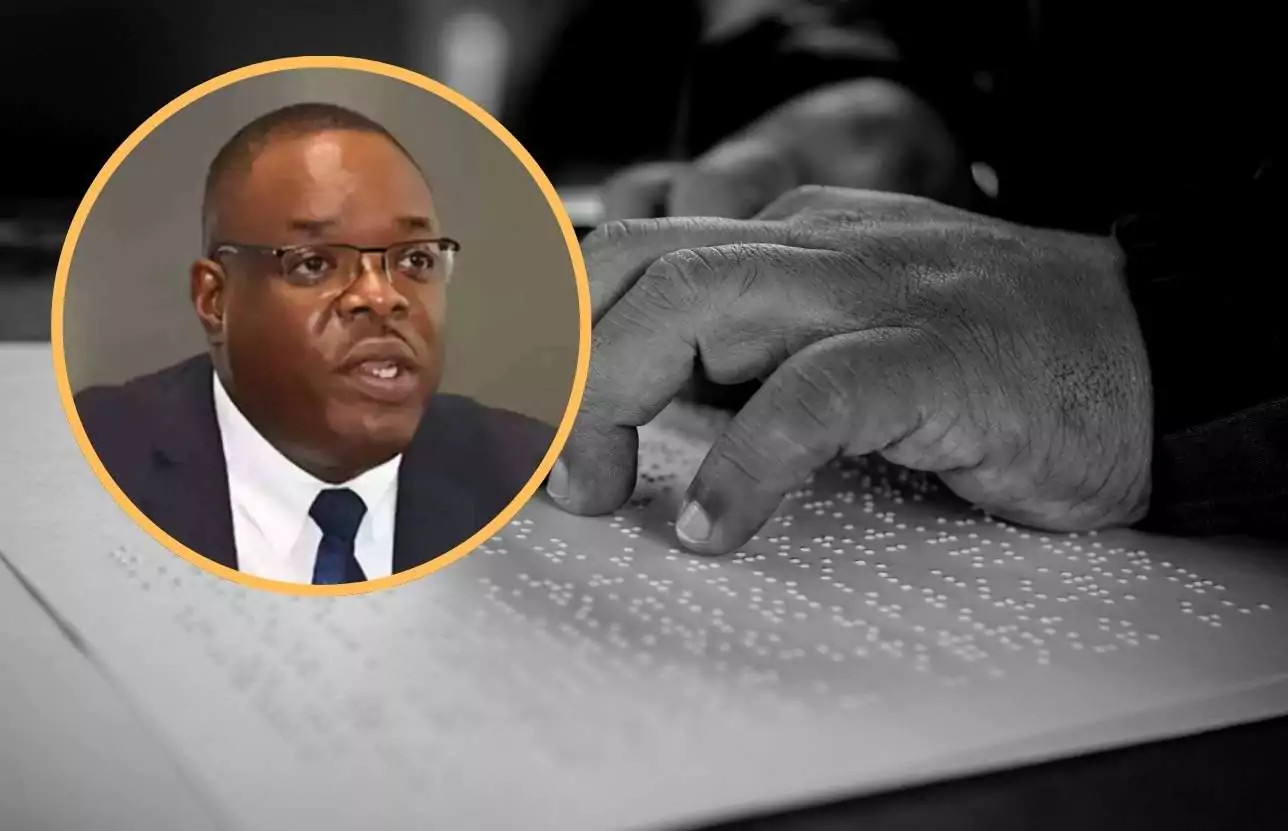

The Caribbean Examinations Council provided special assessment arrangements for 3,444 candidates with visual impairment and other special needs during the 2025 examination sittings, as part of its commitment to inclusive education.
Dr. Wayne Wesley, CXC’s Registrar and CEO, announced the figures during a press conference in Kingston on Wednesday, emphasizing the organization’s dedication to ensuring all candidates can participate fully in examinations regardless of ability.
“For the 2025 examination sit-ins, CTEC made special assessment arrangements for over 3,444 candidates with visual impairment and other special needs,” Dr. Wesley said.
Dr. Wesley revealed that CXC is actively advocating for the adoption of the WIPO Marrakesh Treaty across the Caribbean to support accessible learning for visually impaired and print-disabled students.
“As I shared several weeks ago at the regional WIPO workshop on the Marrakesh treaty, CTEC will actively advocate through ministries of education across the Caribbean for the adoption and implementation of this treaty to support accessible learning and to advocate for the needs of the visually impaired and printed disabled students,” he said.
The Marrakesh Treaty aims to ensure that learners with disabilities are not left behind in the examination system, particularly visually impaired persons.
Dr. Wesley emphasized CXC’s continued commitment to enhancing accessibility for candidates with disabilities in future examinations.
“As we continue to reflect our approaches and technologies to enhance accessibility to our candidates for these years and future years, we commit to ensuring that all candidates, regardless of ability, can participate fully and fairly,” he said.
The registrar framed the accessibility efforts as part of CXC’s broader mission. “By standing resiliently with stakeholders in the wake of disasters, improving our operational processes and efficiencies to deliver higher levels of customer service, and widening access to our services in inclusive ways for the disabled or differently abled, CTEC is fulfilling its duty of care to people of our beloved region,” Dr. Wesley said.
This story was first published by Antigua News on : antigua.news/2026/01/09/cxc-made-special-assessment-arrangements-for-over-3000-candidates-with-disabilities-in-2025. © 2026 Antigua News. Republication without permission is not allowed.

About the author
The Editorial Staff refers to all reporters employed by Antigua.news. When an article is not an original creation of Antigua.news—such as when it is based on a press release, other media articles, letters to the editor, or court decisions—one of our staff members is responsible for overseeing its publication.
Read our editorial standards and corrections policy. Spotted an error? Contact the newsroom.
More from Antigua and Barbuda
View section
Emergency Response Teams to Stage Mass Casualty Drill at Scotts Hill Ahead of CHOGM
Emergency personnel will simulate a serious vehicle crash to test hospital readiness, while a separate evacuation exercise is planned for the CHOGM opening ceremony venue.
By Cory Wayland

Karim Edwards’ Trial Over Fatal Friars Hill Road Crash Postponed Until December
More than four years after the collision that claimed the life of medical student Kenneth Mathew and left Priyanjana Das with life-altering injuries, the accused driver is still awaiting trial.
By Cory Wayland

Jury Rejects Self-Defence Claim And Finds Kareem Simon Guilty Of Dennis Edwards’ Murder
Jury rejects Simon’s self-defence claim after video footage reveals details of the fatal confrontation on Lower All Saints Road.
By Cory Wayland

Tourism Ministry and ABTA Working with Bert Kirchner on Proposed Louis Tomlinson Campaign
Minister Michael Freeland has held talks on the project, which aims to turn international exposure into visitor interest and bookings.
By Shermain Bique-Charles
Comments (2)
Tromos January 10, 2026, 3:29 PM
Dark Chocolate January 11, 2026, 8:46 PM