
High Surf Warning Issued for Antigua, Barbuda, Anguilla and British Virgin Islands

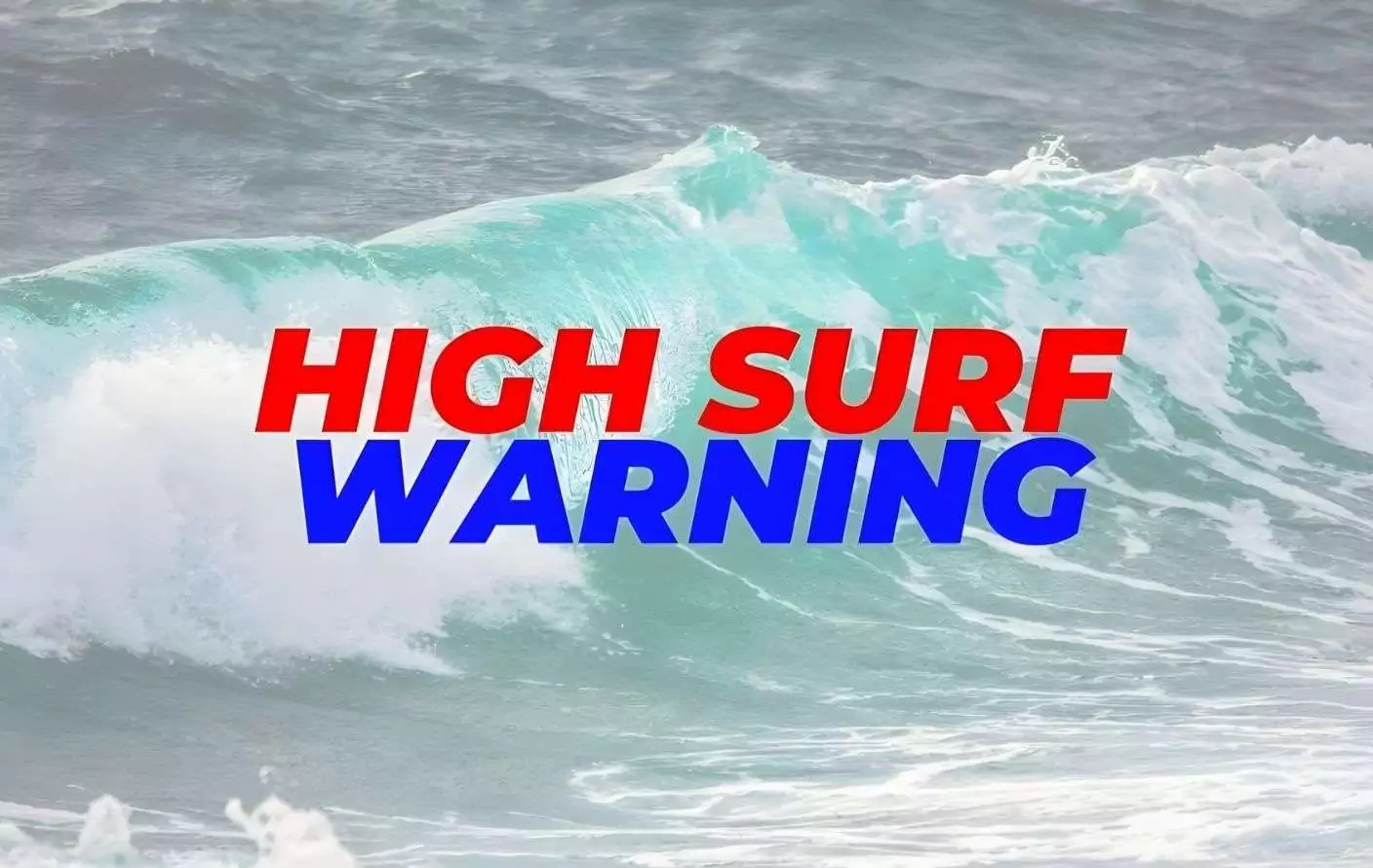
The Antigua and Barbuda Meteorological Services has issued an urgent High Surf Warning for Antigua, Barbuda, Anguilla, and the British Virgin Islands, cautioning residents and visitors to stay out of the water along affected coastlines as dangerous ocean conditions take hold.
The warning is in effect for Antigua until midnight tonight, and until Wednesday midday for Barbuda, Anguilla, and the British Virgin Islands.
Large north swells are building across the region, pushing wave heights to between eight and eleven feet, with occasional waves reaching as high as thirteen feet. In some areas, breaking waves could reach over ten feet — and in certain spots could be twice the height of the swell itself. The waves are arriving in powerful sets, with a swell period of eleven to thirteen seconds, meaning each wave carries significant force.
Beyond the waves themselves, the conditions are generating dangerous rip currents along northern and north-facing coastlines — fast-moving channels of water that can pull even strong swimmers away from shore with little warning. Authorities are also warning of coastal flooding, beach erosion, sea spray onto low-lying roads, hazards for vessels navigating harbours, and possible damage to reefs and desalination operations.
Residents and visitors are being urged in the strongest possible terms not to enter the water along affected coastlines. People should also stay away from rocks, jetties, and any coastal structures that could become dangerous in these conditions. If you must swim, authorities advise using only sheltered beaches on the south and eastern sides of the islands, and even then to exercise extreme caution.
If anyone finds themselves caught in a rip current, the advice is to stay calm, relax, and float rather than fighting the current. Do not attempt to swim directly back to shore against it as this will exhaust you quickly. Instead, swim parallel to the shoreline until you are out of the current’s pull, then make your way back to the beach. If you are unable to do so, wave and call for help immediately.
This story was first published by Antigua News on : antigua.news/2026/03/02/high-surf-warning-issued-for-antigua-barbuda-anguilla-and-british-virgin-islands. © 2026 Antigua News. Republication without permission is not allowed.

About the author
The Editorial Staff refers to all reporters employed by Antigua.news. When an article is not an original creation of Antigua.news—such as when it is based on a press release, other media articles, letters to the editor, or court decisions—one of our staff members is responsible for overseeing its publication.
Read our editorial standards and corrections policy. Spotted an error? Contact the newsroom.
More from Caribbean
View section
BREAKING | Dominica Heads to the Polls on December 16
Nomination Day is November 30 as Prime Minister Roosevelt Skerrit seeks a fresh mandate for the Dominica Labour Party.
By Shermain Bique-Charles

DOMINICA: Relief as Three Missing Men Are Found Alive at Sea Near Aves Islands
Davel Baron, Ryan Royer and a third man were rescued by a cargo vessel after being found drifting at sea, bringing relief following days of uncertainty over their whereabouts.
By Cory Wayland

Two Men Vanish at Sea in Dominica, Sparking Growing Fears for Their Safety
Police issue missing-person alerts for Davel Baron and Ryan Royer as concerns grow over their whereabouts.
By Cory Wayland

Saint Lucia Makes Decision on Citizenship by Investment Programme Amid EU Pressure
Prime Minister Philip J. Pierre confirms his government has formally responded to the European Union but says the decision will remain confidential until Brussels acknowledges receipt of the correspondence.
By Cory Wayland
Comments (2)
Juju Bee March 2, 2026, 6:00 PM
Informed citizen March 2, 2026, 11:29 PM