
Afreximbank sweeps 2025 Bloomberg Africa Borrower Loans League Tables; affirming top spot as Africa’s Leading Arranger and Bookrunner

PRESS STATEMENT
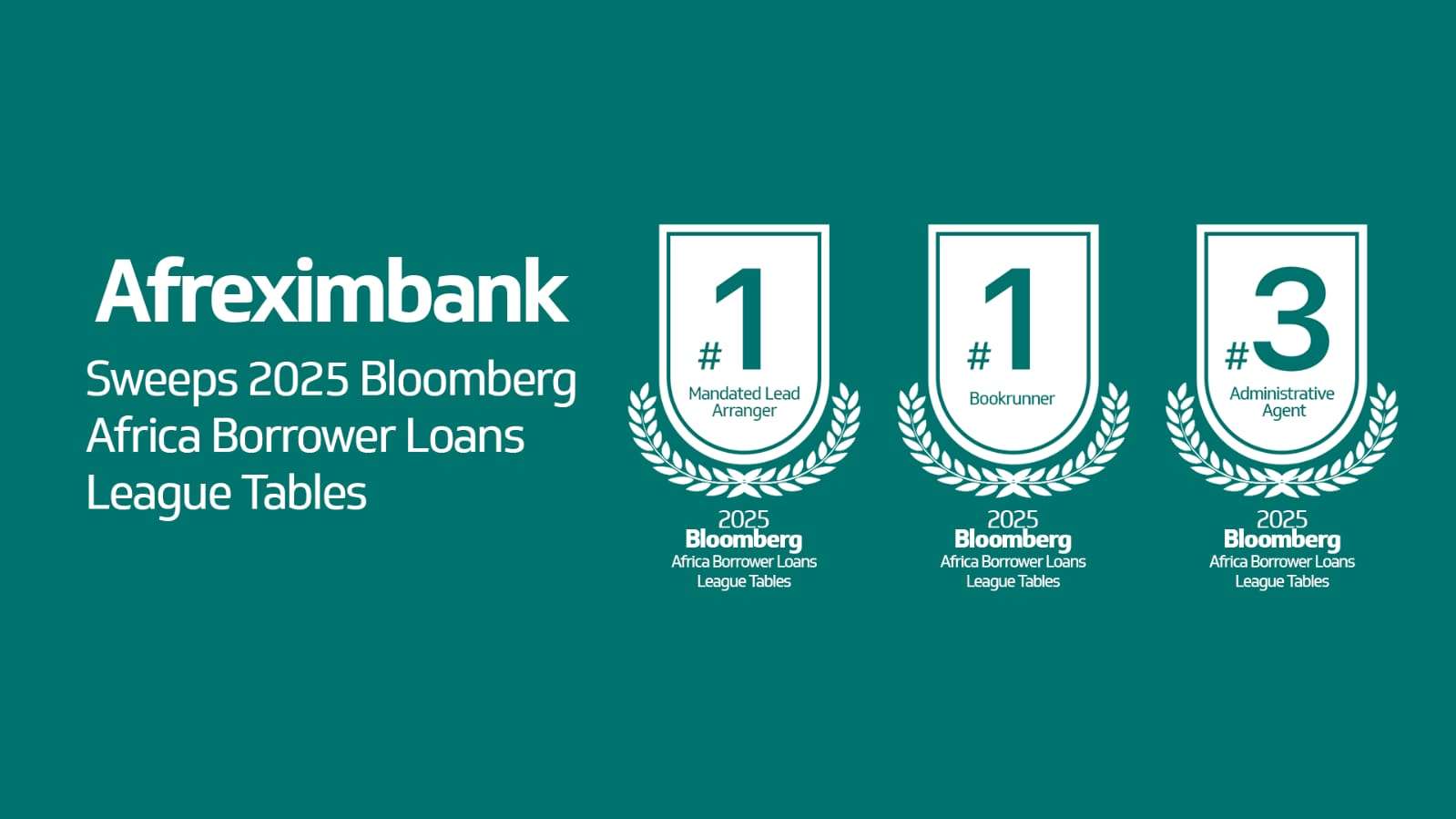
Cairo, Egypt, 04 March 2026: African Export-Import Bank (Afreximbank) has solidified its dominance in African capital markets, clinching the Number 1 ranking as both Mandated Lead Arranger and Bookrunner in the 2025 Bloomberg Africa Borrower Loans League Tables, as well as the Number 3 ranking for Administrative Agent.
These rankings recognise the Bank’s leadership in arranging debt solutions and mobilising large-scale capital from both within and outside Africa from a diverse range of investors to anchor the continent’s economic growth.
The results mark a continued ranking of Afreximbank as one of Africa’s market leaders at the top of the Bloomberg league tables over the past years. As Bookrunner, Afreximbank held 21.66% market share comprising 14 deals.
As Mandated Lead Arranger, the Bank accounted for 23.65% market share comprising 20 transactions. The activity, which accounted for these 20 deals,consisted primarily of syndicated transactions in the oil and gas sector, reflecting the Bank’s strategic intervention in closing the significant financing gap in the sector on the continent. The Number 3 Administrative Agency ranking delivered a market share of 13.92% with 13 deals, which also over-indexed in the oil and gas sector.
Haytham Elmaayergi, Executive Vice President, Global Trade Bank at Afreximbank, commented:
“I am delighted that the stellar performance of our colleagues has been reflected in Bloomberg’s prestigious league tables, which is a real testament to their assiduous determination and capability. The rankings underscore Afreximbank’s commitment to facilitating capital flows in order to drive economic growth and prosperity in the continent. We will continue to focus on leveraging our unique position to promotehigh-impact investments and bridge the financing gap across Africa’s most critical sectors.”
This story was first published by Antigua News on : antigua.news/2026/03/04/afreximbank-sweeps-2025-bloomberg-africa-borrower-loans-league-tables-affirming-top-spot-as-africas-leading-arranger-and-bookrunner. © 2026 Antigua News. Republication without permission is not allowed.

About the author
The Editorial Staff refers to all reporters employed by Antigua.news. When an article is not an original creation of Antigua.news—such as when it is based on a press release, other media articles, letters to the editor, or court decisions—one of our staff members is responsible for overseeing its publication.
Read our editorial standards and corrections policy. Spotted an error? Contact the newsroom.
More from World
View section
Democrats Win Congress in Major Setback for Donald Trump
Victories in Republican strongholds hand Democrats control of the House and Senate.
By Shermain Bique-Charles

Nine Killed as Learjet 60 Crashes Into Florida Neighbourhood
The Learjet 60 crashed near Cresthaven in Palm Beach County while travelling from Texas to the Bahamas, prompting mass evacuations and an investigation by US aviation authorities.
By Cory Wayland

Spain Train Crash: 68 Dead, 77 Injured as Safety Decisions Face Scrutiny
At least 15 people are seriously injured after an AVE hit a stationary Iryo train near Urda. Spain announces national mourning as officials examine the order to restart after a safety-system failure.
By Dario Item

Spain Train Crash: At Least 30 Dead and Dozens Injured in Toledo
Regional authorities confirm a higher death toll and the evacuation of injured passengers after the Renfe–Iryo collision, nine months after Adamuz and 32 days before Spain’s election.
By Dario Item
Comments
Be the first to comment.