
UPDATE: Government Printery Closure Extended Another Week Amid Ongoing Repairs and Sanitation Efforts

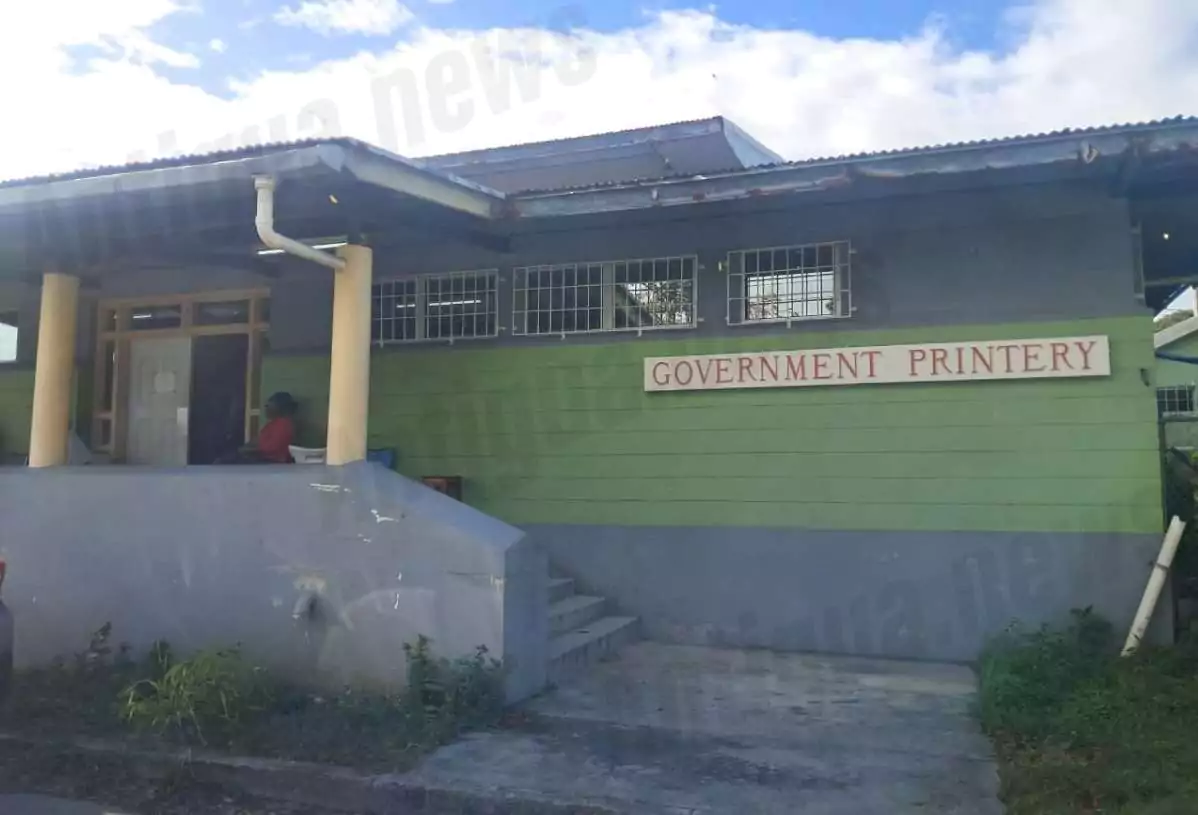
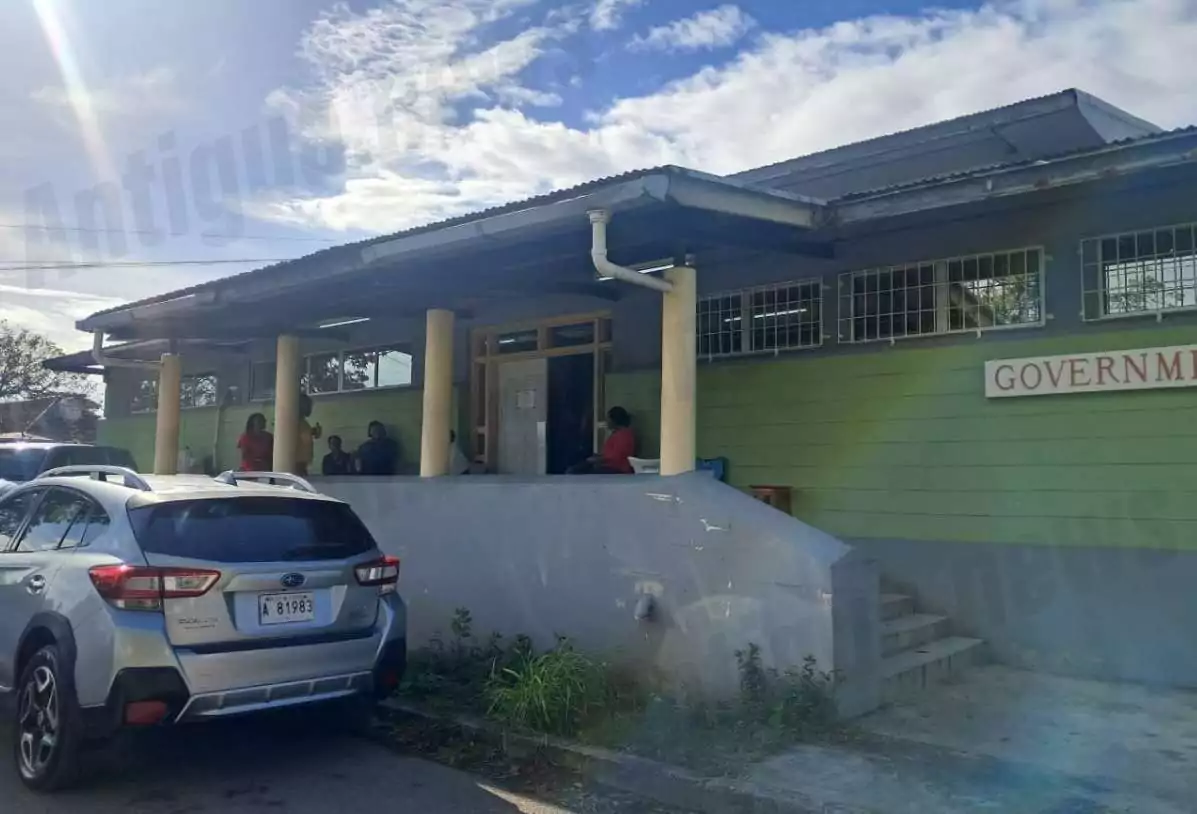
Staff at the Government Printery will remain off the job for an additional week as repair and maintenance work at the facility continues beyond the initial two-day closure, according to updated information from Cabinet.
The extension comes as teams from the Ministry of Works intensify efforts to address longstanding issues within the building, particularly those affecting the health and safety of employees.
A major focus of the ongoing work is the removal and relocation of a large population of pigeons that had taken up residence inside the facility. The infestation created unsanitary conditions, raising serious health concerns and disrupting daily operations.
In addition to the cleanup, authorities are undertaking broader repairs and improvements aimed at restoring the building to a more suitable working condition. These works include deep cleaning, structural fixes, and general maintenance to enhance the environment for staff.
The Government Printery, a longstanding institution, plays a vital role in the country’s administrative framework, producing official documents such as parliamentary papers, government gazettes, forms, and other essential publications.
Over the years, however, workers have raised repeated concerns about the deteriorating state of the facility, citing its impact on both productivity and well-being.
Cabinet has indicated that the extended closure reflects the government’s commitment to ensuring that public servants operate in safe, clean, and healthy conditions.
Officials say once the repairs are completed, staff are expected to return to a significantly improved and more sanitary workplace.
This story was first published by Antigua News on : antigua.news/2026/03/17/update-government-printery-closure-extended-another-week-amid-ongoing-repairs-and-sanitation-efforts. © 2026 Antigua News. Republication without permission is not allowed.

About the author
Shermain Bique-Charles is an accomplished journalist with over 24 years of dynamic experience in the industry. Renowned for her exceptional storytelling and investigative skills, she has garnered numerous awards that highlight her commitment to journalistic integrity and excellence. Her work not only informs but also inspires, making her a respected voice in the field.
Read our editorial standards and corrections policy. Spotted an error? Contact the newsroom.
More from Antigua and Barbuda
View section
UPDATE: Fire Contained After Gutting Christ the King High School Library
Firefighters brought the blaze under control at the Old Parham Road campus. The cause remains unknown.
By Shermain Bique-Charles

BREAKING: Firefighters Respond to Blaze at Christ the King High School
Crews are at the school on Old Parham Road, while a separate fire has been reported on Friars Hill Road.
By Shermain Bique-Charles

Antigua Rejected $100 Million Royal Caribbean Plan Over Fort James Beach Access
The prime minister says the cruise company sought exclusive access to the proposed development area. The government is drawing up plans for a public beach park at Fort James.
By Shermain Bique-Charles

Antigua Eyes New Air Routes but Sees Hotel Capacity as a Hurdle
Turkish Airlines, Qatar Airways and Emirates are among the carriers the government would like to attract.
By Shermain Bique-Charles
Comments (4)
Been too long man March 17, 2026, 1:05 PM
Glen March 17, 2026, 1:18 PM
Juju Bee March 17, 2026, 1:25 PM
Queen Charlotte March 20, 2026, 11:51 AM