
Antigua and Barbuda Chairs UN Selection Process for Prestigious Population Award

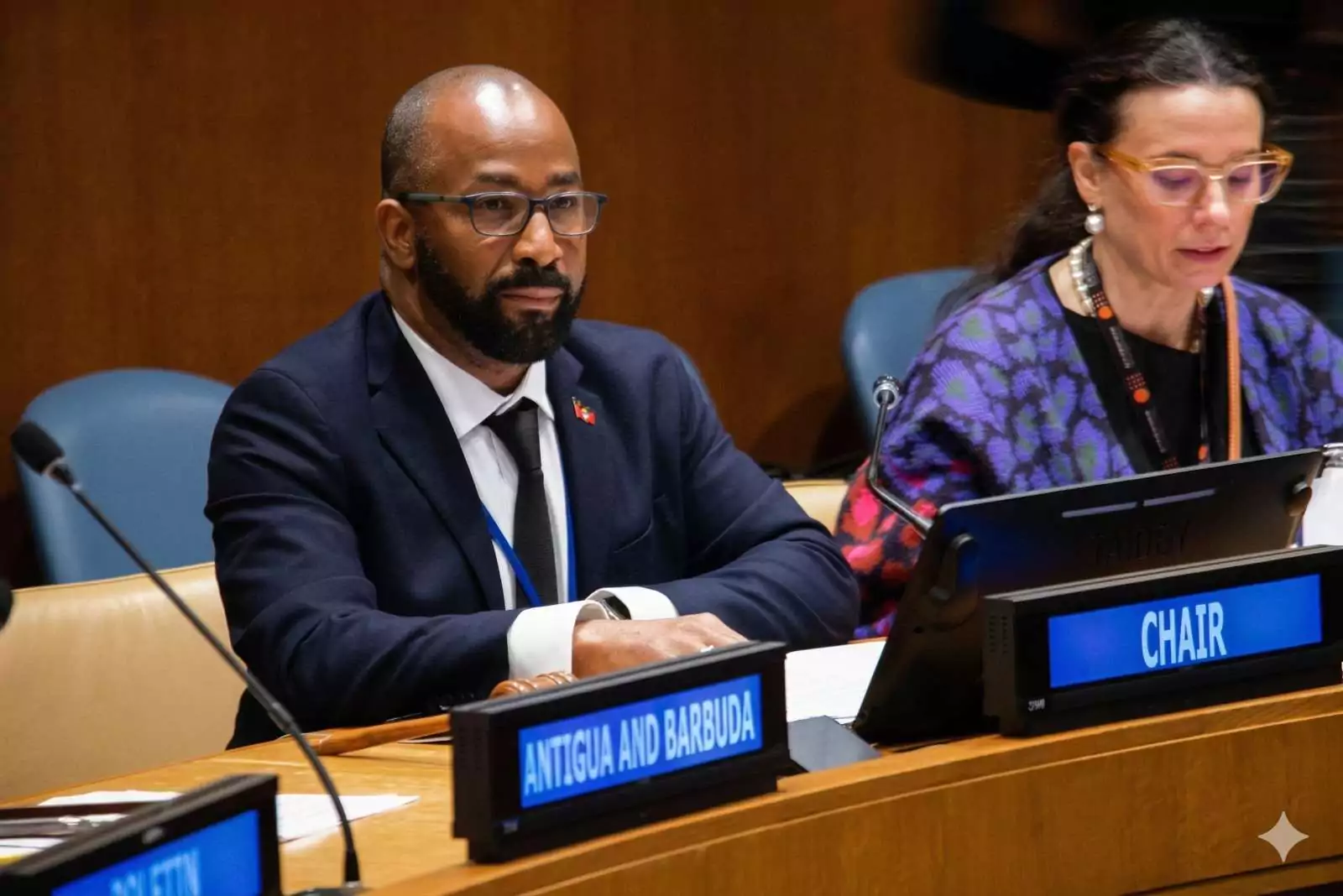
Antigua and Barbuda has taken on a leading role at the United Nations, chairing this year’s selection process for one of the organization’s most respected honours.
First Secretary at the country’s Permanent Mission to the United Nations, Claxton Duberry, on Thursday presided over deliberations of the 10-member Committee responsible for choosing recipients of the United Nations Population Award at both the institutional and individual levels.
The twin-island nation, which served as a committee member last year, was elevated to the chairmanship for 2026, a move seen as a significant vote of confidence in its diplomatic engagement on global development issues.
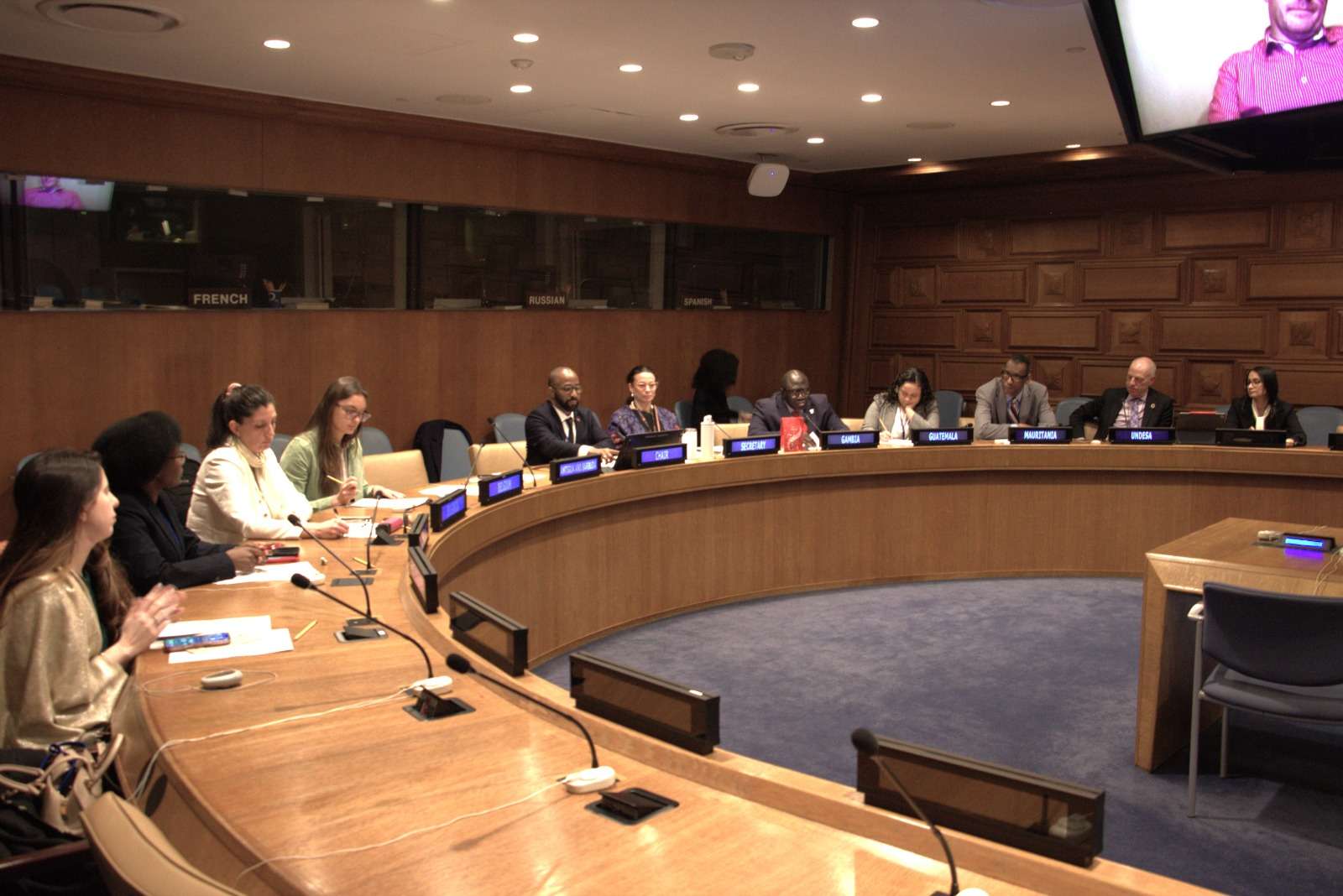
Established in 1981, the United Nations Population Award recognises individuals and organisations making outstanding contributions in areas such as global health, gender equality, and sustainable development. The award also highlights critical population challenges and the efforts being made worldwide to address them.
Duberry described the opportunity as both an honour and a responsibility.
“It was a profound honour to chair the selection process and important for Antigua and Barbuda to be part of an exercise that advances human dignity and sustainable development of populations across the globe,” he said.
The announcement of this year’s laureates is expected later in 2026.
Antigua and Barbuda has previously been represented among the award’s distinguished recipients. In 2018, the late Sir Prince Ramsey was honoured for his groundbreaking work in HIV/AIDS advocacy, treatment, and prevention across Antigua and Barbuda and the wider Caribbean.
This story was first published by Antigua News on : antigua.news/2026/03/28/antigua-and-barbuda-chairs-un-selection-process-for-prestigious-population-award. © 2026 Antigua News. Republication without permission is not allowed.

About the author
The Editorial Staff refers to all reporters employed by Antigua.news. When an article is not an original creation of Antigua.news—such as when it is based on a press release, other media articles, letters to the editor, or court decisions—one of our staff members is responsible for overseeing its publication.
Read our editorial standards and corrections policy. Spotted an error? Contact the newsroom.
More from Antigua and Barbuda
View section
Minister Fernandez Hails Exceptional Performance of Antigua and Barbuda Airport Authority During Historic CHOGM 2026
Tourism and Civil Aviation Minister Charles Fernandez commends airport employees and supporting agencies for their coordination, professionalism and service during the historic Commonwealth gathering.
By Editorial Staff

Browne Says Commonwealth Trade Expansion Could Benefit Antigua and Barbuda
Prime Minister points to sourcing opportunities as leaders pursue closer economic ties
By Shermain Bique-Charles

VIDEO: Ministry of Education Investigating Confrontation Involving Secondary School Students
Students from Jennings Secondary School and Princess Margaret Secondary School were reportedly involved in an incident captured on video and circulated on social media.
By Cory Wayland

Browne Hails Billions in Funding Pledges as Major Success of CHOGM 2026
Eye health and nature initiatives among the outcomes highlighted by the Prime Minister
By Shermain Bique-Charles
Comments (1)
Apex Jones March 28, 2026, 9:37 AM