
Antiguan Songwriter Drastic Puts His Method on Paper with New Beginner’s Guide to Songwriting


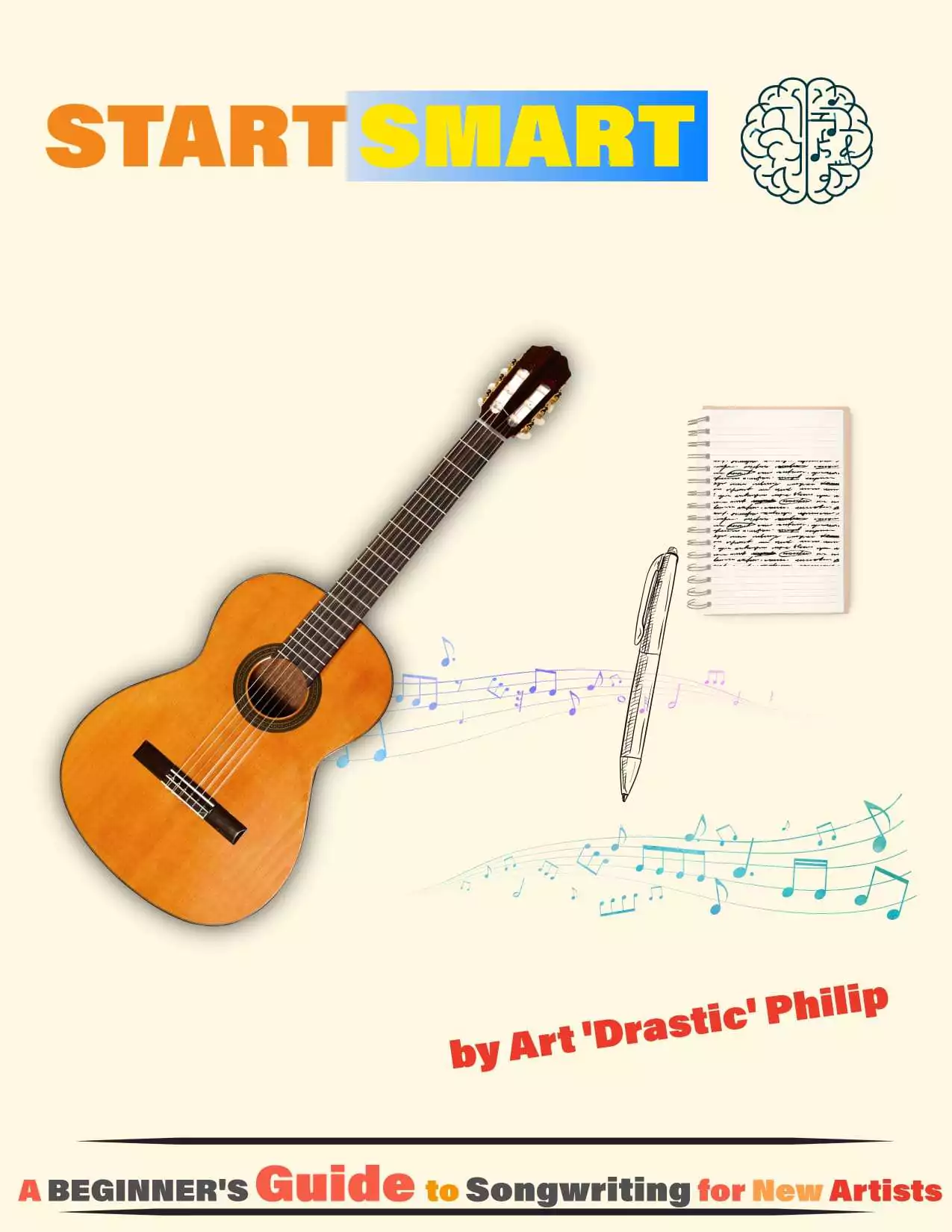
Most people know Art Philip as Drastic, the Antiguan singer, songwriter and producer behind some of the Caribbean’s most recognisable music. Few may have expected his next project to come not from a studio, but from a desk.
In an interview with the Antigua Observer, the two-time Grammy-nominated artist revealed he has written a beginner’s guide to songwriting titled Start Smart: A Beginner’s Guide to Songwriting for New Artists, a book he says was years in the making and answers one of the most common questions he has ever been asked.
“Over time, one of the most common questions I’ve been asked is about my writing method and approach,” he told the Observer. “This book is my way of answering that.”
The book is practical by design. Drastic says he wanted to strip away the mystery that often surrounds the craft. “One of the key messages is that songwriting doesn’t have to be a complex process,” he said, adding that readers can also expect guidance on overcoming writer’s block, which he describes as “more common than many people realize.”
The audience is wide. Drastic says the book is suitable for anyone from a secondary school student to an adult returning to a creative hobby. But his biggest ambition is to see it land in classrooms. “I would love to see this book become part of the school curriculum,” he said, arguing that introducing songwriting in schools would build communication skills, critical thinking and self-confidence alongside opening doors to real economic opportunities in the global music industry.
The project also has a personal dimension. His mother, Carolyn Philip, who is herself an author, served as his editor. “You could say she inspired me to follow through with this project,” Drastic said.
Start Smart is currently available in hard copy on Amazon.com for $9.99 USD, with a Kindle version and audiobook to follow.
On top of the book launch, Drastic is also releasing new music. His single Make It to Heaven, produced by DJ Avalanche, has expanded into a three-track EP featuring an original version, a Reggae version, and a House/EDM version, a development he said he did not originally plan. The song, inspired by a dream, carries a message of gratitude and faith. The EP is available now on all major streaming platforms.
This story was first published by Antigua News on : antigua.news/2026/03/28/antiguan-songwriter-drastic-puts-his-method-on-paper-with-new-beginners-guide-to-songwriting. © 2026 Antigua News. Republication without permission is not allowed.

About the author
The Editorial Staff refers to all reporters employed by Antigua.news. When an article is not an original creation of Antigua.news—such as when it is based on a press release, other media articles, letters to the editor, or court decisions—one of our staff members is responsible for overseeing its publication.
Read our editorial standards and corrections policy. Spotted an error? Contact the newsroom.
More from Antigua and Barbuda
View section
Police Launch Search at Sir Lester Bird Medical Centre After Suspect Escapes Custody
A man detained during a police operation in Fort Road reportedly disappeared after requesting to use the restroom while receiving medical attention at the hospital.
By Cory Wayland

P&O Cruises Secures Replacement Flights to Antigua After Norse Suspends Services
Two charter flights from the UK are scheduled to bring passengers to Antigua on Saturday to join Arvia.
By Shermain Bique-Charles

Social Protection Board Honours Seniors at Annual Tea Party
Under the theme “Ageing with Dignity, Living with Purpose,” the gathering celebrated the contributions of older citizens and called on younger generations to spend more time with them.
By Shermain Bique-Charles

Pastor Clement Joseph Urges Leaders to Put Wisdom and Humility Before Power
A reflection on Solomon’s request for discernment places fairness, consultation and service at the centre of leadership.
By Cory Wayland
Comments (3)
Juju Bee March 28, 2026, 6:13 PM
Island girl March 28, 2026, 7:23 PM
Champaign March 29, 2026, 6:38 AM