
APUA Announces Utility Amnesty Programme for Long-Disconnected Residential Customers

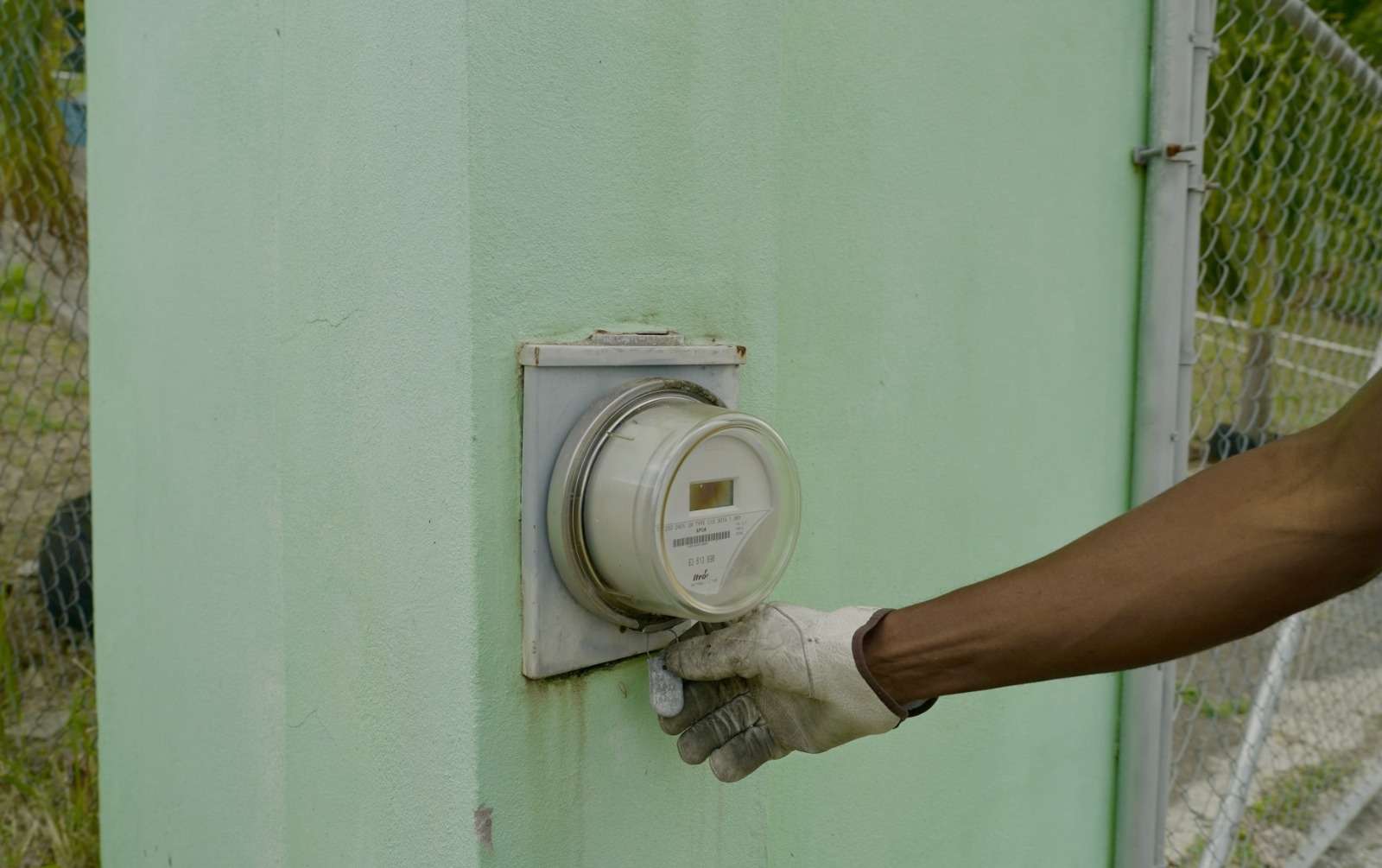
The Antigua Public Utilities Authority (APUA) has introduced a Utility Amnesty Programme targeting residential customers whose electricity, water, or telephone services have been disconnected for more than 180 days.
The initiative follows a Cabinet decision taken in April 2026 by the Government of Antigua and Barbuda and is intended to give affected households an opportunity to restore access to essential utility services.
According to APUA, customers whose services were disconnected on or before September 30, 2025, are eligible to apply under the programme. The authority is encouraging those affected to take advantage of the amnesty to regularize their accounts and reconnect their services.
Applications will be processed at the APUA Business Centre on Independence Avenue as well as the Village Walk customer service location. Applicants are required to present a valid government-issued identification and their account number. Tenants must also submit a letter of permission from their landlord as part of the application process.
The deadline to apply for the Utility Amnesty Programme is May 29, 2026.
APUA officials say the programme forms part of a wider effort to support customers facing prolonged disconnections while helping to restore access to basic utilities that are essential to daily living.
This story was first published by Antigua News on : antigua.news/2026/04/10/apua-announces-utility-amnesty-programme-for-long-disconnected-residential-customers. © 2026 Antigua News. Republication without permission is not allowed.

About the author
The Editorial Staff refers to all reporters employed by Antigua.news. When an article is not an original creation of Antigua.news—such as when it is based on a press release, other media articles, letters to the editor, or court decisions—one of our staff members is responsible for overseeing its publication.
Read our editorial standards and corrections policy. Spotted an error? Contact the newsroom.
More from Antigua and Barbuda
View section
Browne Places Youth and Women’s Opportunities at Centre of Commonwealth Agenda
Scholarships, research partnerships and digital access feature in the Prime Minister’s call for inclusive growth.
By Shermain Bique-Charles

Greenaway to Represent Antigua and Barbuda on UN Governance Panel in Baku
The Permanent Secretary will discuss partnerships to improve public service delivery at the UN Governance Innovation Summit.
By Shermain Bique-Charles

OPINION: From Commonwealth connections to economic opportunity: Expanding
Commonwealth, Afreximbank and ITC leaders call for stronger transport links, accessible finance and simpler payments to unlock Africa–Caribbean trade.
By Editorial Staff

Royal Visit Ends After Week of Independence Celebrations and Commonwealth Engagements
King Charles III and Queen Camilla departed Antigua and Barbuda this morning following national, community and diplomatic events.
By Shermain Bique-Charles
Comments (1)
Juju Bee April 11, 2026, 10:06 PM