
Antigua and Barbuda Reaffirms Commitment to UN Charter at Symbolic Signing Ceremony

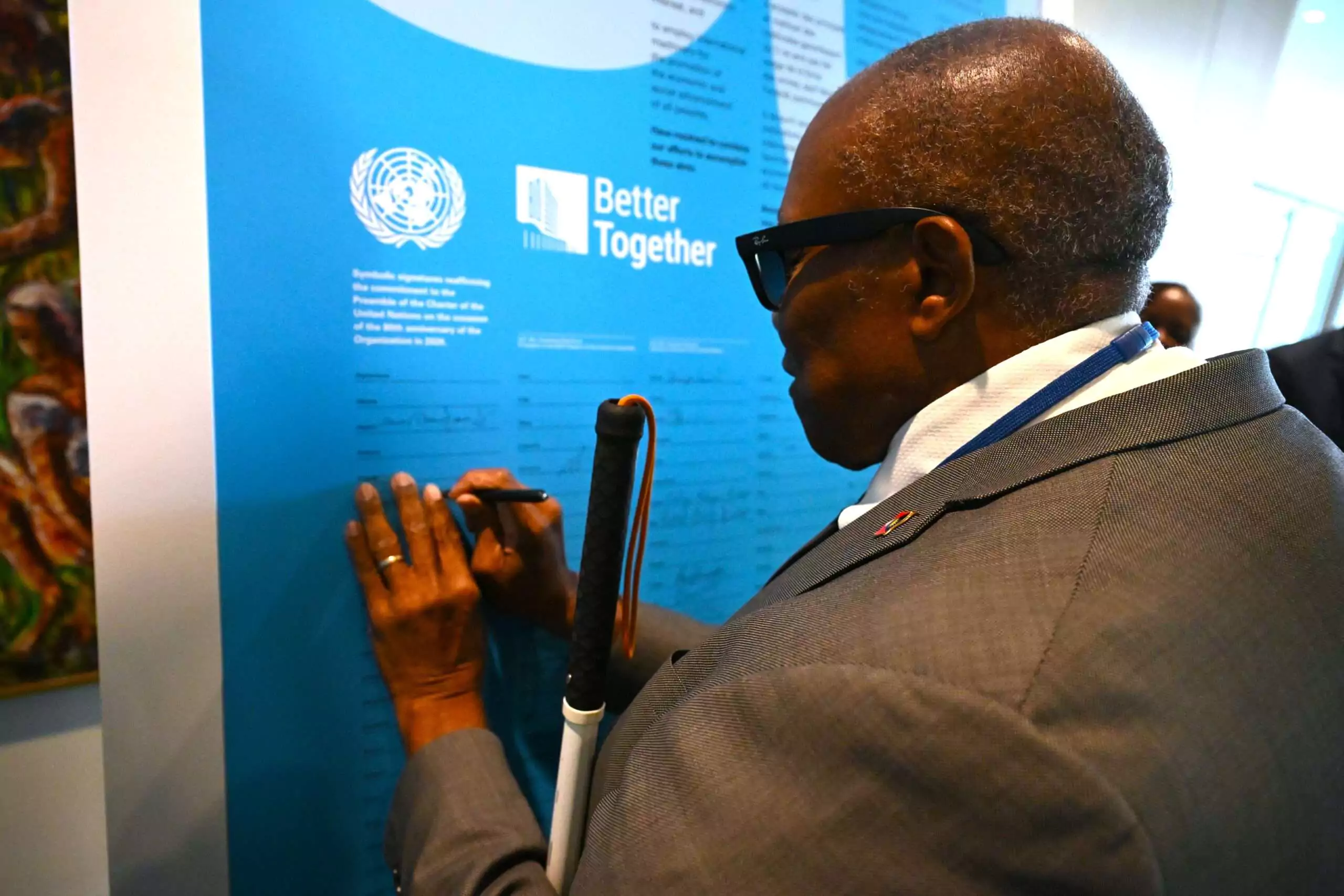
Antigua and Barbuda has reaffirmed its unwavering commitment to the principles of the United Nations Charter, the landmark document that has guided international cooperation and the rules-based global order since its adoption in 1945.
The reaffirmation came last Thursday when Antigua and Barbuda joined fellow CARICOM member states in a symbolic signing ceremony at United Nations Headquarters in New York.
The event formed part of activities commemorating the charter and underscored its enduring importance in promoting multilateralism and collective action in addressing global challenges.
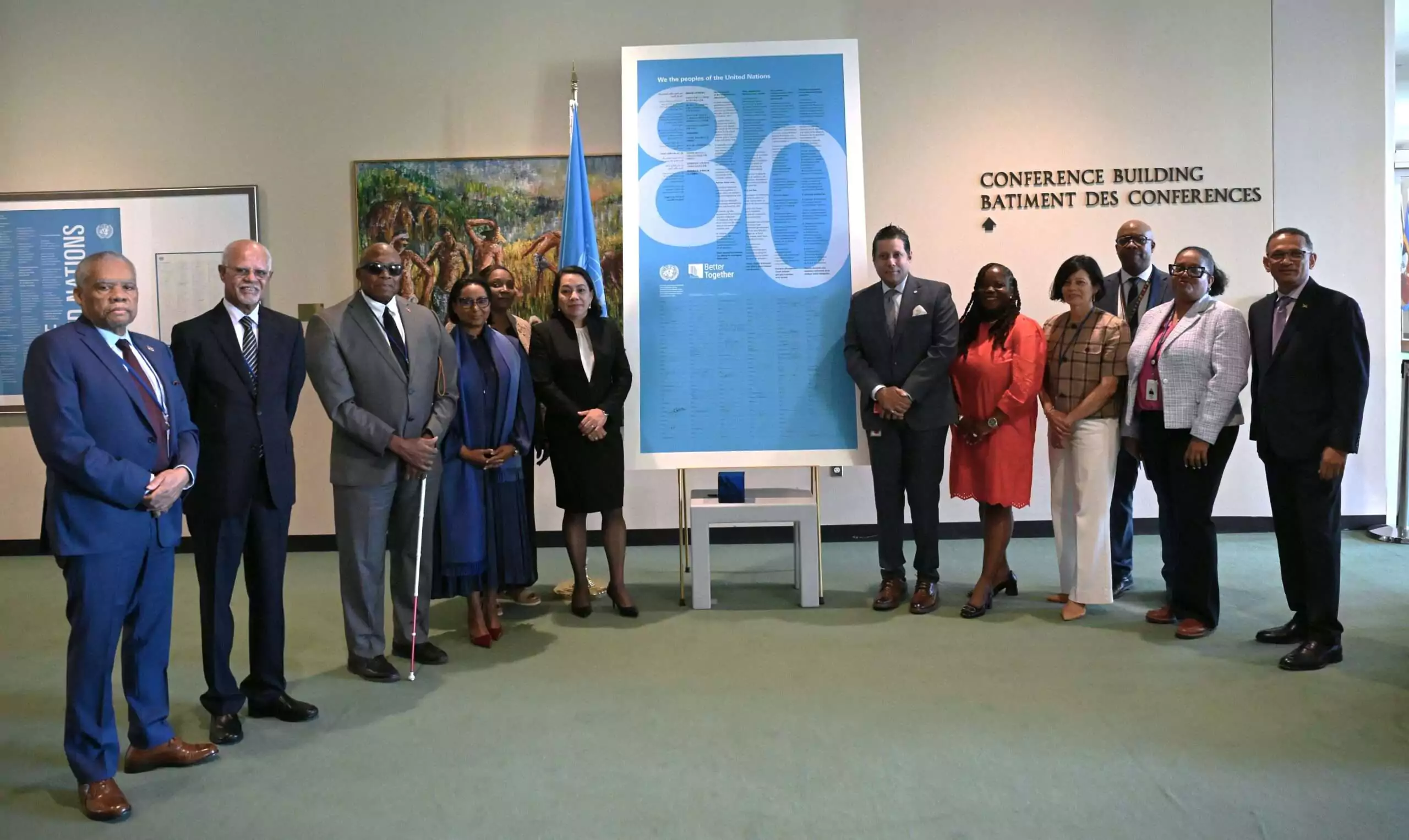
Antigua and Barbuda was represented at the ceremony by the country’s Permanent Representative to the United Nations, Ambassador Walton Webson, who joined fellow ambassadors in placing his signature on a symbolic representation of the charter.
The United Nations Charter was originally signed by representatives of 50 countries at a historic conference in San Francisco following the end of the Second World War. Antigua and Barbuda became a signatory after attaining Independence in 1981, joining the international community in pledging to work toward peace, security and cooperation among nations.
Ambassador Webson said the ceremony served as an important reminder of the critical role the United Nations continues to play in advancing global peace and security.
“This was an important reminder of the role of the United Nations in promoting peace and security and the ideals of sustainable development and international cooperation, which are so important to Antigua and Barbuda and other CARICOM states,” Ambassador Webson said.
He added that Antigua and Barbuda remains firmly committed to the values and principles enshrined in the charter.
“As a committed member of the United Nations, Antigua and Barbuda recognizes that the principles enshrined in the Charter remain as relevant today as they were when the Organization was founded in 1945,” he said.
By participating in the symbolic signing ceremony, Antigua and Barbuda reaffirmed its support for the United Nations and its mission of fostering peace, development and international cooperation.
The event forms part of activities marking the 80th anniversary of the United Nations, with the Antigua and Barbuda Mission in New York actively participating in the various commemorative initiatives.
This story was first published by Antigua News on : antigua.news/2026/06/22/antigua-and-barbuda-reaffirms-commitment-to-un-charter-at-symbolic-signing-ceremony. © 2026 Antigua News. Republication without permission is not allowed.

About the author
The Editorial Staff refers to all reporters employed by Antigua.news. When an article is not an original creation of Antigua.news—such as when it is based on a press release, other media articles, letters to the editor, or court decisions—one of our staff members is responsible for overseeing its publication.
Read our editorial standards and corrections policy. Spotted an error? Contact the newsroom.
More from Antigua and Barbuda
View section
Antigua and Barbuda First in Eastern Caribbean to Sign UN Development Framework for 2027–2031
The agreement will guide cooperation on economic diversification, climate resilience, social protection and other development priorities.
By Shermain Bique-Charles

Parker Defends Call for Age of Consent at 18 in Response to ASPIRE
Senator calls for stronger protection against sexual exploitation alongside adolescent healthcare, education and safeguards for relationships between young people close in age.
By Shermain Bique-Charles

Greene Says CHOGM Could Open Doors for UWI Five Islands
Foreign minister identifies international student recruitment and academic connections as potential longer-term opportunities. Meta description: Greene says CHOGM could help UWI Five Islands promote its programmes and build connections with Commonwealth countries.
By Shermain Bique-Charles

West Indies Oil Seeks Coordination on Fuel Deliveries During CHOGM
Police ask the company to provide delivery dates and times so movements can be coordinated with security arrangements.
By Cory Wayland
Comments (1)
Juju Bee June 22, 2026, 9:34 PM