
E.P. Chet Greene Urges Public Support as CHOGM Security Exercise Gets Underway

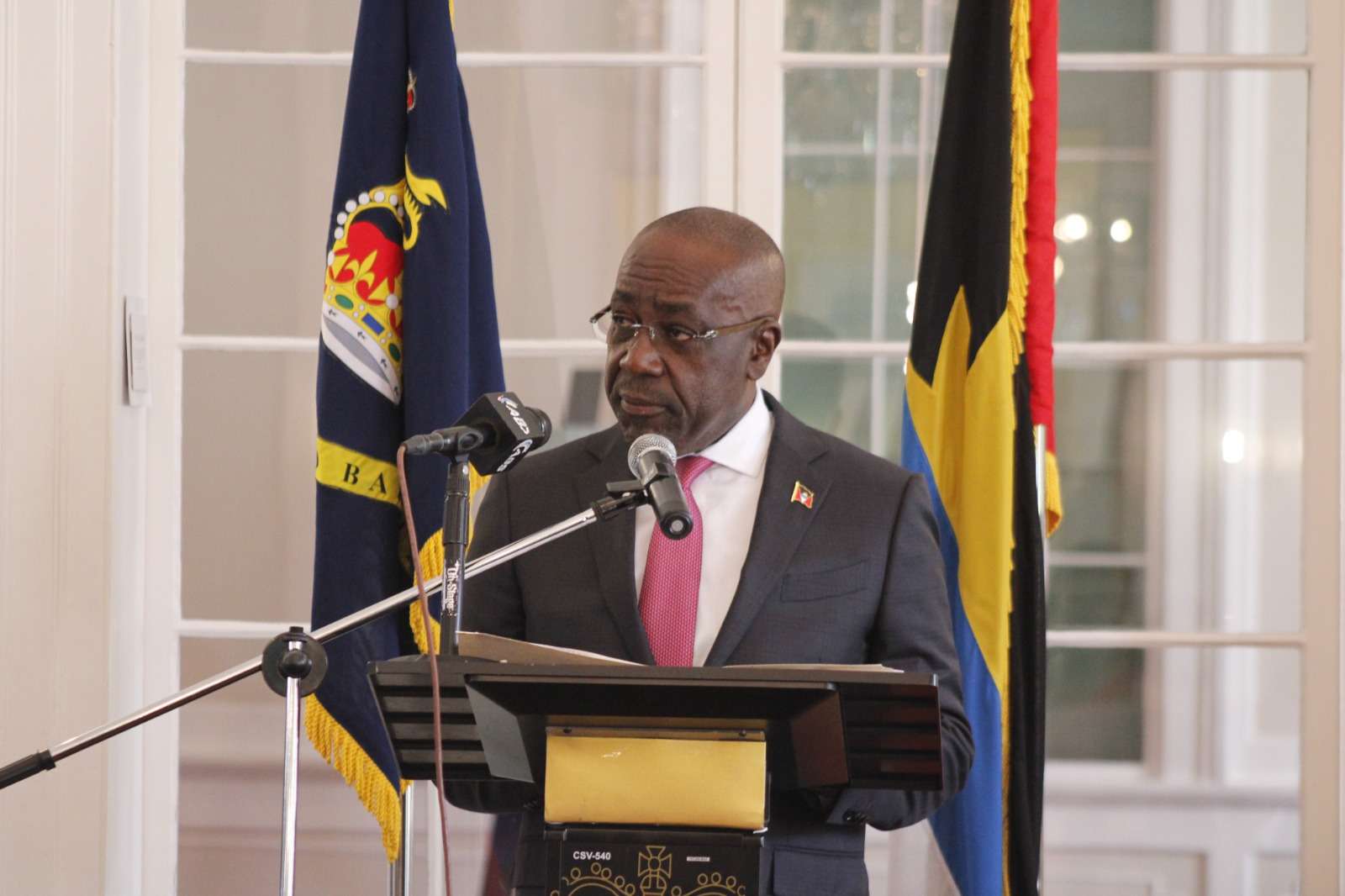
Foreign Affairs Minister and Chairman of the CHOGM Task Force, Hon. E.P. Chet Greene, is calling on the public to cooperate with authorities as Antigua and Barbuda carries out a three-day national security simulation exercise ahead of the Commonwealth Heads of Government Meeting (CHOGM) 2026.
In a message to the nation, Greene said the exercise is a key part of the country’s preparations to host Commonwealth leaders in November and is intended to test the effectiveness of security operations and emergency response systems before the international summit.
He described the simulation as more than just a routine drill, saying it reflects Antigua and Barbuda’s commitment to providing a safe and secure environment for visiting dignitaries and residents alike.
Greene praised members of the Royal Police Force of Antigua and Barbuda and other security agencies involved in the operation, commending their dedication and months of planning.
“Your dedication, sacrifice and meticulous planning are the bedrock of our nation’s readiness,” he said, while urging security personnel to carry out their duties with professionalism throughout the exercise.
The minister also thanked the public for its patience, acknowledging that the operation will result in traffic delays, road closures and temporary access restrictions in several areas.
“We fully anticipate and sincerely apologize for any inconveniences to your daily routines,” Greene said. “Please understand that these temporary adjustments are necessary.”
He said the temporary disruptions are essential to ensuring the country is fully prepared to safely host one of the region’s largest international events.
Greene added that the success of the exercise depends not only on security personnel but also on the cooperation of the wider public, describing the preparations as an “all-of-country” effort that showcases Antigua and Barbuda’s readiness to welcome Commonwealth leaders.
He also assured residents that the government and the CHOGM Task Force will remain accessible throughout the exercise to address concerns and provide information as needed.
The security simulation, which runs over three days, forms part of the country’s final preparations for CHOGM 2026 and is designed to evaluate coordination among emergency services, law enforcement agencies and other key stakeholders before the summit takes place later this year.
This story was first published by Antigua News on : antigua.news/2026/07/08/e-p-chet-greene-urges-public-support-as-chogm-security-exercise-gets-underway. © 2026 Antigua News. Republication without permission is not allowed.

About the author
The Editorial Staff refers to all reporters employed by Antigua.news. When an article is not an original creation of Antigua.news—such as when it is based on a press release, other media articles, letters to the editor, or court decisions—one of our staff members is responsible for overseeing its publication.
Read our editorial standards and corrections policy. Spotted an error? Contact the newsroom.
More from Antigua and Barbuda
View section
Antigua and Barbuda First in Eastern Caribbean to Sign UN Development Framework for 2027–2031
The agreement will guide cooperation on economic diversification, climate resilience, social protection and other development priorities.
By Shermain Bique-Charles

Parker Defends Call for Age of Consent at 18 in Response to ASPIRE
Senator calls for stronger protection against sexual exploitation alongside adolescent healthcare, education and safeguards for relationships between young people close in age.
By Shermain Bique-Charles

Greene Says CHOGM Could Open Doors for UWI Five Islands
Foreign minister identifies international student recruitment and academic connections as potential longer-term opportunities. Meta description: Greene says CHOGM could help UWI Five Islands promote its programmes and build connections with Commonwealth countries.
By Shermain Bique-Charles

West Indies Oil Seeks Coordination on Fuel Deliveries During CHOGM
Police ask the company to provide delivery dates and times so movements can be coordinated with security arrangements.
By Cory Wayland
Comments (1)
Juju Bee July 8, 2026, 4:53 PM