
Tattoo Artist ‘Mongoose’ Released from Prison After Court of Appeal Reduced Sentence

By Cory Wayland
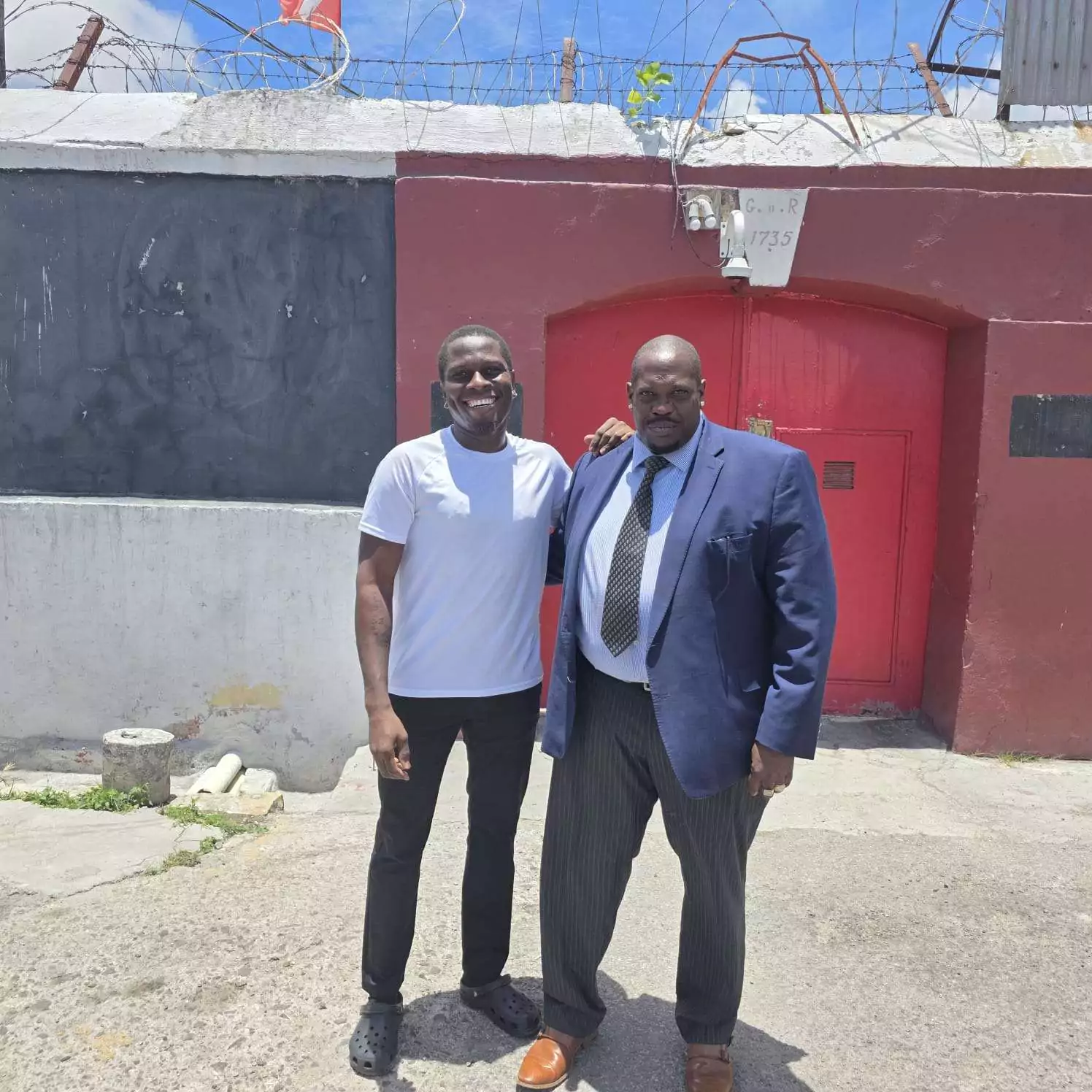
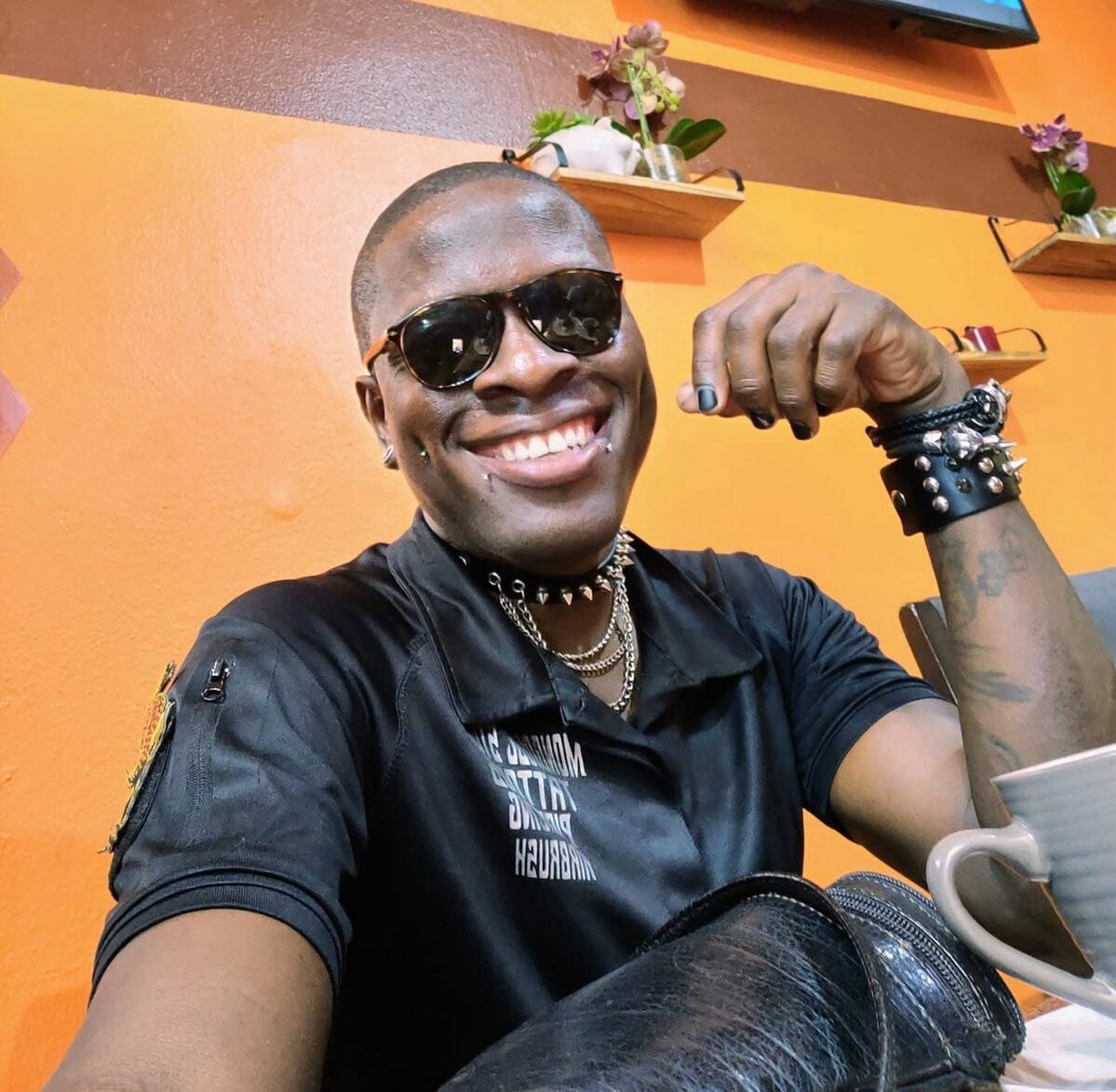
Popular Antiguan tattoo artist and social media personality Oszie Kelvin Russell, widely known as “Mongoose,” has been released from His Majesty’s Prison after serving a reduced sentence for illegal firearm possession.
Russell walked free on Monday, July 27, bringing an end to a case that drew significant public attention following his arrest in 2025.
The 40-year-old pleaded guilty in April 2025 to unlawful possession of an unlicensed 9mm Glock 80 pistol, 10 rounds of ammunition, and a black suppressor.
Police arrested Russell after executing a search warrant at his Lightfoot home on April 22, 2025. During the operation, officers alleged that he attempted to dispose of the firearm by throwing it from a bedroom window before it was recovered.
Magistrate Ngaio Emanuel initially sentenced Russell to three years and six months in prison for the firearm offence, with additional one-year sentences imposed for possession of the ammunition and suppressor in accordance with the sentencing guidelines.
However, the sentence was later challenged before the Court of Appeal. In March 2026, attorneys Wendel Alexander and Andrew Okola successfully argued that the magistrate had improperly increased the sentence by adding time to each offence.
The appellate court agreed and reduced Russell’s prison term from three years and six months to one year, 10 months and 20 days.
Having completed the revised sentence, Russell was released from prison on Monday.
Known professionally as “Mongoose,” Russell has built a large following over the years through his tattoo artistry and online presence, making his arrest, conviction and subsequent appeal one of the island’s most closely watched criminal cases.
This story was first published by Antigua News on : antigua.news/2026/07/27/tattoo-artist-mongoose-released-from-prison-after-court-of-appeal-reduced-sentence. © 2026 Antigua News. Republication without permission is not allowed.

About the author
Cory Wayland is the Social Media Co-ordinator at Antigua.News, where he manages digital content strategy, audience engagement, and real-time news publications across social platforms. With a keen eye for trending topics and a commitment to factual storytelling, Cory plays a key role in shaping the online voice of Antigua.News.
Read our editorial standards and corrections policy. Spotted an error? Contact the newsroom.
More from Antigua and Barbuda
View section
PM Browne Urges Action as About One in Three Adults in Antigua and Barbuda Live With Obesity
The prime minister called for individual and collective action, highlighting diet, exercise and adequate rest.
By Shermain Bique-Charles

APUA to Begin Disconnections for Overdue Accounts Tomorrow
Accounts with balances 30 days or more past due will be subject to disconnection through November 30.
By Shermain Bique-Charles

Preferred Contractor Identified for UWI Five Islands Expansion
Daryll Matthew says the selection has been sent to overseas partners for clearance and construction could begin in January.
By Shermain Bique-Charles

US$50 Million Airport Resurfacing Delivered on Time and on Budget
The tourism minister says runway improvements allowed Antigua to accommodate large cargo and government aircraft during CHOGM.
By Shermain Bique-Charles
Comments (4)
Yahoo July 27, 2026, 1:12 PM
Juju Bee July 27, 2026, 1:35 PM
Michael L.Millner July 28, 2026, 10:28 AM
Walter July 28, 2026, 12:29 PM