
WOTA Corp and Antigua and Barbuda Deepen Partnership on Water Resilience

By Cory Wayland
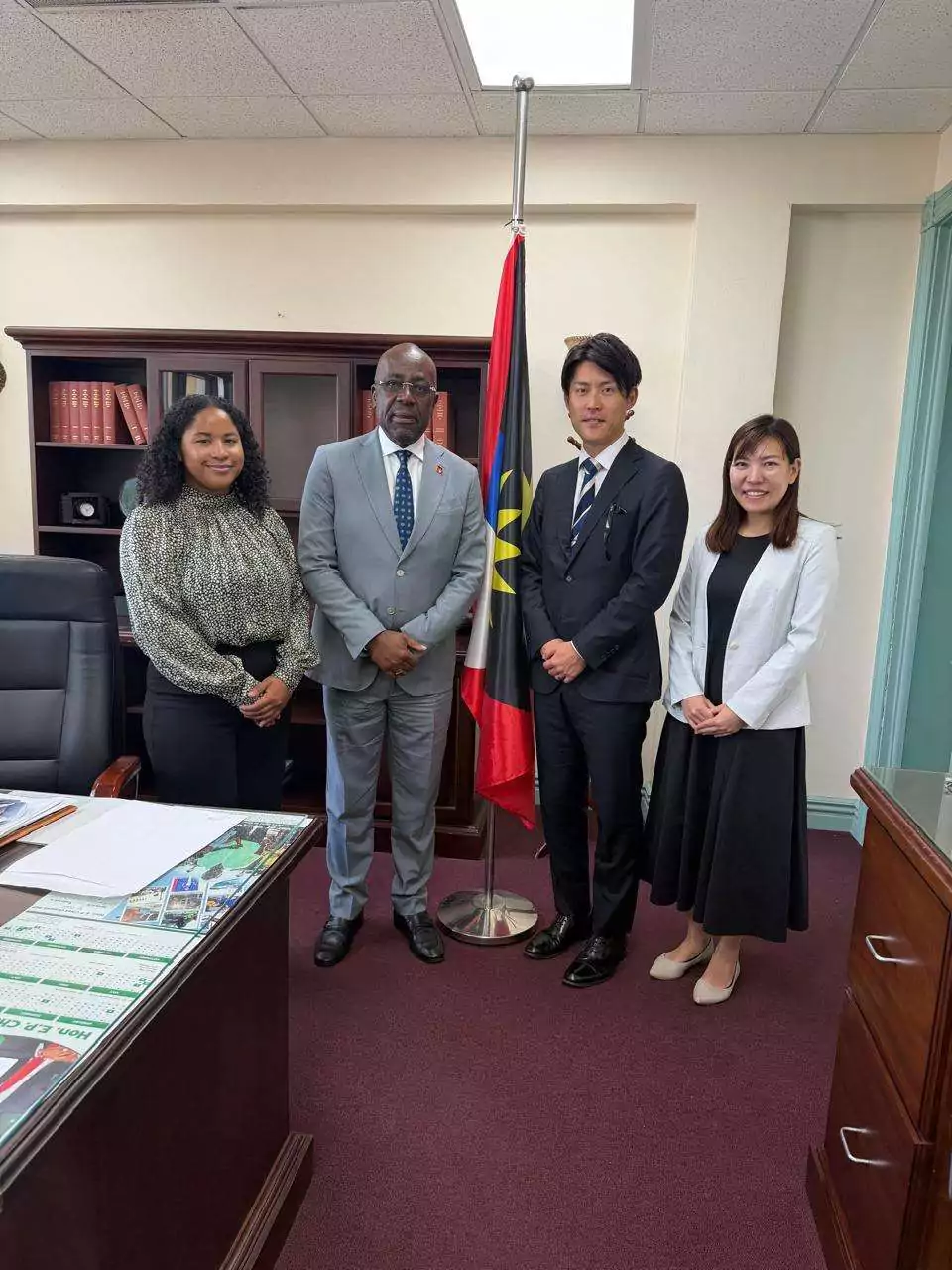
Japanese water technology company WOTA Corp is continuing to strengthen its partnership with the Government of Antigua and Barbuda as the country explores new approaches to improving water resilience.
Representatives of WOTA Corp paid a courtesy visit to Foreign Affairs Minister E.P. Chet Greene on August 17, with discussions centred on the company’s ongoing work in Antigua and Barbuda and opportunities for further collaboration.
A major focus of the meeting was WOTA’s joint proof-of-concept project with the government, which is examining how the company’s technology can contribute to building greater water resilience in the twin-island state.
The discussions also touched on the expanding relationship between WOTA and the government, as well as possible areas of cooperation ahead of the Commonwealth Heads of Government Meeting (CHOGM), which Antigua and Barbuda will host later this year.
WOTA’s involvement in Antigua dates back to November 2021, when an encounter involving the Japanese start-up, members of the British Royal Family and the Government of Antigua and Barbuda helped open the door for the company’s work in the country.
At the time, WOTA was seeking to expand the use of its technology to help address water challenges around the world. The engagement eventually led to the launch of its project in Antigua, which remains ongoing.
The partnership comes as Antigua and Barbuda continues to grapple with longstanding water challenges, making water security and resilience an important national priority.
The August 17 meeting signals continued interest from both sides in developing the partnership, with the ongoing project potentially helping to shape future approaches to water management and resilience in Antigua and Barbuda.
This story was first published by Antigua News on : antigua.news/2026/08/19/wota-corp-and-antigua-and-barbuda-deepen-partnership-on-water-resilience. © 2026 Antigua News. Republication without permission is not allowed.

About the author
Cory Wayland is the Social Media Co-ordinator at Antigua.News, where he manages digital content strategy, audience engagement, and real-time news publications across social platforms. With a keen eye for trending topics and a commitment to factual storytelling, Cory plays a key role in shaping the online voice of Antigua.News.
Read our editorial standards and corrections policy. Spotted an error? Contact the newsroom.
More from Antigua and Barbuda
View section
Police Seek Family of Three-Year-Old Girl Found Alone in Nut Grove
The child, who identified herself as Mya, is being cared for at Grays Farm Police Station.
By Shermain Bique-Charles

Man and Woman Killed in Creekside Shooting
Victims taken to hospital in a private vehicle following gunfire shortly after 4 p.m. Tuesday.
By Shermain Bique-Charles

Emergency Teams Prepare For CHOGM With Simulated Crash And Evacuation Drills
A mass casualty exercise at Scotts Hill and an evacuation drill at the Performing Arts Centre will test emergency readiness ahead of the summit.
By Cory Wayland

Teen Charged Over Tindale Road Burglary
Police say cash and property valued at EC$9,171.50 were stolen from a home on October 15.
By Shermain Bique-Charles
Comments (3)
Donna August 19, 2026, 12:59 PM
Informed citizen August 19, 2026, 5:47 PM
Juju Bee August 20, 2026, 8:49 AM