
Japan: Monkey Terrorizing Locals Caught and Killed
By Tata
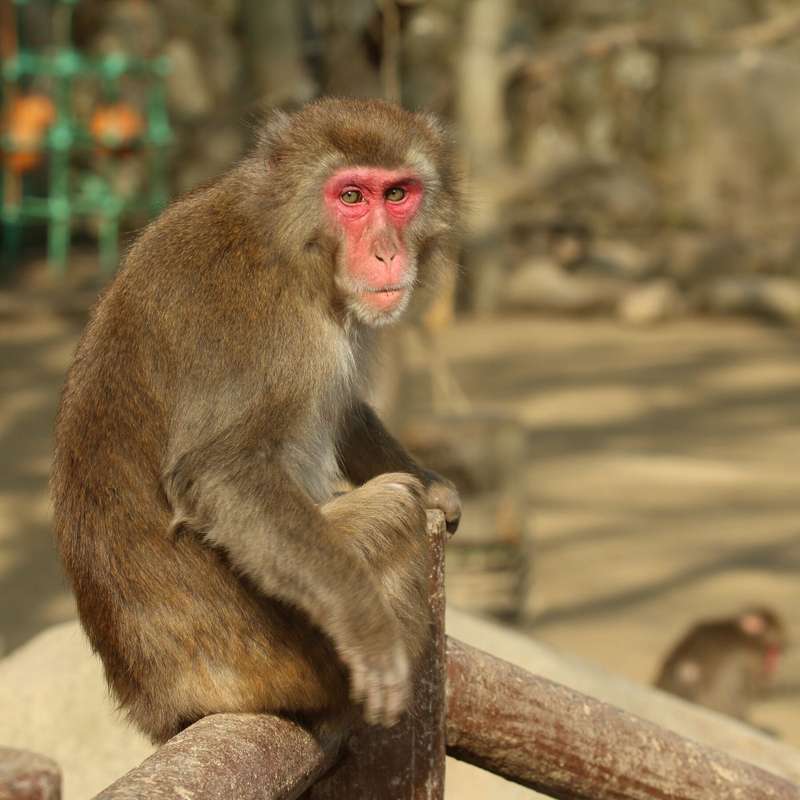
Officials confirm that a member of a gang of monkeys terrorizing a city in Japan has been caught and killed. According to reports, the macaques have attacked about 50 individuals in the city of Yamaguchi.
Authorities have been on a quest to hunt out the monkeys since it was confirmed they are major threats to the safety of residents in the area after a series of attacks on both children and adults.
“They are so smart, and they tend to sneak up and attack from behind, often grabbing at your legs,” city official Masato Saito said.
The male primate, 49 centimeters (1.6ft) in height and weighing seven kilograms (15lbs), was eventually found on Tuesday evening on the grounds of a high school by a group of commissioned hunters specially set up in the city. It was judged as one of the attacking monkeys based on various evidence and was killed after being tranquilized.
Other attacks have been reported after this incidence, but with no fatal injuries recorded. Authorities have advised victims to get medical help.
In one report, a lady was attacked on her porch by a monkey.
According to Saito, “when confronted by a monkey, the instructions are: do not look them in the eye, make yourself look as big as possible, such as by spreading open your coat, then back away as quietly as possible without making sudden moves.”
Japan is highly industrialized. However, a large part of the archipelago has forests and mountains.
The region on rare occasions has experienced attacks by wildlife in the past, though monkey attacks have never occurred. The reason for the attacks as well as where the monkeys trooped from is yet to be ascertained.
“I have never seen anything like this in my entire life,” Saito said.
This story was first published by Antigua News on : antigua.news/2022/07/28/japan-monkey-terrorizing-locals-caught-and-killed. © 2022 Antigua News. Republication without permission is not allowed.
Read our editorial standards and corrections policy. Spotted an error? Contact the newsroom.
More from Tourism
View section
New York Plans Thanksgiving Service and Gala for Antigua and Barbuda’s 45th Independence Anniversary
Celebrations will include a Harlem church service, a Manhattan flag-raising ceremony and a “Road to Golden” gala featuring Session Starters DJs.
By Shermain Bique-Charles

Freeland Congratulates Fernandez on Election as CTO Chairman
Minister of State pledges support for Fernandez’s regional tourism leadership and welcomes his focus on women, youth and connectivity.
By Shermain Bique-Charles

Antigua has 365 beaches. Can it make AI’s shortlist?
As travellers ask chatbots to find their ideal holiday, Antigua and Barbuda faces a new challenge: being recommended before anyone thinks to search for it.
By Dario Item

Nikki Beach Antigua Makes Waves in Monaco as Freeland and Sales Team Meet 30 Potential Buyers
By Shermain Bique-Charles
Comments
Be the first to comment.