
UPP issues press statement on Shugy’s nomination


The main Opposition, the United Progressive Party (UPP) has issued a press statement assuring its members and supporters that its Candidate for St. Mary’s South, Kelvin “Shugy” Simon, was legally nominated yesterday.
A document circulating on social media on behalf of a voter has suggested that Shugy, as he is commonly known, should be disqualified as a nominee because he failed to resign from his position as a civil servant.
The legal paper was addressed to Lorna Simon, the Supervisor of elections
Casworth Aaron, through his law firm, Marshall & Co. quotes section 10 (1) of the Civil Service Act which states that “A civil servant is disqualified for membership of the Senate or the House of Representatives, or any local government body.”
But the UPP said despite claims to the contrary by certain political interests, Mr. Simon was nominated according to the requirements of the Representation of the People Act.
“In addressing the fabricated controversy about the legality of his nomination, the Party refers to Section. 39. 1. of the Antigua and Barbuda Constitution. It states: “No person shall be qualified to be elected as a member of the House who … (g) holds or is acting in any public office or in the office of judge of the Supreme Court or Ombudsman or is a member of the Constituencies Boundaries Commission, the Judicial and Legal Services Commission, the Public Service Commission or the Police Service Commission….” the UPP said in its media release.

The Party draws attention to the word “elected,” noting that there is no prohibition on the nomination.
“The UPP also acknowledges the Civil Service Rule which states that a public servant cannot run for elections unless he first resigns from the Service. However, the Party holds that this section of the Civil Service Rules is unconstitutional,” according to the statement
Notwithstanding that, only Brother Simon and the UPP will determine the pre-election date on which his resignation will be tendered, and we will not be coerced or intimidated by outside forces, the statement said further
This story was first published by Antigua News on : antigua.news/2022/12/29/upp-issues-press-statement-on-shugys-nomination. © 2022 Antigua News. Republication without permission is not allowed.

About the author
The Editorial Staff refers to all reporters employed by Antigua.news. When an article is not an original creation of Antigua.news—such as when it is based on a press release, other media articles, letters to the editor, or court decisions—one of our staff members is responsible for overseeing its publication.
Read our editorial standards and corrections policy. Spotted an error? Contact the newsroom.
More from Election Watch: Antigua and Barbuda
View section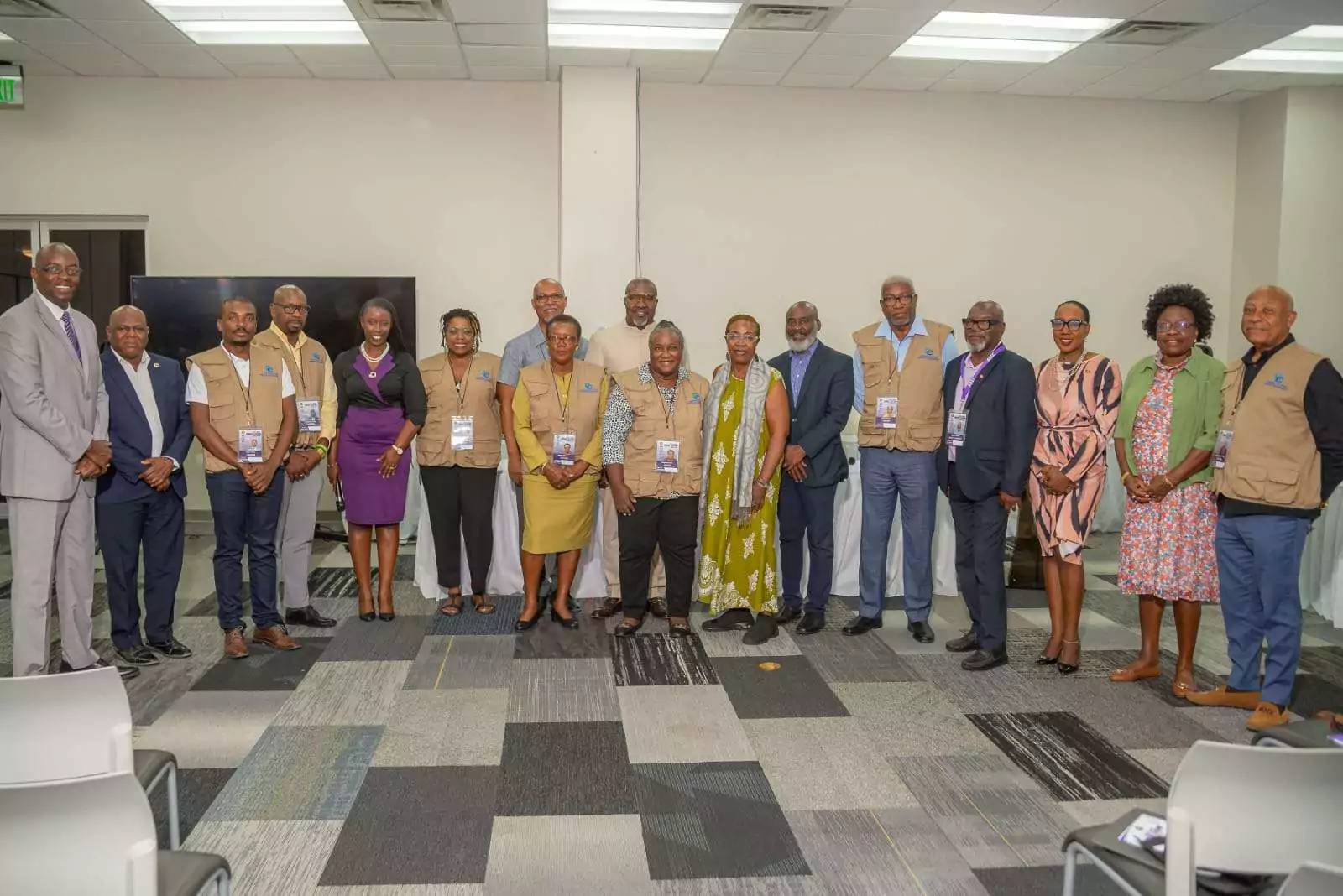
ABEC engages Election Observers ahead of General Elections 2026
By Editorial Staff
ABEC Extends Voter ID Collection Hours to 10PM Ahead of Election Day
By Editorial Staff
ABLP Condemns Destruction of Political Paraphernalia
By Shermain Bique-Charles
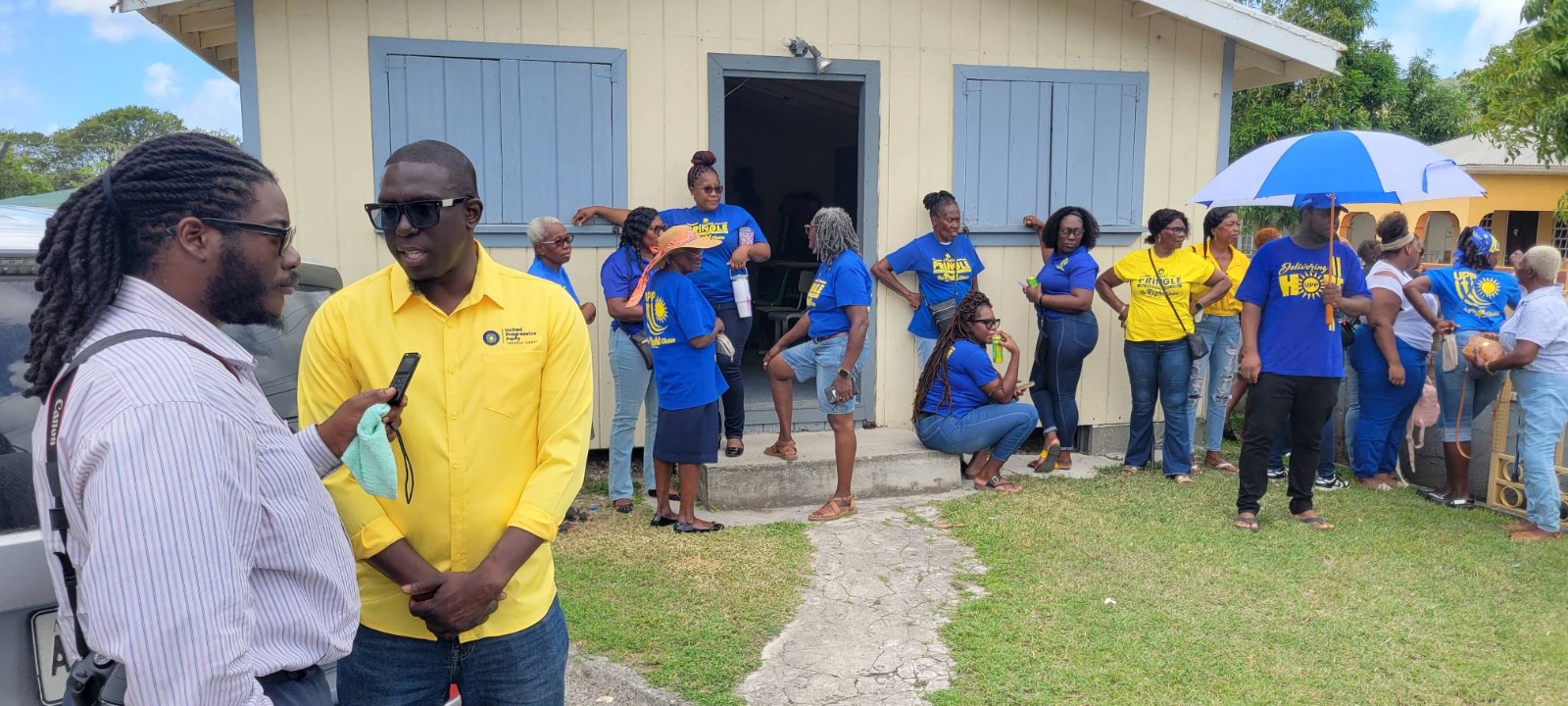
Pringle Nominated, Confident of Retaining UPP Stronghold in All Saints East & St Luke
By Editorial Staff
Comments
Be the first to comment.