
ABLP launch Next Level Manifesto

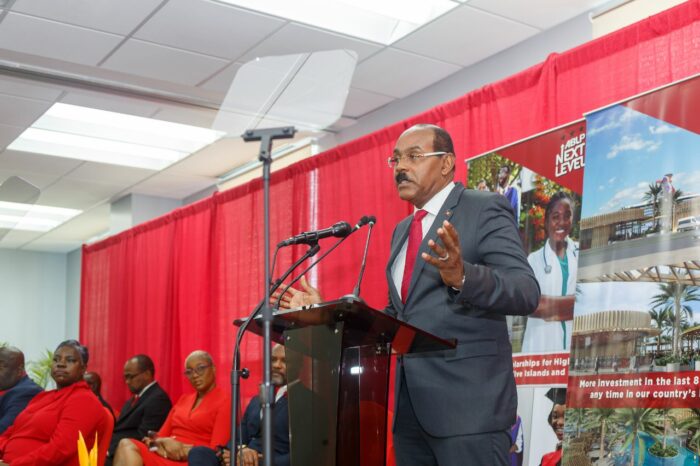
The Antigua and Barbuda Labour Party launched its Next Level Manifesto in grand style on Tuesday, a document filled with promises aimed at the enhancement of people and nation-building.
Prime Minister Gaston Browne, who was supported by all candidates in the upcoming general elections presented a 134 paged publication entitled ABLP next level.
It chronicled programs the party says it has delivered during the last parliamentary cycle, investments over the last 8 years, an examination of the pledges and promises made by the opposition United Progressive Party, and policies and strategies for achieving next-level development for all.
It also includes initiatives to promote health services, medical schools, wellness tourism, housing and beautification, and public service among other things.
In the manifesto, the government pledged that there will be a continuation of no income tax. “Whereas others will tell you there will be no personal income tax, I am sure you will not have the confidence to believe it”, he said.
There will, according to Browne, no increases in the ABST on essential foods, on hygiene products, and where practical, ABST will be reduced
The government will also remove duties on security systems and alternative green energy products for homes and businesses.

“We will bring down the cost of electricity and water by the use of renewable and such as solar energy. We will further incentivize the agriculture and fisheries sectors to provide locally grown and more affordable foods,” Browne said.
The government he says will also adopt legislation that will match the retirement age for all workers in the public and private sectors.
Below is a copy of the ABLP’s manifesto
https://www.voteablp.ag/manifesto/
This story was first published by Antigua News on January 10, 2023: antigua.news/2023/01/10/ablp-launch-next-level-manifesto. © 2023 Antigua News. Republication without permission is not allowed.

About the author
The Editorial Staff refers to all reporters employed by Antigua.news. When an article is not an original creation of Antigua.news—such as when it is based on a press release, other media articles, letters to the editor, or court decisions—one of our staff members is responsible for overseeing its publication.
Read our editorial standards and corrections policy. Spotted an error? Contact the newsroom.
More from Election Watch: Antigua and Barbuda
View section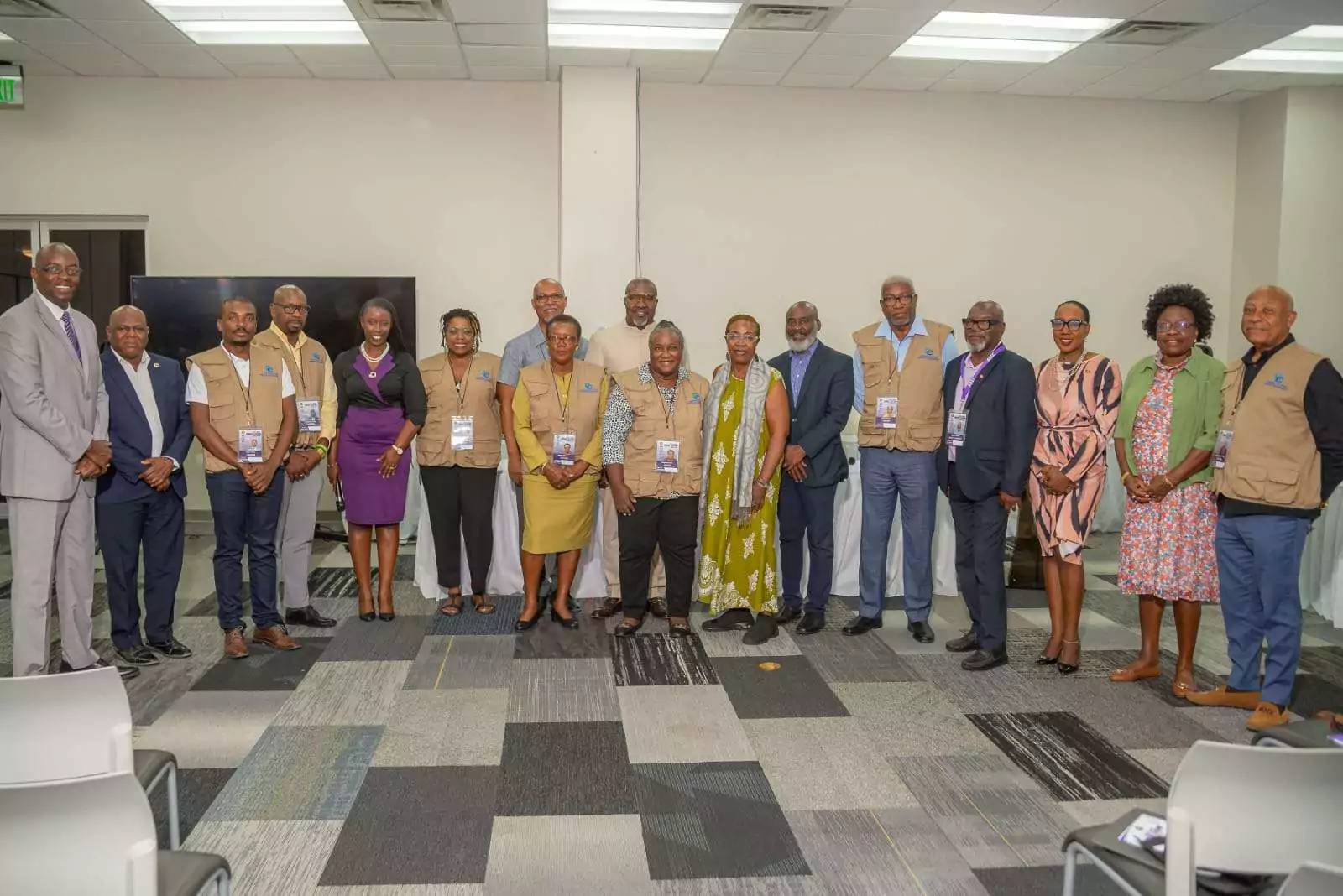
ABEC engages Election Observers ahead of General Elections 2026
By Editorial Staff
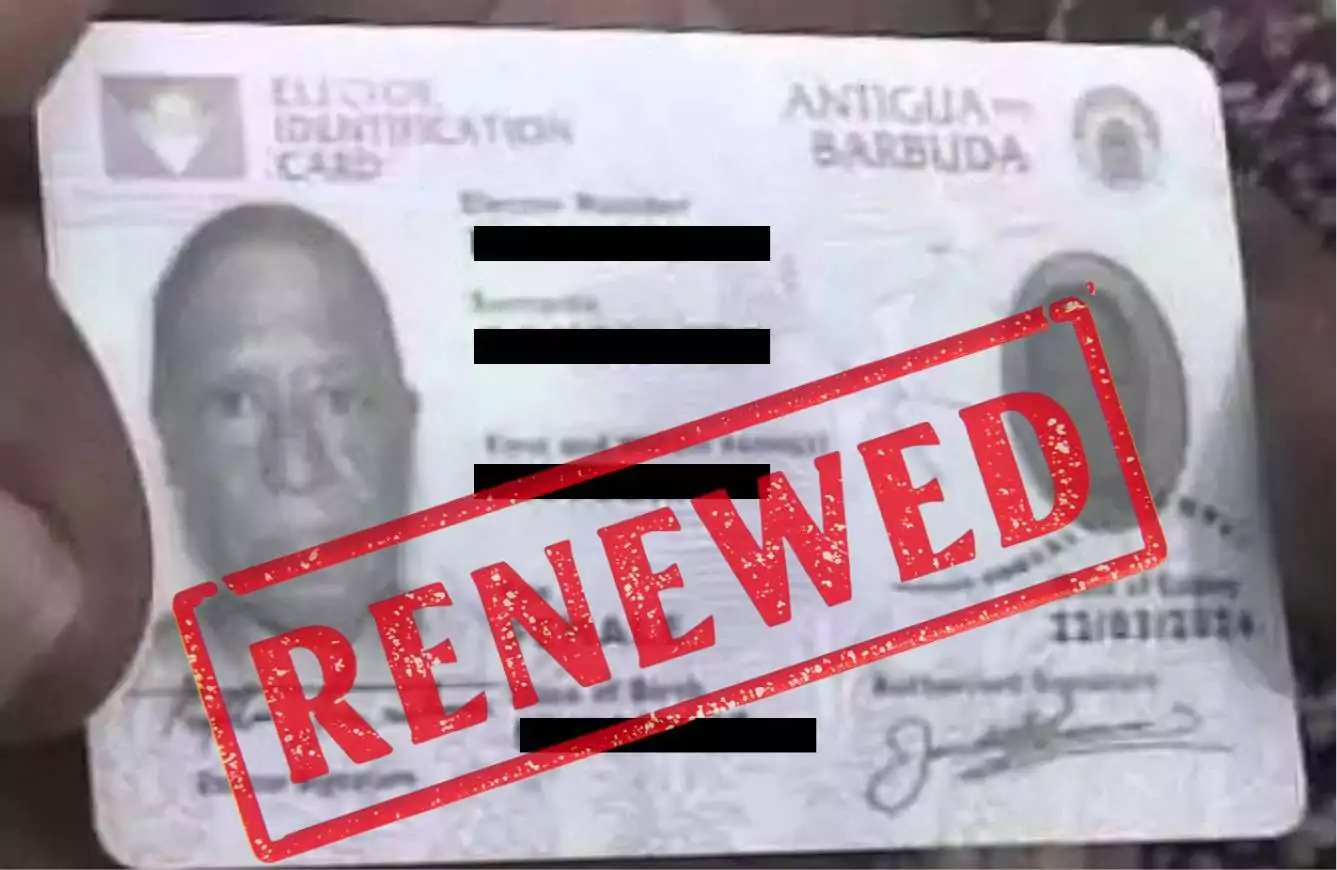
ABEC Extends Voter ID Collection Hours to 10PM Ahead of Election Day
By Editorial Staff
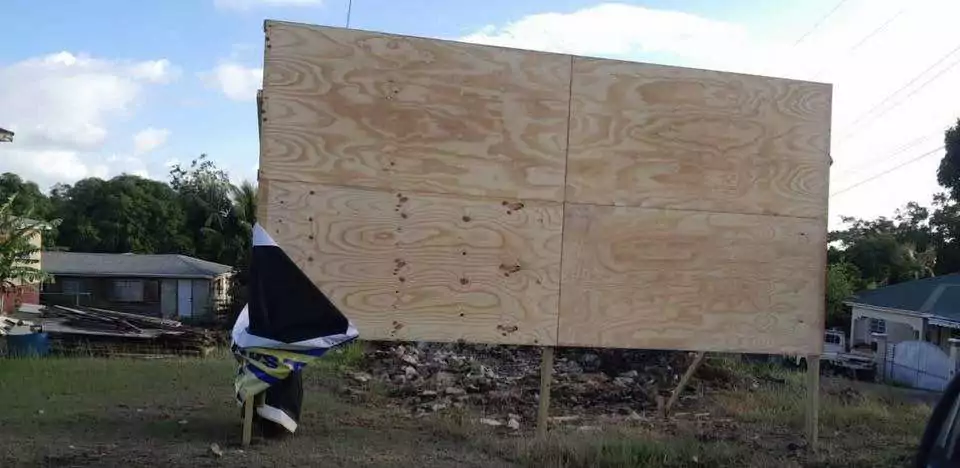
ABLP Condemns Destruction of Political Paraphernalia
By Shermain Bique-Charles
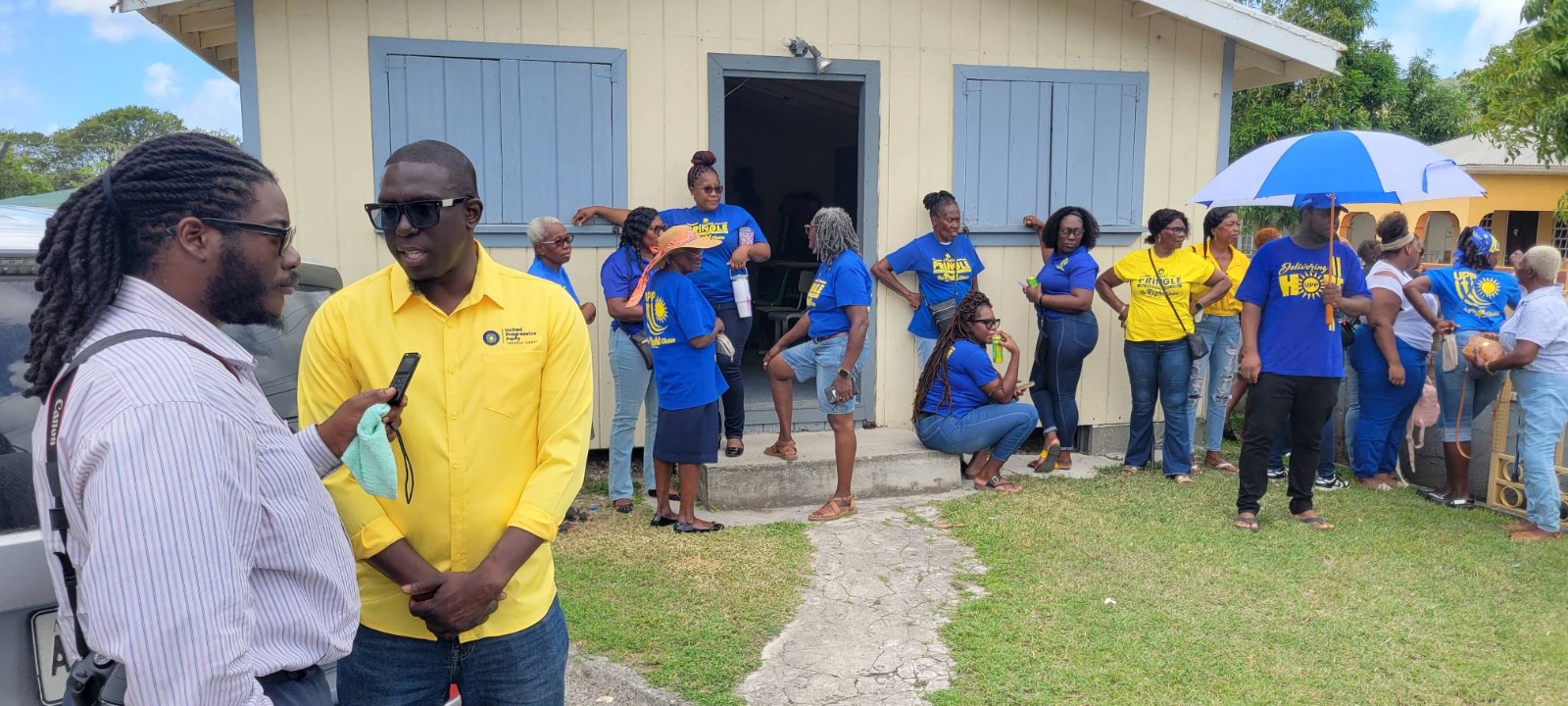
Pringle Nominated, Confident of Retaining UPP Stronghold in All Saints East & St Luke
By Editorial Staff
Comments
Be the first to comment.