
Meta to reinstate Donald Trump’s Instagram and Facebook accounts
By Tata
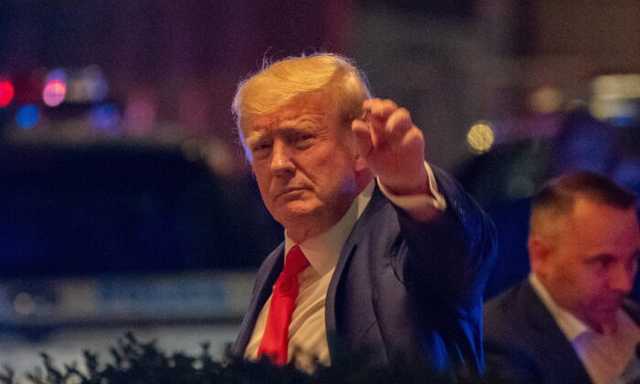
After two years away from Facebook and Instagram, the former president of the United States, Donald Trump, is set to be reinstated to the social media platforms. The company announced the decision on Wednesday, saying social media should be open to everyone, irrespective of their political views.
“Social media is rooted in the belief that open debate and the free flow of ideas are important values, especially at a time when they are under threat in many places around the world,” Nick Clegg, Meta’s president of global affairs, said. “The public should be able to hear what their politicians are saying – the good, the bad and the ugly – so that they can make informed choices at the ballot box. But that does not mean there are no limits to what people can say on our platform.”
Donald Trump was suspended from the two platforms, including Twitter, in 2020 after his supporters protested the outcome of the US presidential election and invaded the Capitol, which is the country’s parliament. After Elon Musk purchased Twitter, he reinstated the former president, who is yet to tweet in the past months.
Following his suspension, Trump contributed to the formation of a new micro-blogging platform known as Truth Social. Most of his political statements and opinions are publicised from there. After the decision by Meta to reinstate the 76-year-old, he expectedly reacted on Truth Social unapologetically.
Trump’s expected reaction
At the mention of Trump’s name, you can be sure that his reaction is not far away. Following Meta’s reinstatement of the 2024 presidential hopeful, Mr Trump said FACEBOOK had lost billions for deplatforming him.
“FACEBOOK, which has lost Billions of Dollars in value since “deplatforming” your favorite President, me, has just announced that they are reinstating my account. Such a thing should never again happen to a sitting President, or anybody else who is not deserving of retribution,” Trump wrote on Truth Social.
The former president commended Truth Social for being an incredible platform for him and “for doing such an incredible job.”
“Your growth is outstanding, and future unlimited,” Mr Trump added.
Most supporters of Donald Trump believe their principal is a target for the mainstream media and popular social media platforms. While others have justified the suspension of the former president, others have criticised the decision, describing it as a move to shut the mouth of the opposition. Even with his reinstatement, some people still feel it is the wrong decision to allow the vocal leader back to the platforms.

Is Meta prioritising money over people’s safety?
As the 2024 US general election gets closer, Meta’s decision to reinstate Donald Trump could be a way of letting voters hear from both sides. Hence there is less criticism of the decision. However, the decision has not gone well with some parties that see the former president as an advocate of hate speech and one who fuels conspiracies.
Following the decision, the National Association for the Advancement of Colored People (NAACP), a civil rights and advocacy group, thinks Meta CEO’s decision to reinstate Mr Trump means he was putting profits ahead of the safety of citizens.
“Mark Zuckerberg’s decision to reinstate Trump’s accounts is a prime example of putting profits above people’s safety,” Derrick Johnson, NAACP President, said in a statement. “It’s quite astonishing that one can spew hatred, fuel conspiracies, and incite a violent insurrection at our nation’s Capitol building, and Mark Zuckerberg still believes that is not enough to remove someone from his platforms.”
While his account could be reinstated to the platforms in the coming days, it is unclear if the former president would continue using Facebook, Instagram, and even Twitter, as there is always a possibility that he could be removed anytime. He might just stick to Truth Social, a platform where no one would dare touch his account.
This story was first published by Antigua News on : antigua.news/2023/01/26/meta-to-reinstate-donald-trumps-instagram-and-facebook-accounts. © 2023 Antigua News. Republication without permission is not allowed.
Read our editorial standards and corrections policy. Spotted an error? Contact the newsroom.
More from Culture, Science and Tech
View section
VIDEO: As School Reopens, Simon Bolivar Pre-School’s Garden serves as a Model for teaching Agriculture in Early Childhood
By Editorial Staff
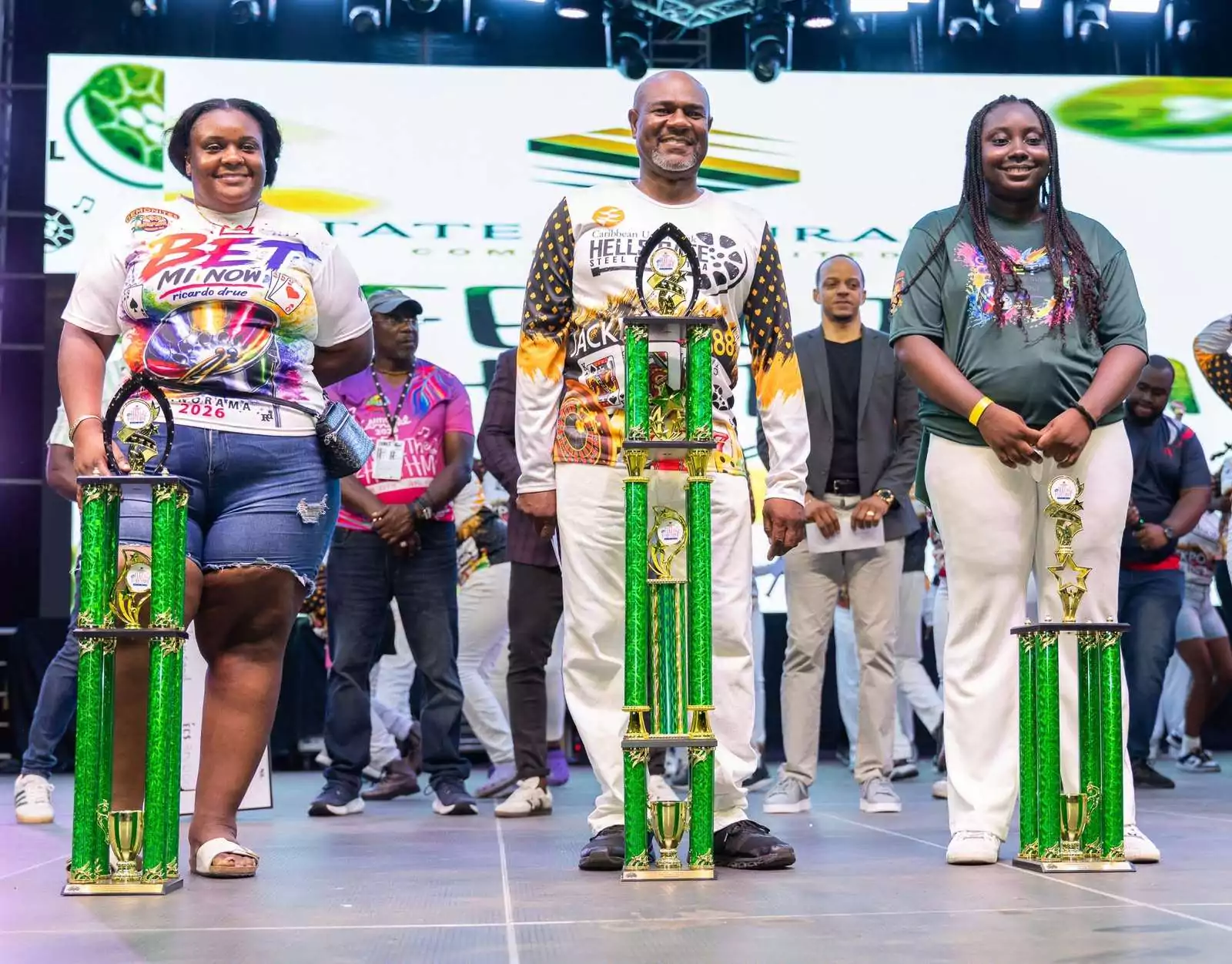
CUB Hells Gate Crowned 2026 Panorama Champions After Electrifying Carnival Showdown
By Cory Wayland
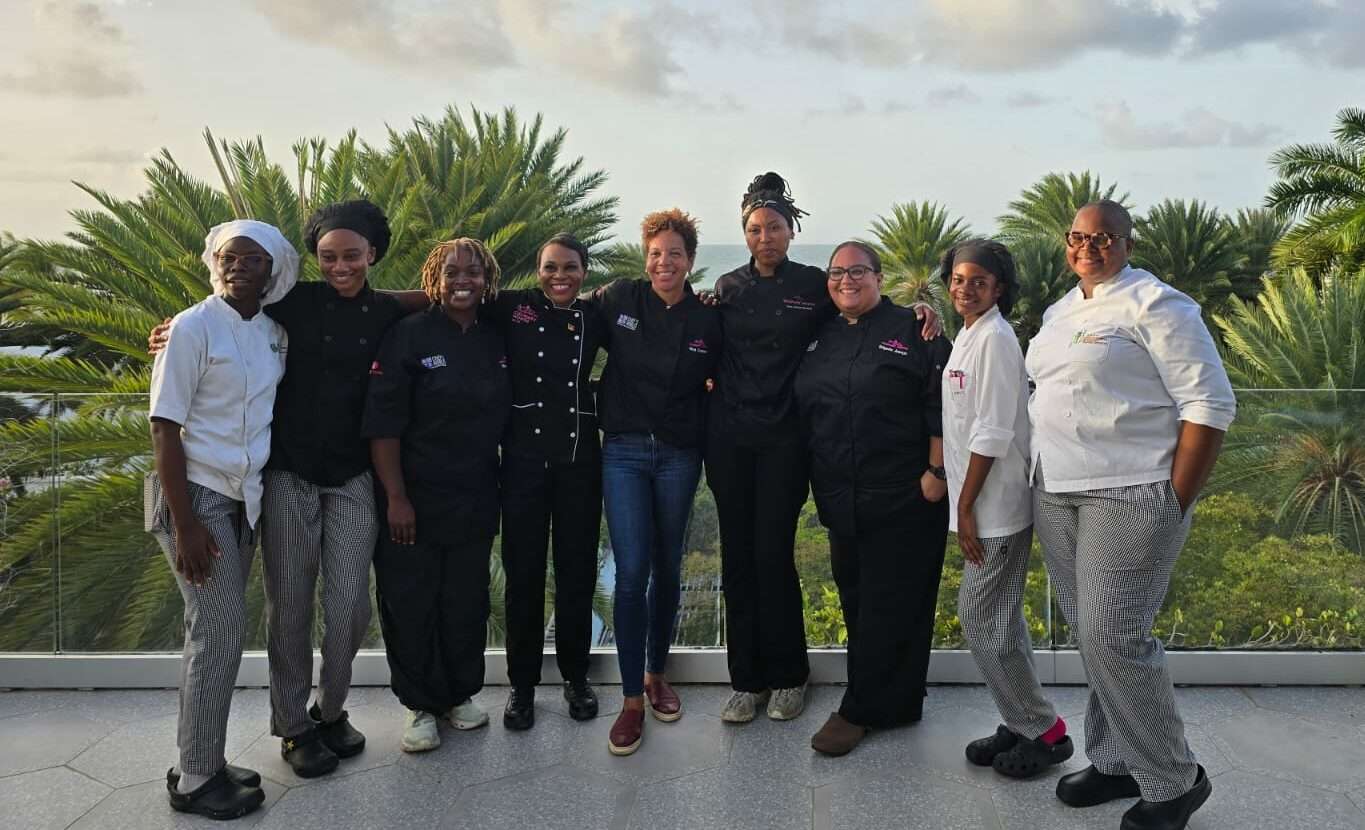
Five Female Chefs Wow Diners With Multi-Course Dinner at Hodges Bay Resort
By Shermain Bique-Charles

North Europe and the Arctic 2026: The Race for Power, Resources and New Trade Routes
By Dario Item
Comments
Be the first to comment.