
Apple unveils iPhone 15
By Tata
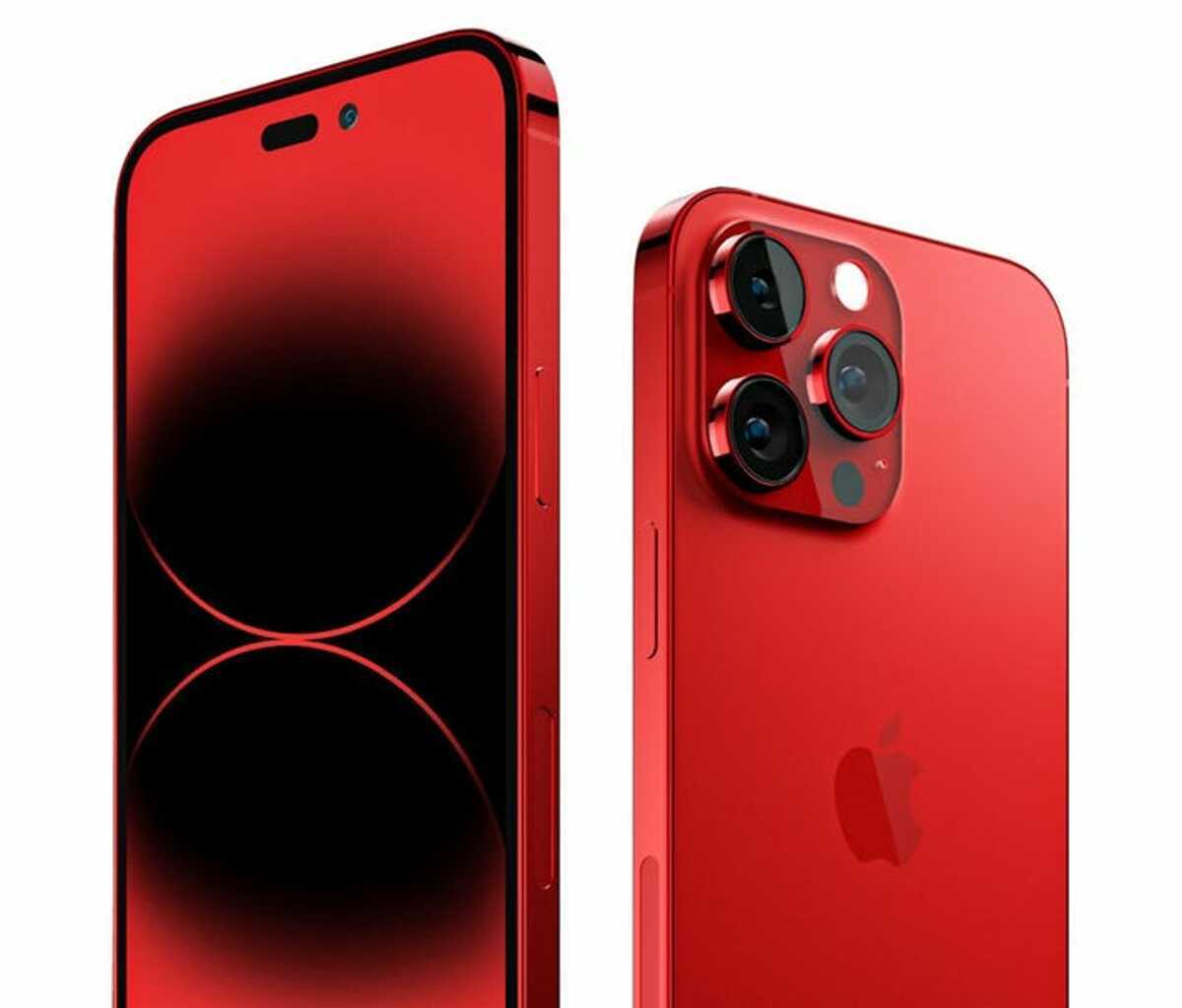
Apple, on Tuesday, launched its iPhone 15, and many have described it as the best smartphone the company has ever made. Significant modifications to previous versions include a new titanium shell and a faster chip.
The iPhone 15 has a 6.1-inch screen and a 6.7 inches screen for the iPhone 15 Pro. Both devices came in 5 colours (pink, white, black, yellow and green). It has a 48-megapixel dual camera and an improved 2x telephoto camera, which guarantees top-quality images and videos. The game lovers were not left out as the new devices have improved video game-playing capabilities.
With the upgraded ultrawide wideband chip, users can share their location and find other iPhone users around them. The advanced machine learning feature can also reduce or remove background noises completely during calls.
The iPhone 15 Pro and iPhone 15 Pro Max models are designed with grade-five titanium, making the device lighter and more durable.
However, one change that stands out is the change in the charging port.
A switch to USB-C
Apple, during Tuesday’s event, confirmed a change in its charging port to USB-C, beginning with the iPhone 15. The switch is the iPhone’s most noticeable change in about 11 years. The change is not unconnected with an EU law meant to combat e-waste and provide the standard for chargers. In the coming months and years, Apple’s “lightning” charging cables might be unusable as the company will be compelled to switch to USB-C completely by 2024.
Upgrading the product, but not the price
Apple seems to have adopted a new market penetration strategy of not increasing the prices of its products. The continuous decline in demand for new smartphones might have prompted this decision by the company.
The iPhone 15 and iPhone 15 Plus sell for $799 and $899 respectively, while the iPhone 15 Pro and Pro Max cost $999 and $1,199 respectively. The company also offered a Pro Max version with a lower memory for $1,099. The prices are relatively the same as the iPhone 14 when it was launched last year.
The head of TECHnalysis Research, Bob O’Donnell, said retaining the former prices was surprising, but there could be a genuine reason for it.
“I think both Apple and the carriers recognize that with consumers feeling pressure on their budget and the lack of dramatic changes it’s getting harder to convince people to upgrade. Keeping prices stable should help with that,” the tech expert said.
Will the iPhone 15 save Apple?
Although Apple makes several devices, iPhone is its main source of earnings, generating half of its sales. However, the recent slump in the global smart phone market has significantly affected the company’s prospects with a fall of over 1 million phones in the second quarter of this year.
Other factors affecting the company are restrictions by China and unwavering competition by Chinese company Huawei. Apple is hoping that its new device will penetrate the market and increase the company’s earnings. However, iPhone lovers are already waiting for iPhone 16’s launch next year.

This story was first published by Antigua News on : antigua.news/2023/09/14/apple-unveils-iphone-15. © 2023 Antigua News. Republication without permission is not allowed.
Read our editorial standards and corrections policy. Spotted an error? Contact the newsroom.
More from Culture, Science and Tech
View section
VIDEO: As School Reopens, Simon Bolivar Pre-School’s Garden serves as a Model for teaching Agriculture in Early Childhood
By Editorial Staff

CUB Hells Gate Crowned 2026 Panorama Champions After Electrifying Carnival Showdown
By Cory Wayland

Five Female Chefs Wow Diners With Multi-Course Dinner at Hodges Bay Resort
By Shermain Bique-Charles

North Europe and the Arctic 2026: The Race for Power, Resources and New Trade Routes
By Dario Item
Comments
Be the first to comment.