
Lake contesting to become ABLP’s Candidate in St John’s Rural West

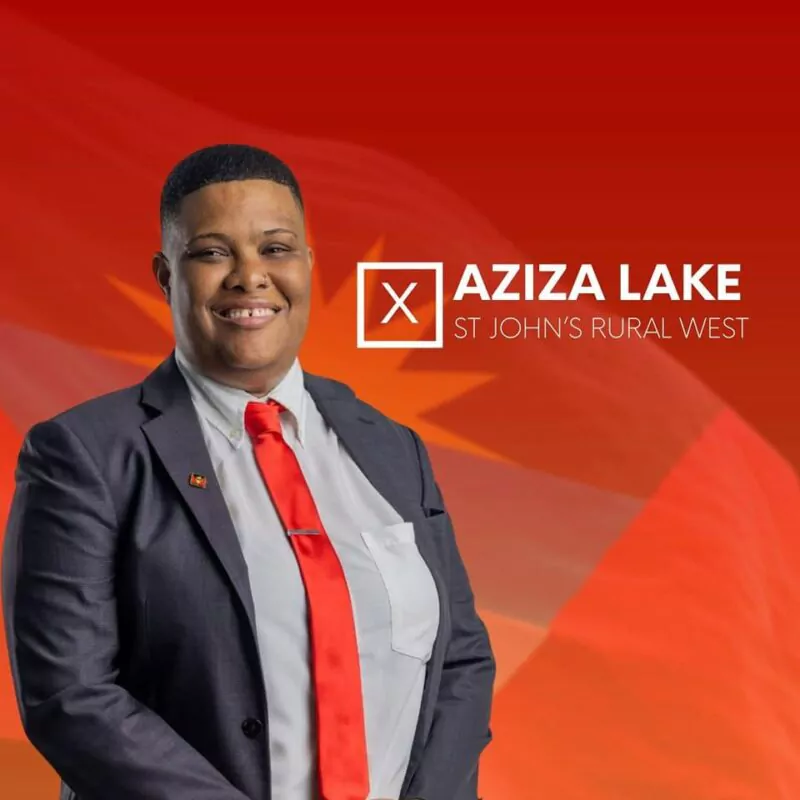
Aziza Lake, a former government senator, has recently declared her intention to run for the Antigua and Barbuda Labour Party (ABLP) in the St John’s Rural West constituency.
In her letter to the General Secretary of the ABLP dated October 31, Lake expressed her deep connection to the constituency where she grew up, and praised the significant strides that have been made in recent years, including the housing project at Denfield’s and the establishment of the University of the West Indies (UWI) Five Islands campus.
Despite the progress made, Lake acknowledged that there are still significant challenges facing the residents of St John’s Rural West, particularly in terms of limited opportunities and support for young people.
She further stated that previous representatives have failed to provide long-term solutions for the structural and policy challenges facing the constituency, and that enough has not been done to help them achieve their full potential.
Lake is confident that with the backing of her party, she can use her skills and experience to implement successful projects and programs that will improve the lives of the people in the constituency.
She is also committed to developing plans at the national level, including the creation of a Technological Free Trade Zone, the establishment of an Art and Entertainment Museum, and working with local app and web developers to build a regional Silicon Valley based in Antigua.
If elected, Lake will have a challenging task ahead of her in the next general election, as the St John’s Rural West constituency is currently represented by Richard Lewis, a Member of Parliament from the United Progressive Party (UPP), who defeated another former Senator from ABLP, Gail Christian, by more than 300 votes in the last general election.
Nevertheless, Lake remains optimistic and is determined to work hard to earn the trust and support of the people in her community.
This story was first published by Antigua News on : antigua.news/2023/11/04/lake-contesting-to-become-ablps-candidate-in-st-johns-rural-west. © 2023 Antigua News. Republication without permission is not allowed.

About the author
The Editorial Staff refers to all reporters employed by Antigua.news. When an article is not an original creation of Antigua.news—such as when it is based on a press release, other media articles, letters to the editor, or court decisions—one of our staff members is responsible for overseeing its publication.
Read our editorial standards and corrections policy. Spotted an error? Contact the newsroom.
More from Election Watch: Antigua and Barbuda
View section
ABEC engages Election Observers ahead of General Elections 2026
By Editorial Staff

ABEC Extends Voter ID Collection Hours to 10PM Ahead of Election Day
By Editorial Staff
ABLP Condemns Destruction of Political Paraphernalia
By Shermain Bique-Charles
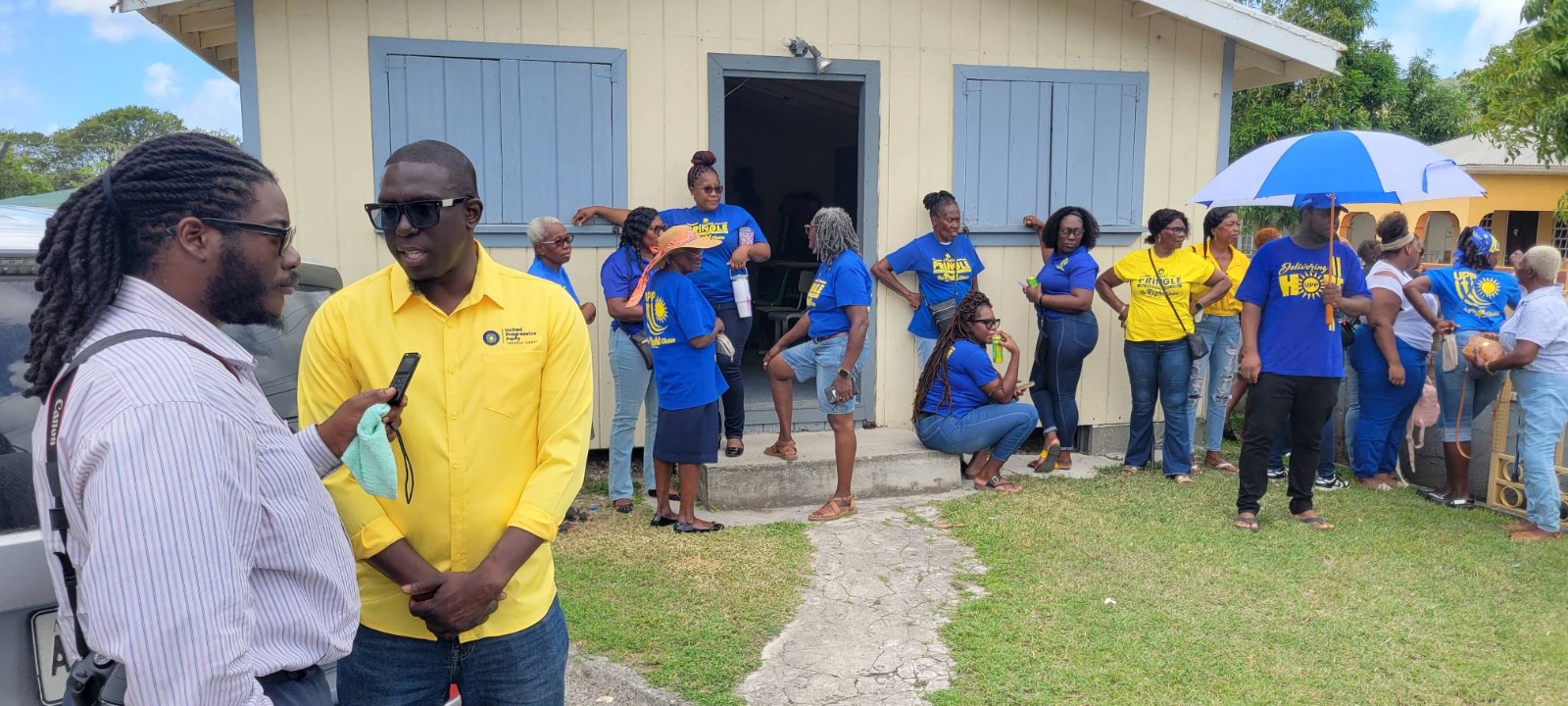
Pringle Nominated, Confident of Retaining UPP Stronghold in All Saints East & St Luke
By Editorial Staff
Comments
Be the first to comment.