
The People’s Parliament’ rescheduled to January 18 to mark anniversary of last General Election

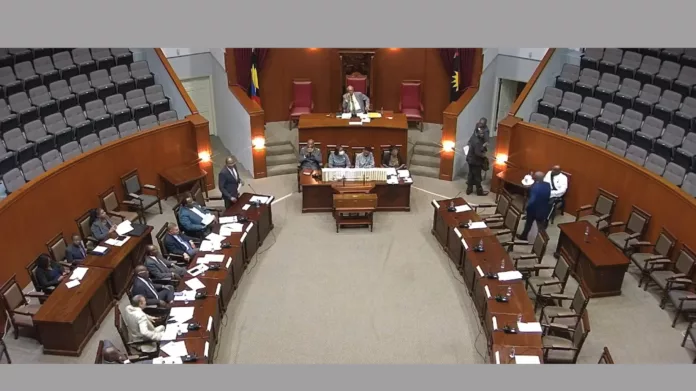
The United Progressive Party (UPP) has confirmed that the People’s Parliament, which is being organized by the Members of the Opposition Bench, has been rescheduled to Thursday, January 18.
The event date has been shifted to coincide with the first anniversary of the January 18, 2023, General Election, where the eight Opposition MPs garnered the majority of the popular vote and restricted the Gaston Browne Administration to a single-seat advantage.
The Opposition MPs are expected to provide insights on the Browne Administration’s first year in office, which was marked by high inflation, high crime, high rates of borrowing, and low performance in sectors such as health, education, and public works.
In addition to their promised response to the $1.3 billion budget for 2024, they will review the state of governance.

The People’s Parliament will commence at Freedom Hall, with a roundtable discussion among the Opposition Senators at 5 p.m., and will transition into the “Lower House debate” at 6 p.m.
The event is open to the public
The Opposition claimed that they were not given the opportunity to participate in the Budget Debate on December 19, 2023, as they were given a short time frame to prepare their presentations.
As a result, they said that the Finance Minister, Gaston Browne, took advantage of the situation to wind up debate on the 2024 Appropriations Bill
In response, the Opposition MPs promised to take their arguments directly to the people, and the People’s Parliament is an inclusive forum that will provide them with an opportunity to do so.
This story was first published by Antigua News on : antigua.news/2024/01/09/the-peoples-parliament-rescheduled-to-january-18-to-mark-anniversary-of-last-general-election. © 2024 Antigua News. Republication without permission is not allowed.

About the author
The Editorial Staff refers to all reporters employed by Antigua.news. When an article is not an original creation of Antigua.news—such as when it is based on a press release, other media articles, letters to the editor, or court decisions—one of our staff members is responsible for overseeing its publication.
Read our editorial standards and corrections policy. Spotted an error? Contact the newsroom.
More from Antigua and Barbuda
View section
Freeland Challenges Qualifier Schedule as College Commitments Complicate Team Selection
Basketball president says the timing of another qualifying round created difficulties for overseas players and added financial pressure
By Shermain Bique-Charles

School League Referee Calls for Investigation Into Alleged Verbal Abuse by Grammar School Coach
Devon Ollivere is seeking a public apology and safeguards for match officials following an alleged confrontation with Chesley Browne at Radio Range Football Field.
By Editorial Staff

Janica Adams Earns Special Recognition at Regional Tourism Youth Congress
Antigua and Barbuda’s Junior Minister of Tourism impressed with a creative destination pitch highlighting culture, adventure and bun and cheese ice cream.
By Shermain Bique-Charles

Dr Benjamin Calls for Community-Based Mental Health Care to Replace Clarevue Model
The consultant psychiatrist says meaningful reform must include housing, family support and direct involvement from people living with mental health conditions
By Shermain Bique-Charles
Comments
Be the first to comment.