
US officials seize over 300 firearms bound for Caribbean

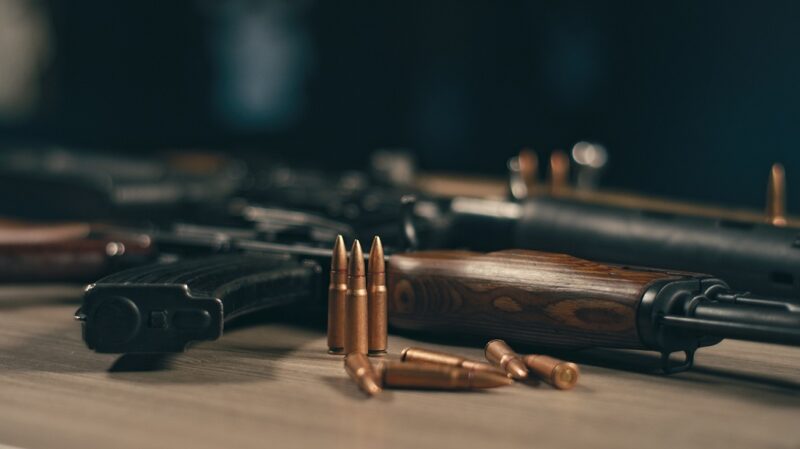
During the 46th CARICOM Heads of Government Conference, Prime Minister Dr Keith Rowley provided an update on the recent operation conducted by the US Department of Homeland Security.
This operation, known as Operation Hammerhead, aimed to combat the illegal firearms trade between the US and CARICOM member states.
Over three weeks in September 2023, more than half a million shipments were inspected.
As of January 2024, it was revealed that 600,000 packages destined for CARICOM underwent a thorough assessment.
Out of these, 4,600 packages required enhanced inspection. Following these inspections, a total of 318 firearms, 314 magazines, and 19,270 rounds of ammunition were discovered, all intended for the Caribbean region.
The national security personnel in the Caribbean region are undergoing enhanced training programs in collaboration with The Caribbean Community (CARICOM) Implementation Agency for Crime and Security (IMPACS) and other entities to deal with the issue of obsolete and unsecured weapons.
According to IMPACS, such weapons pose a significant threat to the region.
The initiative to reduce the risk of unsecured and obsolete weapons is being funded by the UK government, and several other CARICOM states are also participating in this effort.
The US government has taken several initiatives to combat firearms trafficking. One such measure is the Bipartisan Safer Communities Act, which has been signed into law to substantially increase criminal penalties for straw purchasers and firearms trafficking originating in the United States.
These initiatives are aimed at addressing the growing problem of firearms trafficking and the use of firearms in criminal activities

This story was first published by Antigua News on : antigua.news/2024/03/02/us-officials-seize-over-300-firearms-bound-for-caribbean. © 2024 Antigua News. Republication without permission is not allowed.

About the author
The Editorial Staff refers to all reporters employed by Antigua.news. When an article is not an original creation of Antigua.news—such as when it is based on a press release, other media articles, letters to the editor, or court decisions—one of our staff members is responsible for overseeing its publication.
Read our editorial standards and corrections policy. Spotted an error? Contact the newsroom.
More from Caribbean
View section
VIDEO: Doctors at Dominica China Friendship Hospital Stage Protest Outside Medical Facility
Healthcare professionals at the Dominica China Friendship Hospital gather outside the medical facility in an apparent protest, raising concerns over issues yet to be officially confirmed.
By Cory Wayland

St. Kitts DPP Seeks Antigua’s Help in Outstanding Case Involving Former Resort Clerk
By Shermain Bique-Charles

Royal Caribbean in Talks to Buy Half of Sandals in Reported $3 Billion Deal
By Shermain Bique-Charles

Four Killed in Latest US Military Strike on Suspected Drug Vessel in Caribbean
By Shermain Bique-Charles
Comments
Be the first to comment.