
VIDEO: Shocking footage shows viciousness of suspects In terror attack in Moscow

by Mick the Ram
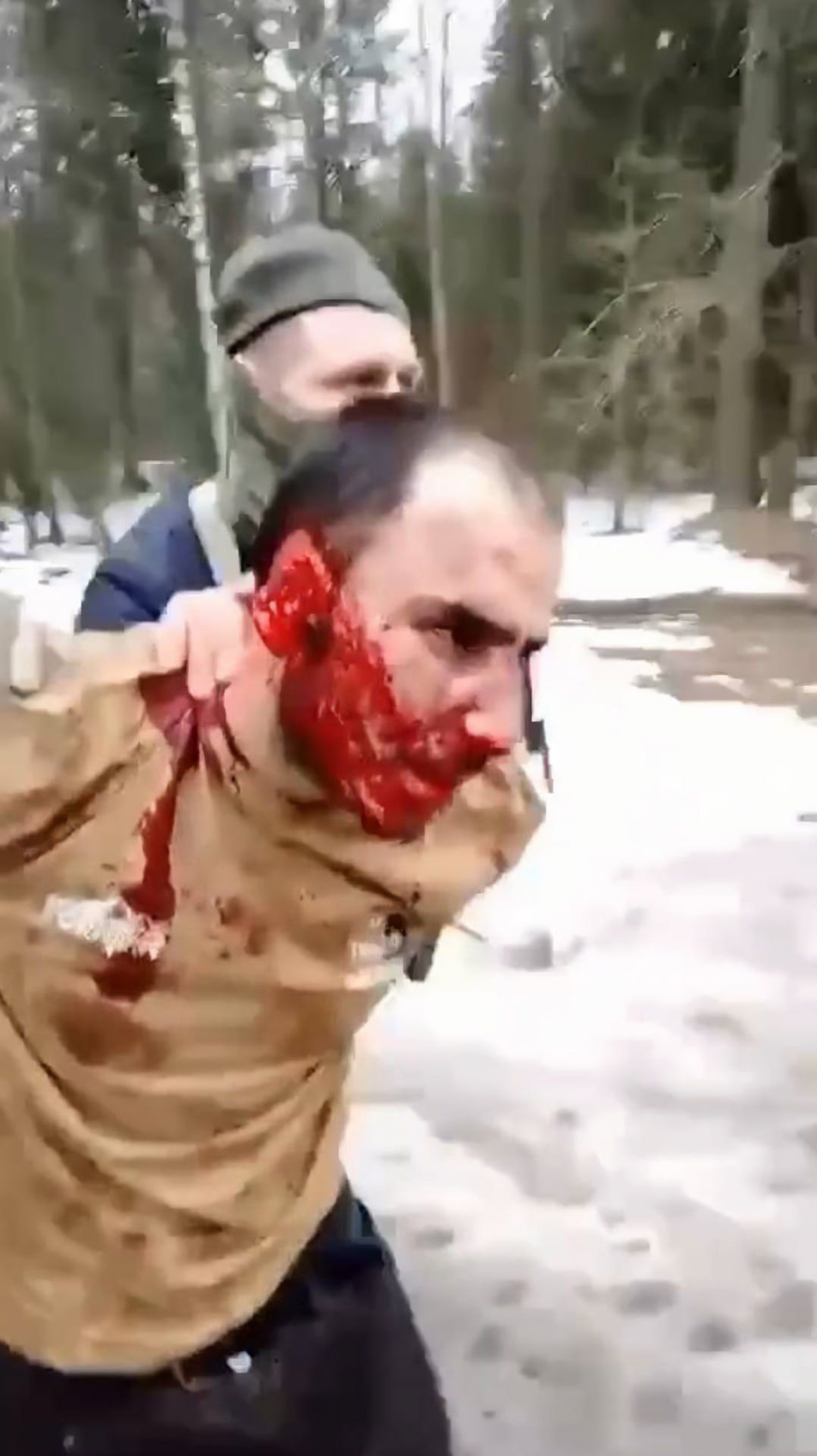
The detailed account we posted earlier of the court appearance by the four Tajikistan nationals, who have been charged with the terror attack on Crocus City Hall, referenced some of the brutal interrogation carried out by the security forces upon their capture.
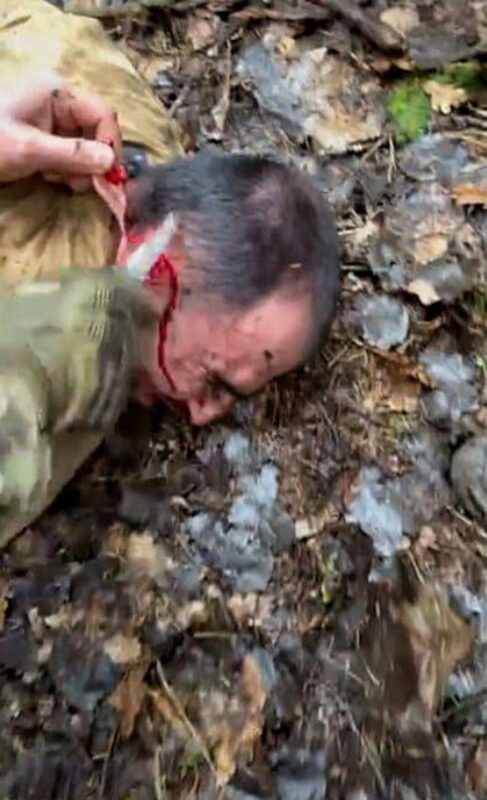
We can now share some of the really horrific and graphic images, which are almost unimaginable in their savagery.
In one video in particular, it appears that one of the men has his ear cut off and has it forced into his mouth, with what seems to be laughter in the background from the watching units.
Others show a ferocity in the capturing of the gunmen that is shocking in its nature, even taking into consideration the outrageous actions they had undertaken just a few hours earlier.
There are also some video footage providing evidence, posted from IS, that shows some horrific scenes filmed during the outrageous atrocity, showing the attackers firing on the crowd inside the concert hall and demonstrating total lack of compassion, mercy, or indeed humanity.
The men’s appearance in court highlighted the beatings they must have received, but the video footage really brings it home.
In the latest news from Moscow’s Department of Health, they published an updated list of those still hospitalized in the capital’s medical institutions after the shootings, and that consisted of 76 names.
Earlier today and now four days since the terror attack, hundreds gathered at the site of the concert hall, offering condolences to the victims, and laying flowers and stuffed toys, as well as lighting candles next to the memorial.
It has been reported that Tajik Prime Minister Kokhir Rasulzoda has written a note in the book of condolences at the Russian embassy in Dushanbe.

Sources in the Russian Foreign Ministry had earlier confirmed that Tajikistan specialists are providing assistance to investigators from Russia in connection with the arrest of the four men, who are citizens of their country.
This story was first published by Antigua News on : antigua.news/2024/03/25/video-shocking-footage-shows-viciousness-of-suspects-in-terror-attack-in-moscow. © 2024 Antigua News. Republication without permission is not allowed.

About the author
The Editorial Staff refers to all reporters employed by Antigua.news. When an article is not an original creation of Antigua.news—such as when it is based on a press release, other media articles, letters to the editor, or court decisions—one of our staff members is responsible for overseeing its publication.
Read our editorial standards and corrections policy. Spotted an error? Contact the newsroom.
More from World
View section
Spain Votes After an Eviction Shook Its Government
An elderly tenant’s eviction helped trigger the November 29 snap election. Pedro Sánchez is recovering in some polls, but the right still has the clearer route to a governing majority.
By Dario Item

Dozens of KFC Restaurants Closing Across 10 U.S. States as Major Franchise Operator Files for Bankruptcy
Financial troubles, falling sales and millions in unpaid franchise fees have forced a major KFC operator into bankruptcy, with 72 restaurant locations affected and more closures possible.
By Cory Wayland

Robert Pattinson is the new James Bond
The Twilight and The Batman star succeeds Daniel Craig as 007 in the next James Bond film, directed by Denis Villeneuve and written by Steven Knight.
By Mick the Ram

Microsoft Outage cripples millions globally
Outlook, Teams and Copilot users reported disruptions across 74 countries as Microsoft cited increased load on its infrastructure.
By Mick the Ram
Comments
Be the first to comment.