
Antigua and Barbuda’s Civil Society Unites for Impact at SIDS4 Conference

By Aabigayle McIntosh
Civil Society Organizations (CSOs) in Antigua and Barbuda are coming together to ensure their voices are heard during the upcoming 4th International Conference of Small Island Developing States (SIDS4).
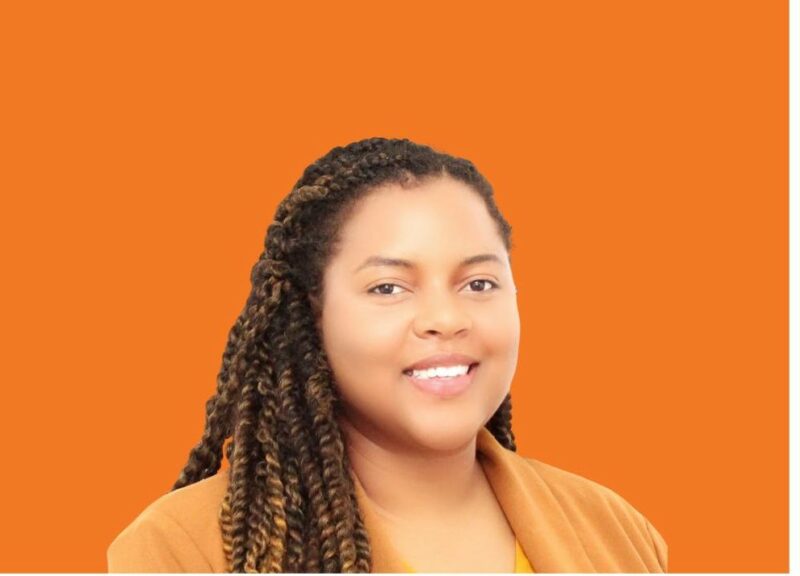
Britney McDonald Project Manager of Integrated Health Outreach (IHO) stated that these organizations are eager to assist the government’s efforts in raising public awareness about the conference, its importance, and its impact, not only in Antigua but also in the rest of the region.
“With the assistance of the country coordinator, Sheilah Roseau, we were brought together so that CSOs could be involved,” McDonald explained. “We initially met at the AUA campus in September to begin discussions about what the conference entails. Through subsequent meetings, we have progressed to the point where we are opening up the process.”
She further stated that they are now extending invitations to other organizations to join the initiative.

“A special event has been included, namely the CSO forum, where discussions will revolve around partnerships and the development of a civil society roadmap action plan for the next ten years leading up to 2034,” McDonald said. “This involves not only Antigua and Barbuda but also the Pacific islands and other SIDS globally.”
McDonald emphasized the importance of gathering input not only from the environmental sector but also from areas such as gender equality, vulnerable populations, and economics.
The CSO group comprises a diverse cross-section of youth groups and other service organizations, including the Environmental Awareness Group, the Red Cross, and several others.
This story was first published by Antigua News on : antigua.news/2024/03/26/antigua-and-barbudas-civil-society-unites-for-impact-at-sids4-conference. © 2024 Antigua News. Republication without permission is not allowed.

About the author
The Editorial Staff refers to all reporters employed by Antigua.news. When an article is not an original creation of Antigua.news—such as when it is based on a press release, other media articles, letters to the editor, or court decisions—one of our staff members is responsible for overseeing its publication.
Read our editorial standards and corrections policy. Spotted an error? Contact the newsroom.
More from Antigua and Barbuda
View section
Jury Rejects Self-Defence Claim And Finds Kareem Simon Guilty Of Dennis Edwards’ Murder
Jury rejects Simon’s self-defence claim after video footage reveals details of the fatal confrontation on Lower All Saints Road.
By Cory Wayland

Tourism Ministry and ABTA Working with Bert Kirchner on Proposed Louis Tomlinson Campaign
Minister Michael Freeland has held talks on the project, which aims to turn international exposure into visitor interest and bookings.
By Shermain Bique-Charles

Your Child Is Safe at Home, But Are They Safe Online?
Games, chats and social media are where our children play and make friends. Here is what every parent and guardian needs to know to keep them safe there.
By Editorial Staff

HIGH SCHOOL STUDENTS CONTINUE TO BENEFIT FROM SANDALS FOUNDATION’S CARE FOR KIDS SCHOLARSHIP PROGRAMME
Kyrah Edwards and Erwin Christopher receive third annual scholarship payments, supporting their education while encouraging community service.
By Shermain Bique-Charles
Comments
Be the first to comment.