
VIDEO: Toilet Paper Woes at High Court

Dear Editor
Yesterday, I had an incredibly harrowing experience at the High Court.
The torrential rain made it nearly impossible to conduct any business, and I found myself sprinting from one building to another, completely drenched.
However, that wasn’t the most unexpected part of my day.
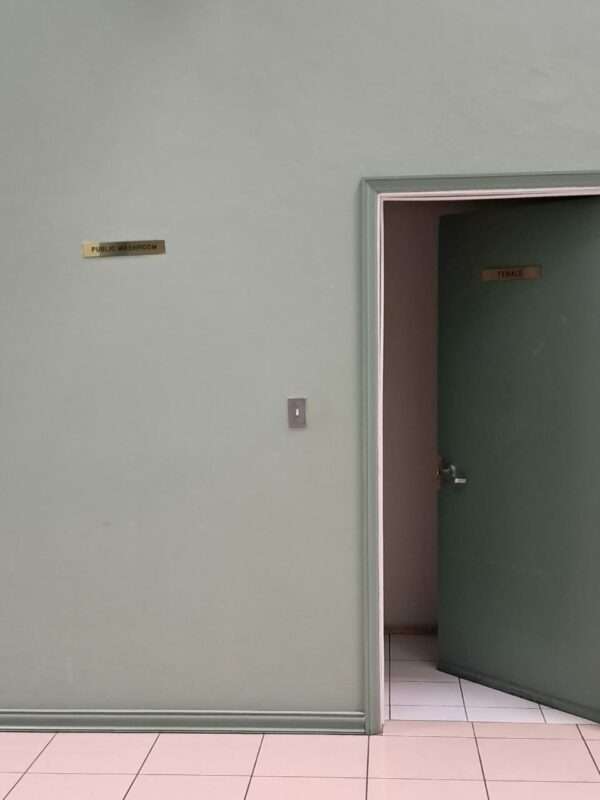
I needed to use the restroom, so I hurried in the direction indicated by a police officer and swiftly pushed open the door labeled “women.”
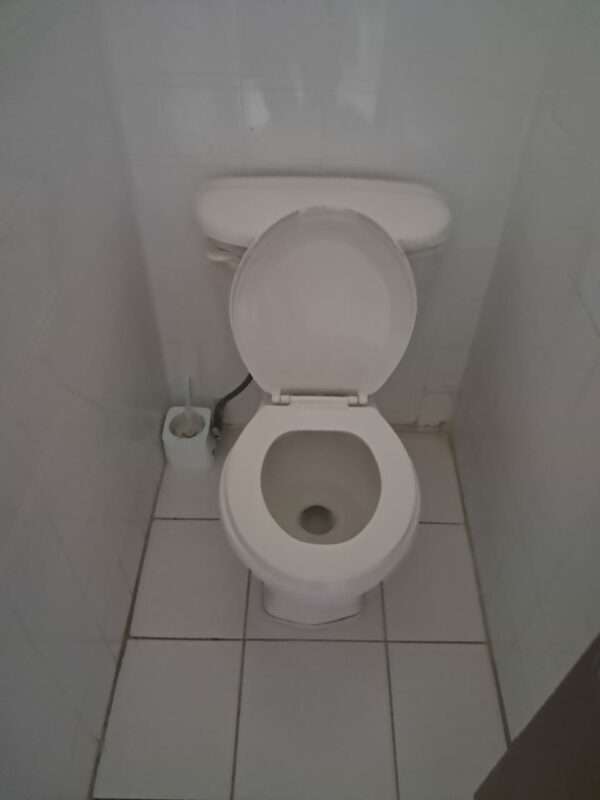
I was just about to use the bathroom when I realized there was no toilet paper.
Hastily pulling everything back up, I moved to the next stall, only to find the same situation. I tried the following stalls with no luck – there was absolutely no toilet paper to be found.
Desperation forced me to take a chance and dash into the men’s bathroom, fearing that I might encounter a man. It was the same story in there, no toilet paper.
At this point, I was struggling to hold it together, trying not to make a mess on the floor of the High Court.
Returning to the front desk, I inquired about the lack of toilet paper and was simply told, “That’s just the way things are, ma’am.”
It was incredulous. Should women always carry their own toilet paper if they visit the Magistrate’s Court? Or should we risk not being able to clean up after using the restroom?
After approaching the “Operations Division” and requesting toilet paper, a woman behind the desk nonchalantly slid an almost empty roll under the window, barely acknowledging my desperate plea.

I contemplated returning the roll, but the urgency of the situation didn’t allow for it.
I had no choice but to use what little toilet paper I’d been given. This should never be the experience of anyone using the facilities at the High Court.
I implore the Justice Department to address this issue.
This story was first published by Antigua News on June 19, 2024: antigua.news/2024/06/19/video-toilet-paper-woes-at-high-court. © 2024 Antigua News. Republication without permission is not allowed.

About the author
The Editorial Staff refers to all reporters employed by Antigua.news. When an article is not an original creation of Antigua.news—such as when it is based on a press release, other media articles, letters to the editor, or court decisions—one of our staff members is responsible for overseeing its publication.
Read our editorial standards and corrections policy. Spotted an error? Contact the newsroom.
More from Letters to the Editor
View section
LETTER: A Call for Immediate Action on Excessive Noise, Traffic Obstruction and Blocked Emergency Routes
A public letter urges police to address loud music, traffic obstruction and blocked emergency access near Valley and Desouza Road.
By Editorial Staff

OPINION: THE $3 BILLION WAKE-UP CALL: Who Owns Caribbean Tourism?
By Editorial Staff
LETTER: Concerned Parent Raises Questions About Fairness at Clare Hall Secondary School
By Editorial Staff

LETTER: “Because Iniquity Shall Abound, the Love of Many Shall Wax Cold” — A Nation Must Wake Up Before It Is Too Late
By Cory Wayland
Comments (1)
Donna June 19, 2024, 1:40 PM