
Five Individuals Recognized for Enhancing St. Mary’s South

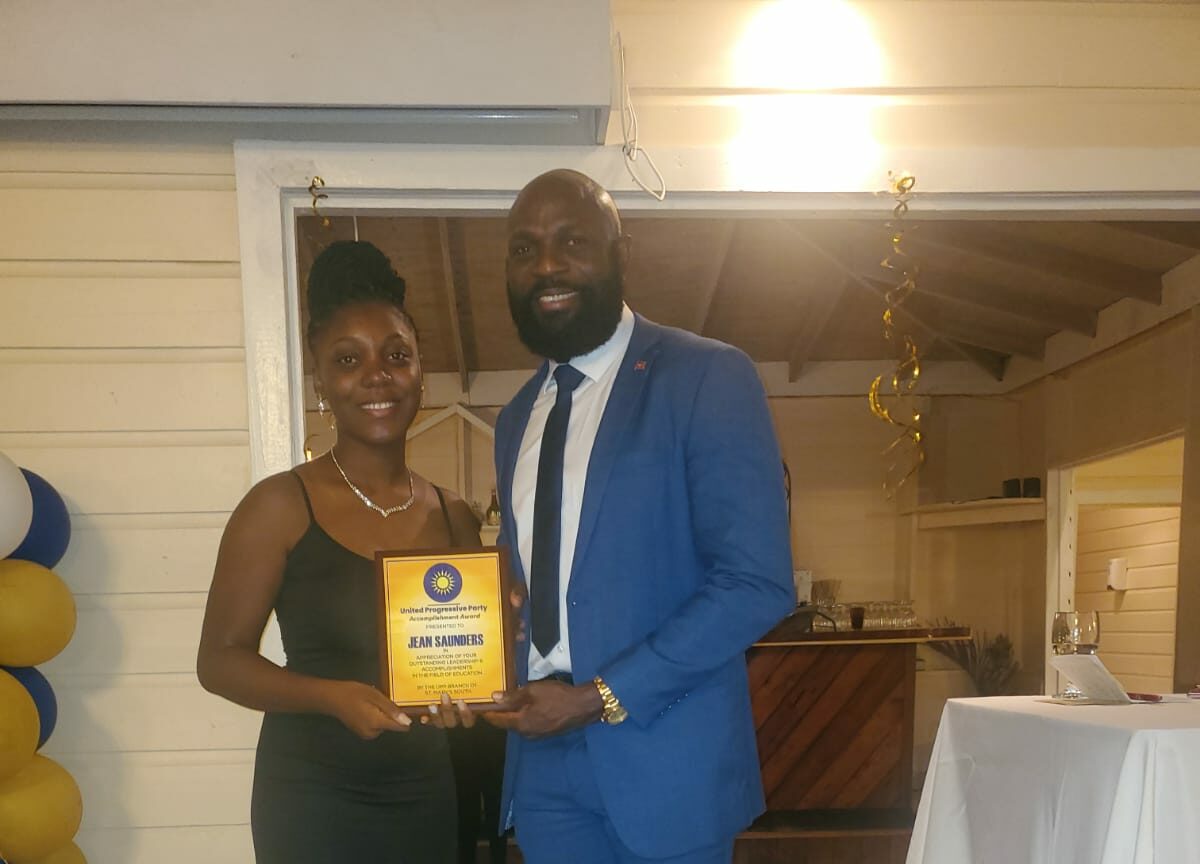
The St Mary’s South branch of the UPP hosted its inaugural gala on Saturday at Dennis’ Bar and Restaurant, located at Ffryes Beach, with the support of the area’s MP, Kelvin Simon.
The gala’s main goal was to unite the community and acknowledge the contributions of five remarkable individuals who have played pivotal roles in the constituency’s development and vitality.
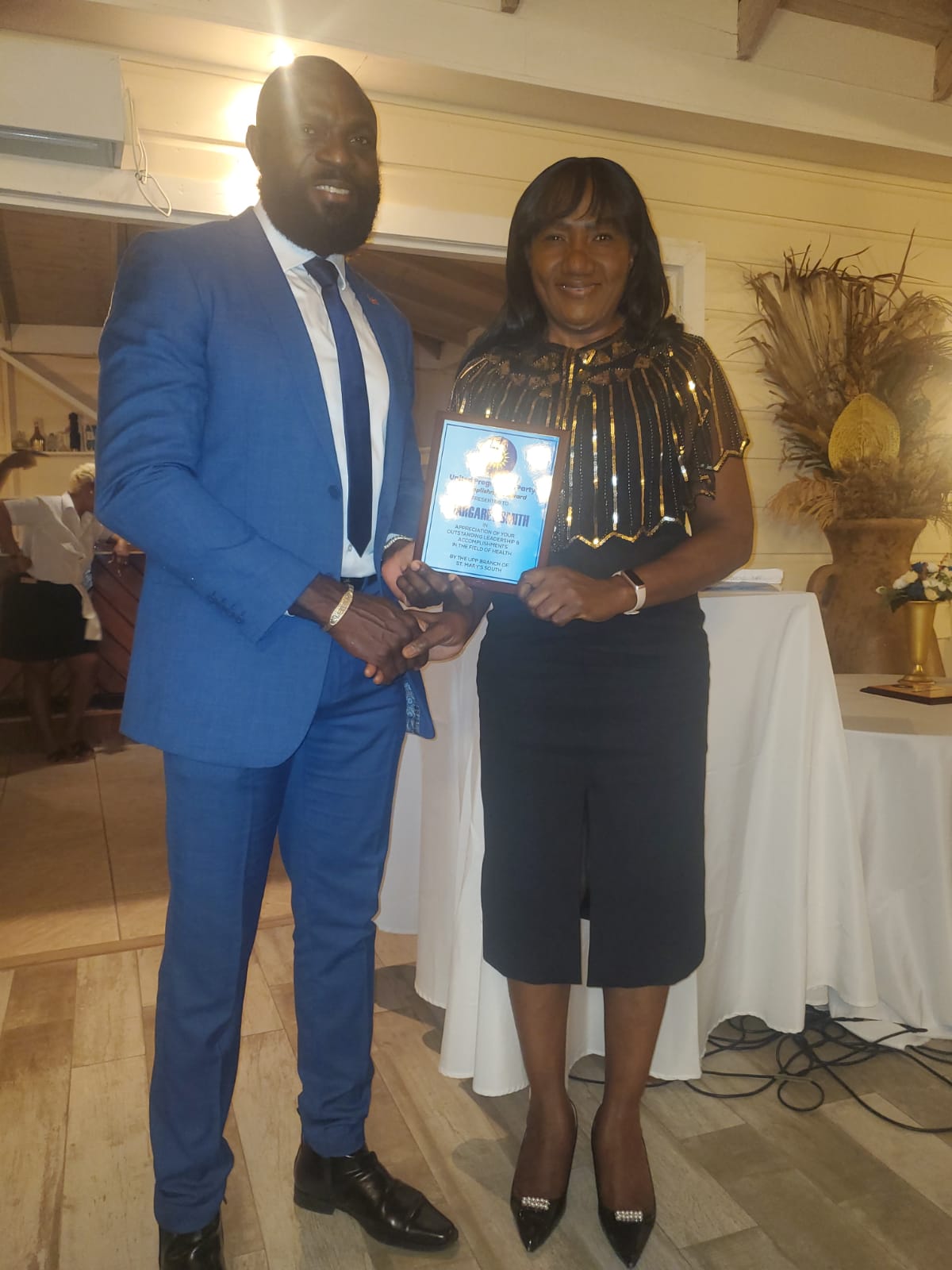
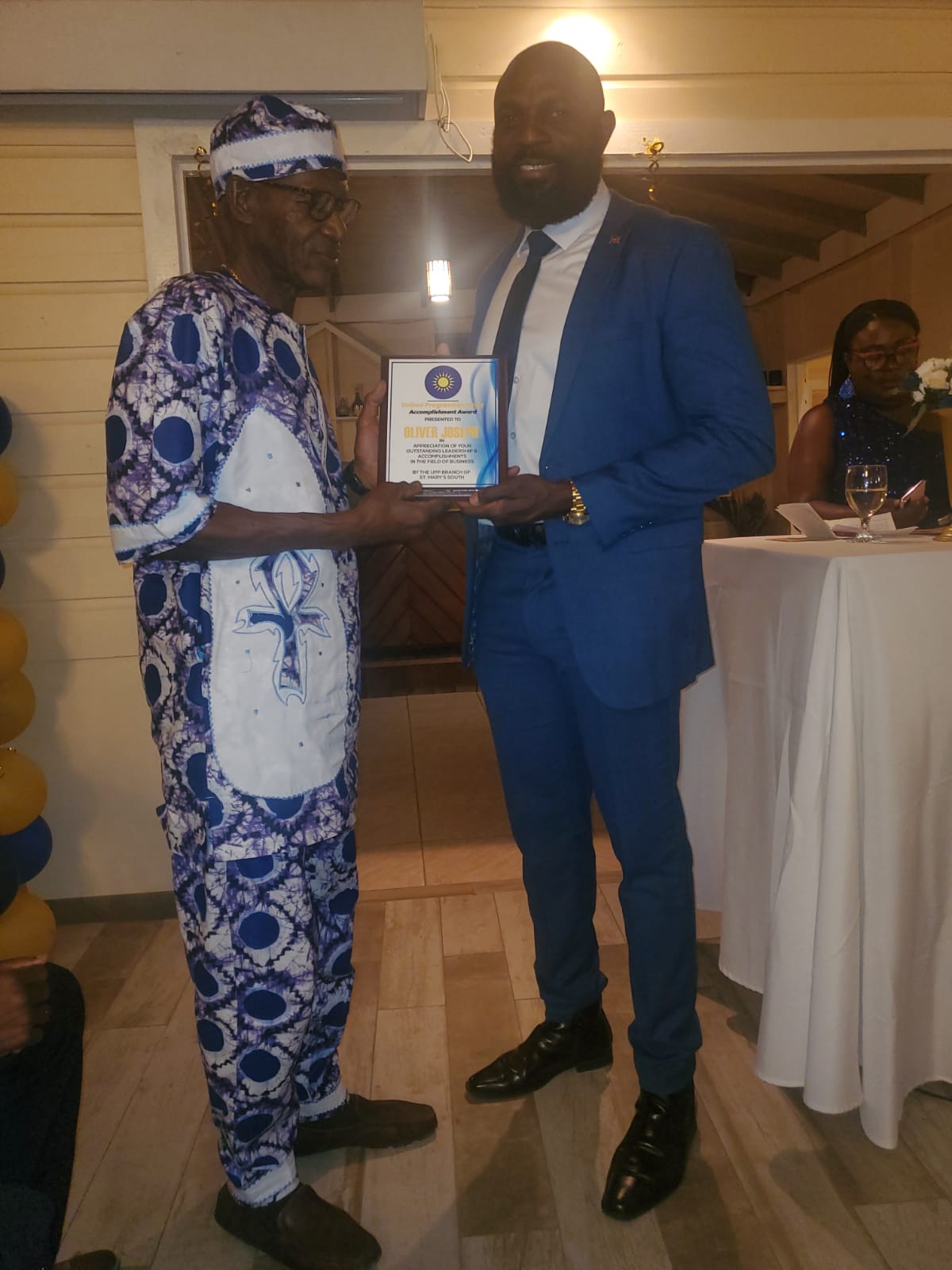
MP Simon awarded the honorees with plaques, recognizing their commitment to excellence and their unwavering support and inspiration to others in the community. He also applauded their outstanding leadership and collaborative efforts during challenging times on various projects.
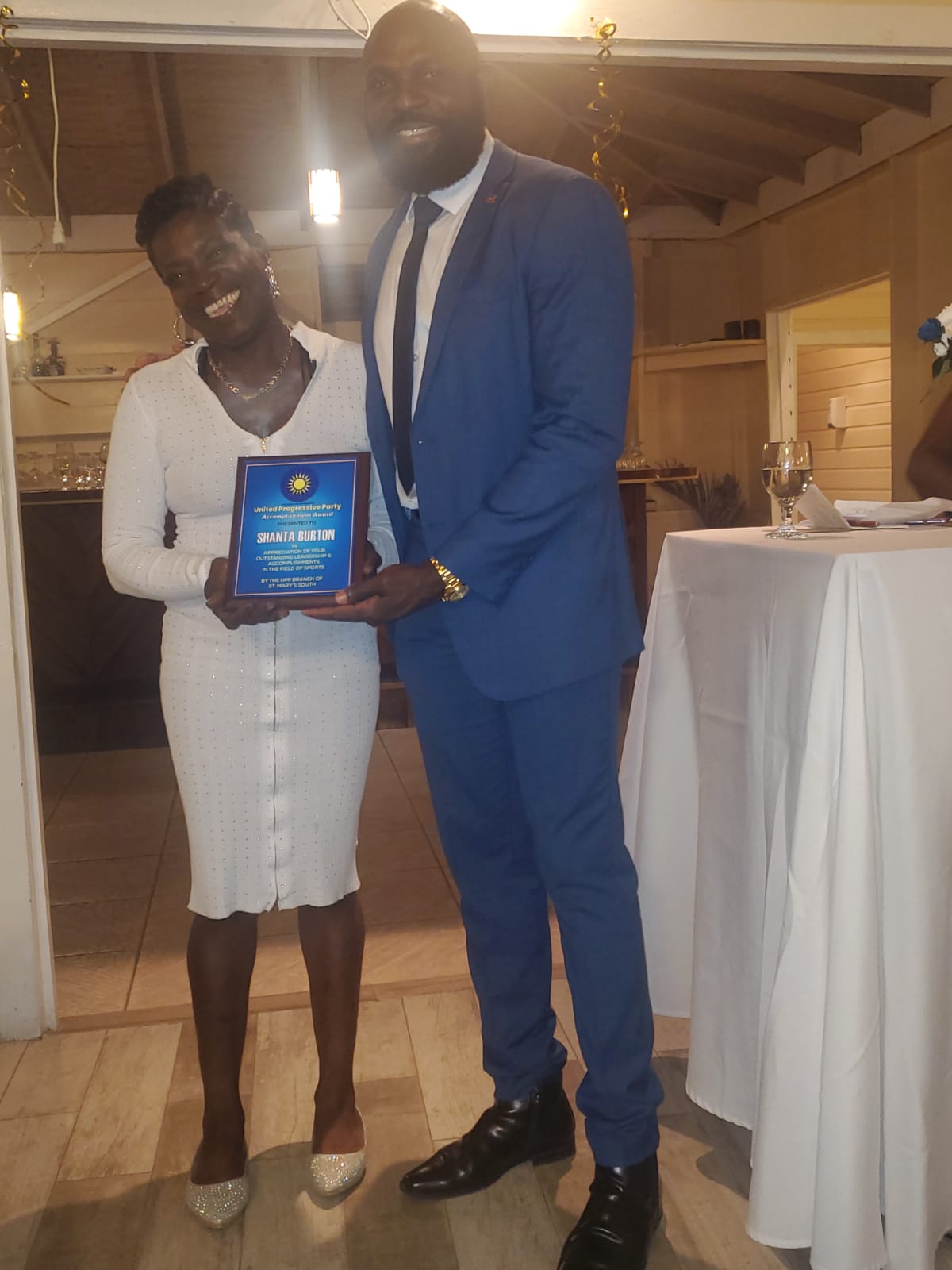
The awards were presented to Jean Saunders for her outstanding achievements in education, Dennis “Menace XL” Roberts for his remarkable contributions to the entertainment industry, Oliver Joseph for his impactful work in the business sector, Shanta Burton for her dedication to sports, and Margaret Smith for her invaluable contributions to the healthcare field.
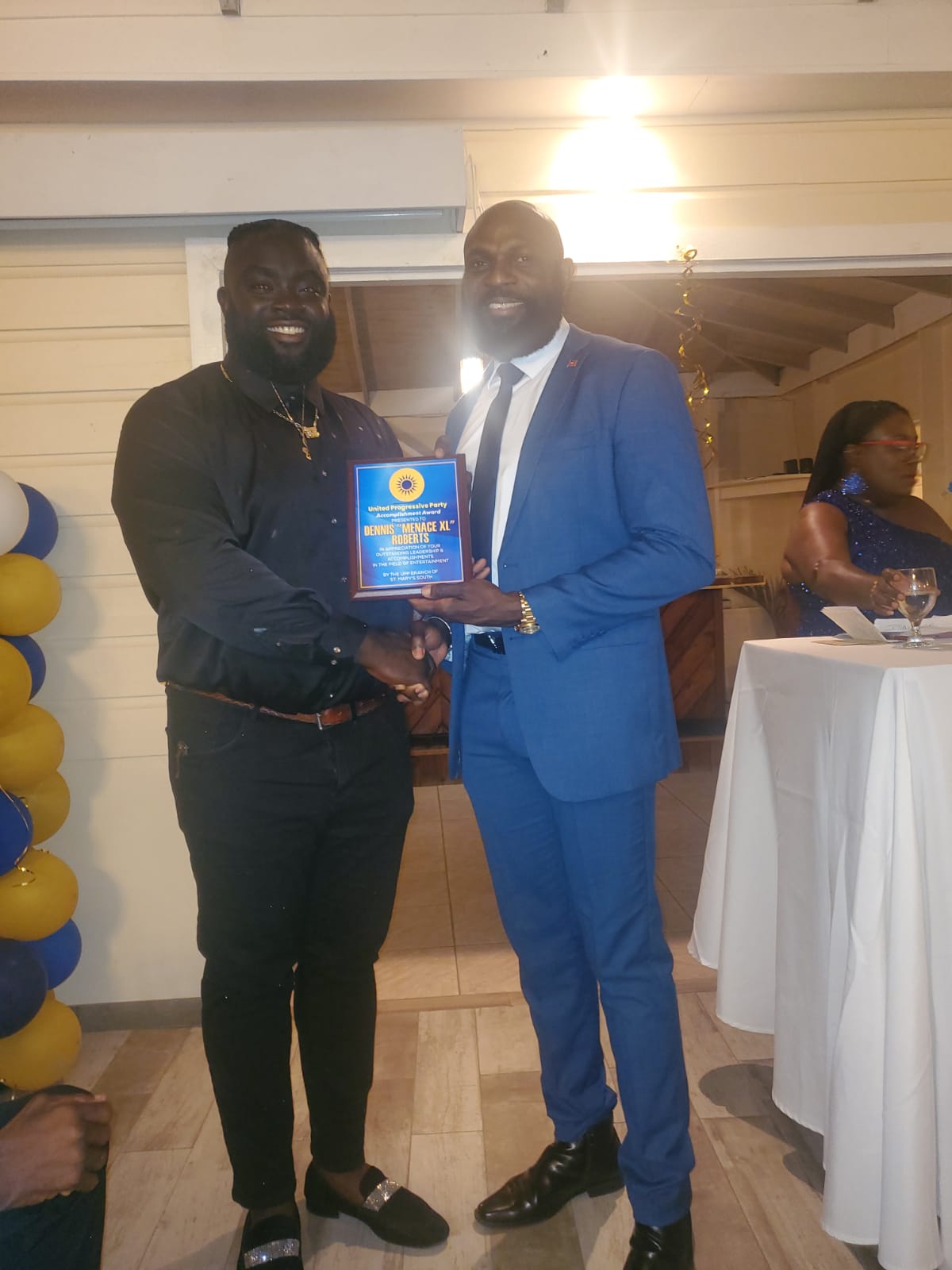
MP Simon expressed his deep appreciation for the exceptional residents of the community, emphasizing the need to officially honor those individuals who continually go above and beyond to support and uplift others, setting a fine example of giving back to the community.
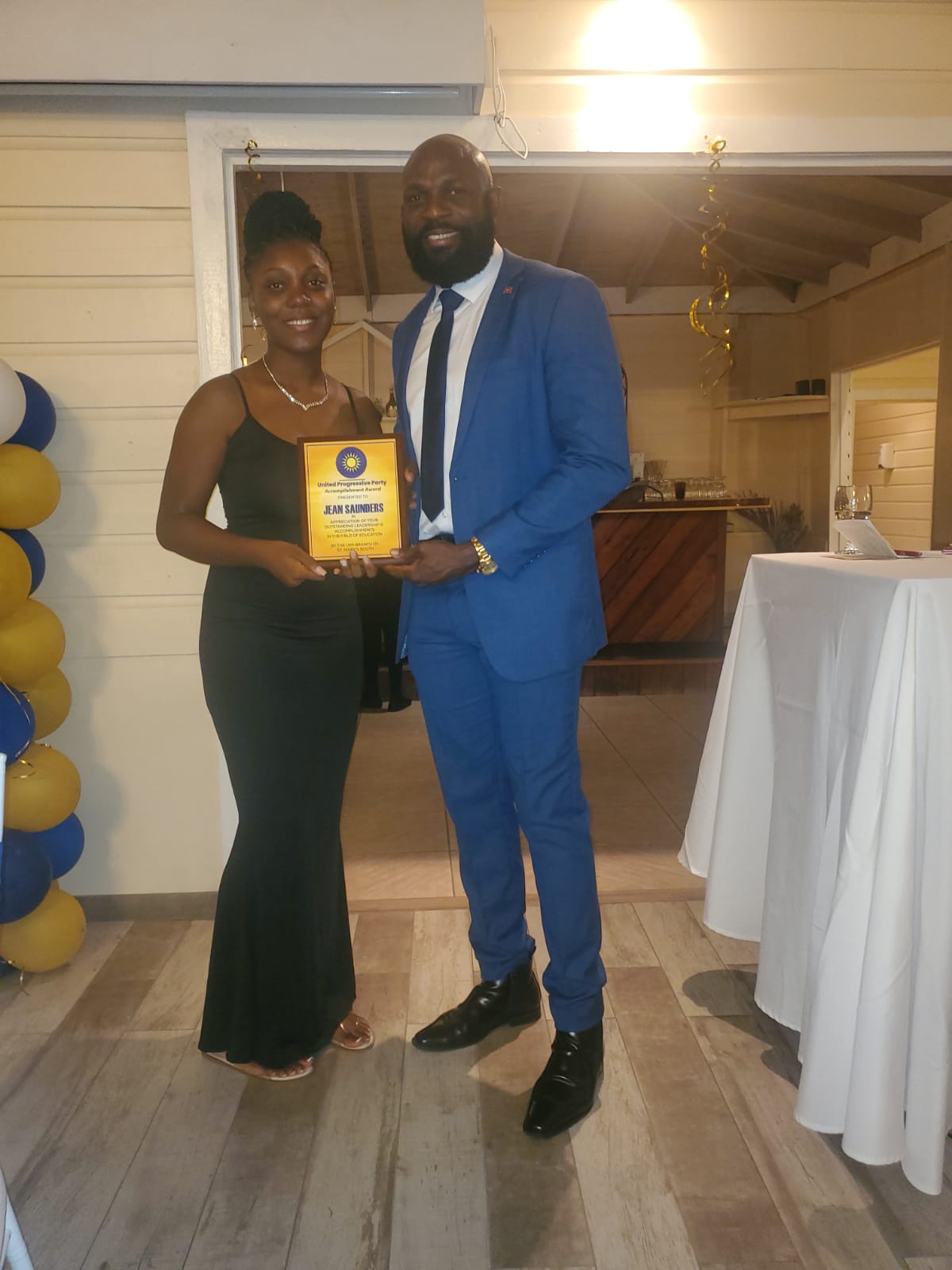
Simon took the opportunity to commend the attendees, sponsors, and organizers for the gala’s resounding success, highlighting the collective vision to empower the residents of St Mary’s South and instill a sense of pride within the community.
He also made reference to significant initiatives such as youth programs, sports tournaments, health fairs, cultural events, and clean-up drives that have not only enhanced the community’s aesthetics but also significantly improved the overall well-being of its residents.
This story was first published by Antigua News on : antigua.news/2024/07/08/five-individuals-recognized-for-enhancing-st-marys-south. © 2024 Antigua News. Republication without permission is not allowed.

About the author
The Editorial Staff refers to all reporters employed by Antigua.news. When an article is not an original creation of Antigua.news—such as when it is based on a press release, other media articles, letters to the editor, or court decisions—one of our staff members is responsible for overseeing its publication.
Read our editorial standards and corrections policy. Spotted an error? Contact the newsroom.
More from Antigua and Barbuda
View section
Man and Woman Killed in Creekside Shooting
Victims taken to hospital in a private vehicle following gunfire shortly after 4 p.m. Tuesday.
By Shermain Bique-Charles

Emergency Teams Prepare For CHOGM With Simulated Crash And Evacuation Drills
A mass casualty exercise at Scotts Hill and an evacuation drill at the Performing Arts Centre will test emergency readiness ahead of the summit.
By Cory Wayland

Teen Charged Over Tindale Road Burglary
Police say cash and property valued at EC$9,171.50 were stolen from a home on October 15.
By Shermain Bique-Charles

Browne Pursues Renewable Energy Partnerships and Long-Term EV Programme in Australia
Talks in Perth centre on a proposed OECS energy initiative, investment opportunities and plans to extend electric vehicle use beyond CHOGM.
By Shermain Bique-Charles
Comments
Be the first to comment.