
Youth Empowerment to Succeed Camp Wraps Up with Over 200 Participants

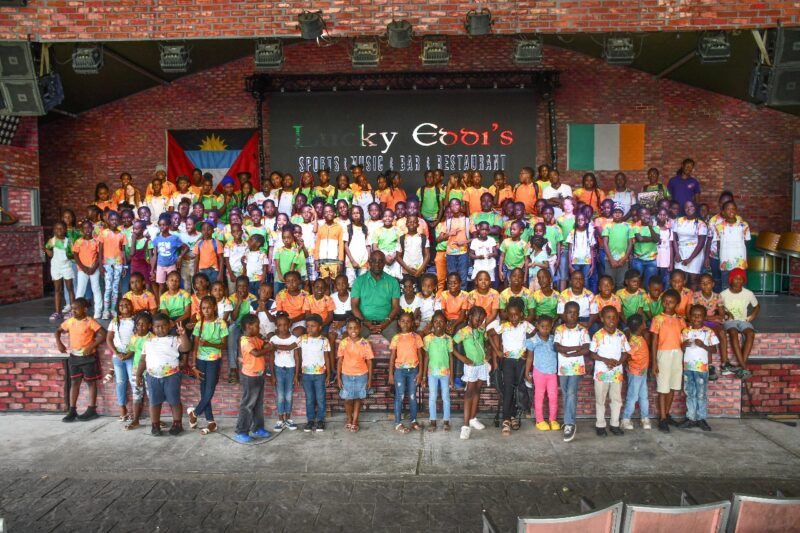
The Youth Empowerment to Succeed Camp concluded with nearly 223 students participating in a transformative learning, personal development, and empowerment week.
The camp, held at the Liberta Primary School and the brainchild of MP E.P. Chet Greene, provided young individuals with an opportunity to engage in various activities designed to foster leadership skills and promote personal growth.
During the camp, students participated in workshops, team-building exercises, and motivational sessions led by experienced mentors and educators.
The students enjoy a variety of activities including horseback riding, sailing, pickleball, tennis, squash, Warri, chess, guitar, steel band, piano, and karaoke.
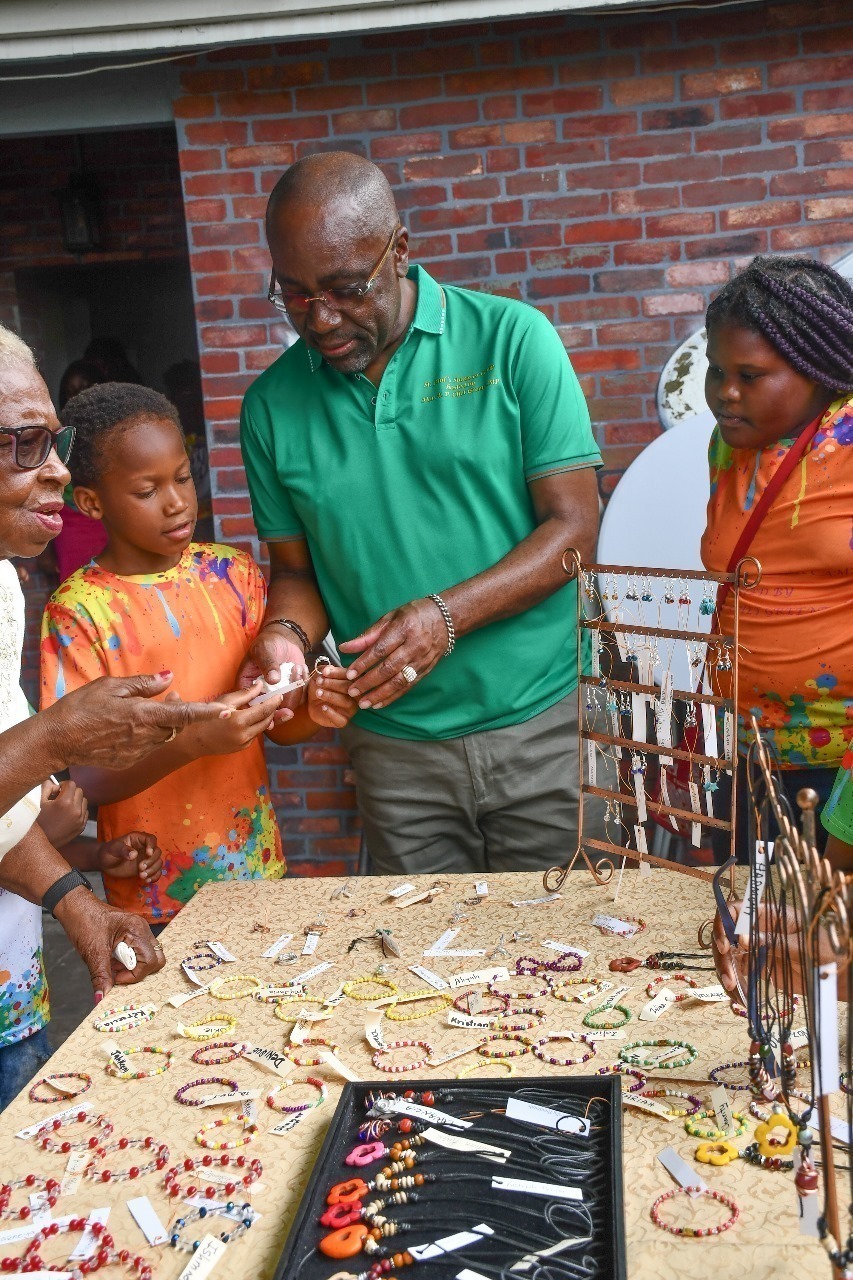
The program aimed to equip participants with the necessary tools to navigate challenges, build resilience, and develop a positive mindset to succeed in both their personal and academic lives.
“I am thrilled to have witnessed the students’ incredible growth and enthusiasm throughout the camp. Our goal was to create a nurturing and supportive environment where young individuals could explore their potential, build confidence, and connect with like-minded peers. The positive impact of the camp was evident in the students’ increased self-assurance and their willingness to embrace new opportunities,” Greene said
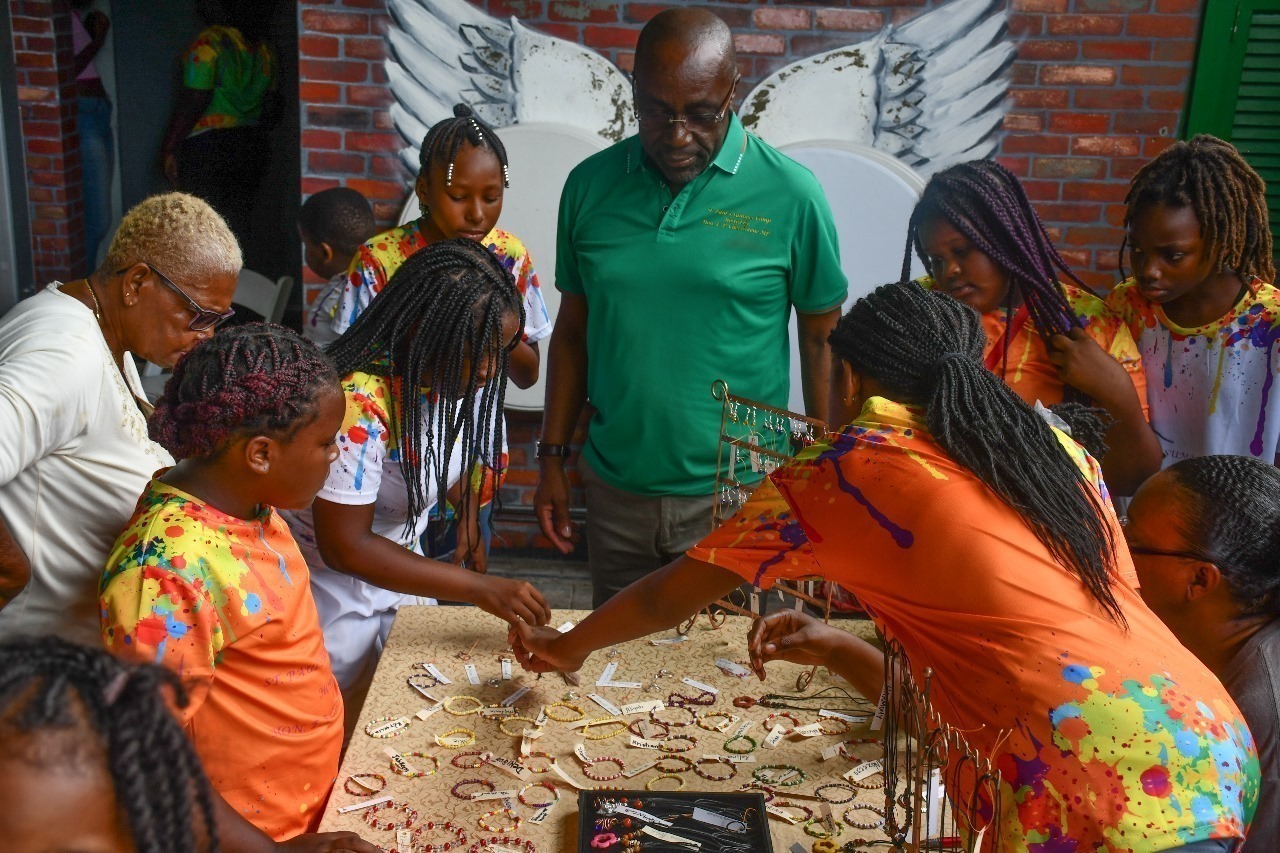

“I have had easier assignments than this one. Declaring Camp ‘24 officially closed was difficult. I thank the parents, children, management and staff and all who supported me in making this annual youth staple in our community a resounding success,” he added
The Youth Empowerment to Succeed Camp not only provided valuable learning experiences but also fostered a sense of community and collaboration among the participants.
Through engaging in interactive sessions and sharing their aspirations, students formed meaningful connections and cultivated a supportive network that extends beyond the duration of the camp.
The organizing team expressed its gratitude to the dedicated mentors, volunteers, and sponsors whose contributions were instrumental in making the camp a resounding success.
Their commitment and support played a pivotal role in providing students with an enriching and impactful experience.
As the students return to their communities, they carry with them the knowledge and inspiration gained from the Youth Empowerment to Succeed Camp, empowering them to overcome obstacles, embrace their potential, and lead with confidence.
This story was first published by Antigua News on : antigua.news/2024/07/19/youth-empowerment-to-succeed-camp-wraps-up-with-over-200-participants. © 2024 Antigua News. Republication without permission is not allowed.

About the author
The Editorial Staff refers to all reporters employed by Antigua.news. When an article is not an original creation of Antigua.news—such as when it is based on a press release, other media articles, letters to the editor, or court decisions—one of our staff members is responsible for overseeing its publication.
Read our editorial standards and corrections policy. Spotted an error? Contact the newsroom.
More from Antigua and Barbuda
View section
Teen Charged Over Tindale Road Burglary
Police say cash and property valued at EC$9,171.50 were stolen from a home on October 15.
By Shermain Bique-Charles

Browne Pursues Renewable Energy Partnerships and Long-Term EV Programme in Australia
Talks in Perth centre on a proposed OECS energy initiative, investment opportunities and plans to extend electric vehicle use beyond CHOGM.
By Shermain Bique-Charles

Sir Ronald Sanders Receives Ukraine’s Order of Merit for Defence of Sovereignty
Antigua and Barbuda’s ambassador honoured for diplomatic leadership at the OAS and support for Ukraine’s territorial integrity.
By Shermain Bique-Charles

Scottish Bagpipers and Caribbean Steelpan Musicians to Unite for One Commonwealth Night
A unique musical collaboration featuring Scottish bagpipers, Caribbean steelpan performers and an orchestra will highlight cultural unity during the November 2 celebration in Antigua and Barbuda.
By Cory Wayland
Comments
Be the first to comment.