
Antigua and Barbuda Ramps Up Mpox Preparedness Following WHO Declaration

In a swift response to the World Health Organization’s (WHO) declaration of MPOX as a public health emergency of international concern, Antigua and Barbuda’s health authorities have launched a comprehensive preparedness plan.
The announcement, made on August 14, 2024, prompted an immediate reaction from the island nation’s health sector.
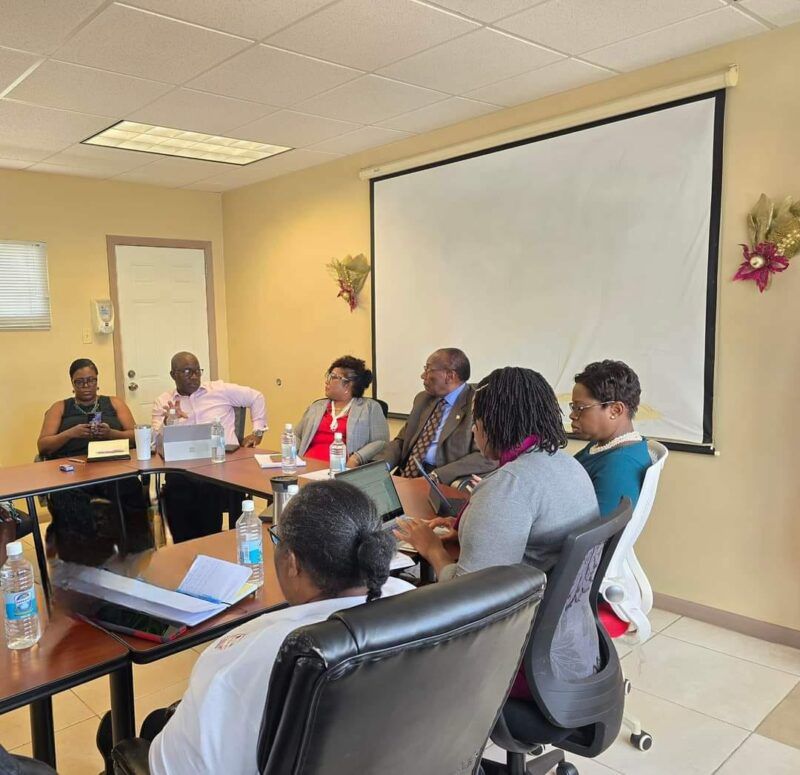
Minister of Health, Sir Molwyn Joseph, convened an emergency meeting of the Health Disaster Executive on August 15, 2024, to address the situation.
The meeting brought together key stakeholders from various sectors, including tourism, aviation, port authority, immigration, and healthcare.
“A decision has been made for a multi-stakeholder approach to increase surveillance at the ports of entry of Antigua and Barbuda and at health care facilities across the country,” a press release stated.
It further states that, “The laboratory of Sir Lester Bird Medical Centre is equipped to conduct diagnostic testing of suspected cases, should the need arise.”
MPOX is a disease caused by the monkey-pox virus which is similar to the smallpox virus. Persons typically experience a fever, rash, swollen lymph nodes, muscle pain, back pain and/or fatigue. Anyone experiencing these symptoms should seek attention from their health care provider.
The health ministry also outlined preventive measures for the public. “The public is advised that frequent handwashing, and routine wet cleaning and disinfecting of surfaces may prevent infection. Persons are therefore strongly advised to adopt these public health measures to avoid becoming infected with the MPOX virus,” the release stated.

This story was first published by Antigua News on : antigua.news/2024/08/16/antigua-and-barbuda-ramps-up-mpox-preparedness-following-who-declaration. © 2024 Antigua News. Republication without permission is not allowed.

About the author
The Editorial Staff refers to all reporters employed by Antigua.news. When an article is not an original creation of Antigua.news—such as when it is based on a press release, other media articles, letters to the editor, or court decisions—one of our staff members is responsible for overseeing its publication.
Read our editorial standards and corrections policy. Spotted an error? Contact the newsroom.
More from Antigua and Barbuda
View section
Browne Calls for Climate Justice and Fairer Financing at Global Citizen NOW Summit in Australia
Prime Minister urges international action to help small island states escape costly disaster debt and invest in renewable energy.
By Shermain Bique-Charles

Kiz Johnson in Panama to Represent Antigua and Barbuda at Regional Development Forum
Minister of State will join regional counterparts for discussions on inclusive development, reducing inequality and building resilience.
By Shermain Bique-Charles

80 Yachts Set for Antigua as Salty Dogs Rally Returns in November
Most participating vessels are expected to make Antigua their winter base, creating opportunities for businesses across the yachting sector.
By Shermain Bique-Charles

No Lockdown’ of St. John’s for CHOGM, Greene Assures Businesses and Commuters
Temporary security restrictions will affect selected areas, with East Bus Station disruptions expected to end by 1:30 p.m. on November 3.
By Shermain Bique-Charles
Comments (2)
Faithful national August 16, 2024, 8:05 AM
Palesade August 17, 2024, 4:48 AM