
ABRCS and His Majesty’s Prison collaborate

By Aabigayle McIntosh
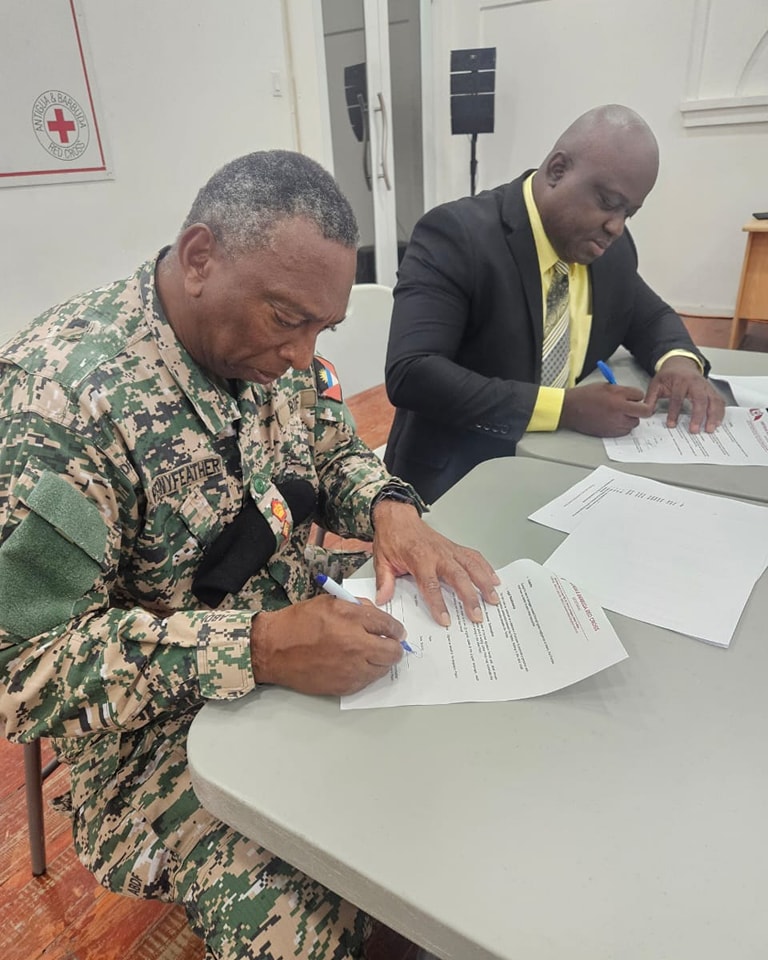
The Antigua and Barbuda Red Cross Society has concluded talks with the Administration of His Majesty’s Prison which culminated with an agreed partnership towards improving the efficiency and operations of the prison and reduce recidivism.
The talks came after President of the ABRCS, Dr. Jose Humphreys responded to a number of appeals from the prison administration met with the Superintendent, Lieutenant Colonel Pennyfeather, Principal Officer, Lyndon Russell and Assistance Chief Officer, Lenroy John to address potent concerns and determine ways in which the local Red Cross could assist the prison within its mandate as an auxiliary to public authority.
Their discussions surrounded potential partnerships geared towards improving the standards at His Majesty’s Prison, inter alia, training in basic first aid, CPR and AED, psychosocial support and psychological first for both staff and inmates of His Majesty’s Prison.
It also centered around, training in disaster response for staff to improve the efficient, response to disaster and crisis, rehabilitation for inmates and other collaborative discussion geared towards improving the health and safety and operation of the country’s sole Penitentiary.
Training in disaster response and basic first aid will commence shortly.
The Prison boss, Lieutenant Colonel Pennyfeather expressed his deep appreciation to the President and the ABRCS for the assistance offered towards improving the standards of the prison and towards human development.
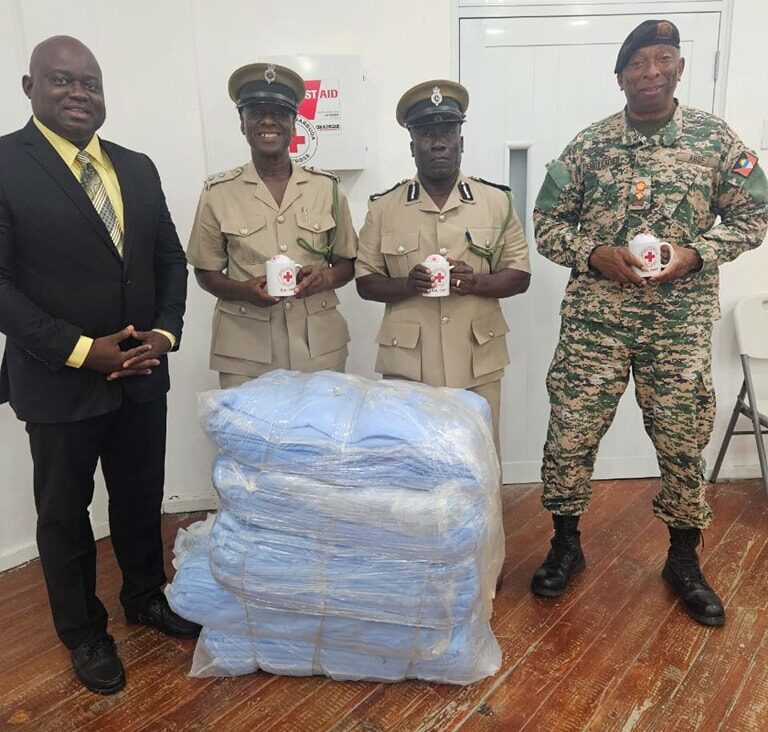
At the end of the meeting, the ABRC donated over 50 blankets to improve the sleeping conditions of the prisoners.

This story was first published by Antigua News on : antigua.news/2024/09/12/abrcs-and-his-majestys-prison-collaborate. © 2024 Antigua News. Republication without permission is not allowed.

About the author
The Editorial Staff refers to all reporters employed by Antigua.news. When an article is not an original creation of Antigua.news—such as when it is based on a press release, other media articles, letters to the editor, or court decisions—one of our staff members is responsible for overseeing its publication.
Read our editorial standards and corrections policy. Spotted an error? Contact the newsroom.
More from Antigua and Barbuda
View section
VIDEO: Victory Centre Pleads for Public Help as Thieves Target Special Needs School Again
Just hours after celebrating the handover of a hydroponics project, Victory Centre was dealt another setback when an individual was captured on camera uprooting lettuce grown by students.
By Cory Wayland

Victory Centre and Cedar Grove Primary Mark Handover of Hydroponics System and Nursery
School gardening project brings students and teachers together to develop practical agricultural skills following a journey that began in 2024.
By Shermain Bique-Charles

Remove Abandoned Vessels by October 28 or Face Cleanup Costs, Fisheries Division Warns
Final notice gives owners two weeks to clear derelict boats, vehicles and fishing gear from the Point Wharf Fisheries Complex.
By Shermain Bique-Charles

VIDEO: Senator Jamilla Kirwan Breaks Silence on Childhood Sexual Abuse During Senate Debate
Independent Senator Jamilla Kirwan shares a painful childhood experience while urging stronger penalties and greater support for survivors of sexual abuse.
By Cory Wayland
Comments (1)
Serious about Antigua September 12, 2024, 5:32 PM