
African Woman Takes Helm as Commonwealth Secretary-General, Pledges Renewal Amid Global Tensions

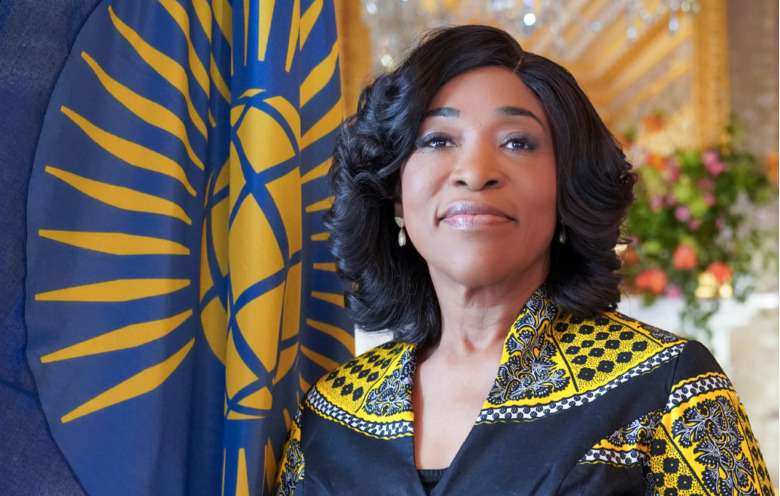
Shirley Ayorkor Botchwey became the first African woman to lead the Commonwealth on April 1, 2025, assuming the role of Secretary-General with a commitment to strengthen the 56-nation association during a period of significant global instability.
In her inaugural address at the Commonwealth Secretariat in London, Botchwey acknowledged the unprecedented challenges facing member nations: “The world we woke up to today is unlike any we have seen in our lifetimes. The consequences of lower economic growth, increased defence expenditures, and a frayed multilateralism will affect our pockets directly.”
The former Ghanaian Foreign Minister, who succeeds Patricia Scotland after her nine-year tenure, outlined three strategic priorities: empowering women and youth, revitalizing trade and investment across the Commonwealth, and addressing climate change, which she called “the greatest challenge of our time.”

“The value of our Commonwealth stands in bold relief, in a time like this,” Botchwey stated, emphasizing the organization’s potential as a “unique and powerful force for good” that represents a third of the world’s population and over a quarter of UN membership.
Botchwey, who was appointed by Commonwealth leaders at their meeting in Samoa in October 2024, also pledged to modernize the organization’s operations and partnerships. She concluded her address with a call for unity: “Let’s move forward with purpose, with courage, and with an unshakable commitment to a Commonwealth that truly thrives together.”
Antigua and Barbuda gained independence from the United Kingdom in 1981, becoming a member of the Commonwealth of Nations and a constitutional monarchy
This story was first published by Antigua News on : antigua.news/2025/04/02/african-woman-takes-helm-as-commonwealth-secretary-general-pledges-renewal-amid-global-tensions. © 2025 Antigua News. Republication without permission is not allowed.

About the author
The Editorial Staff refers to all reporters employed by Antigua.news. When an article is not an original creation of Antigua.news—such as when it is based on a press release, other media articles, letters to the editor, or court decisions—one of our staff members is responsible for overseeing its publication.
Read our editorial standards and corrections policy. Spotted an error? Contact the newsroom.
More from Caribbean
View section
St. Kitts DPP Seeks Antigua’s Help in Outstanding Case Involving Former Resort Clerk
By Shermain Bique-Charles

Royal Caribbean in Talks to Buy Half of Sandals in Reported $3 Billion Deal
By Shermain Bique-Charles

Four Killed in Latest US Military Strike on Suspected Drug Vessel in Caribbean
By Shermain Bique-Charles
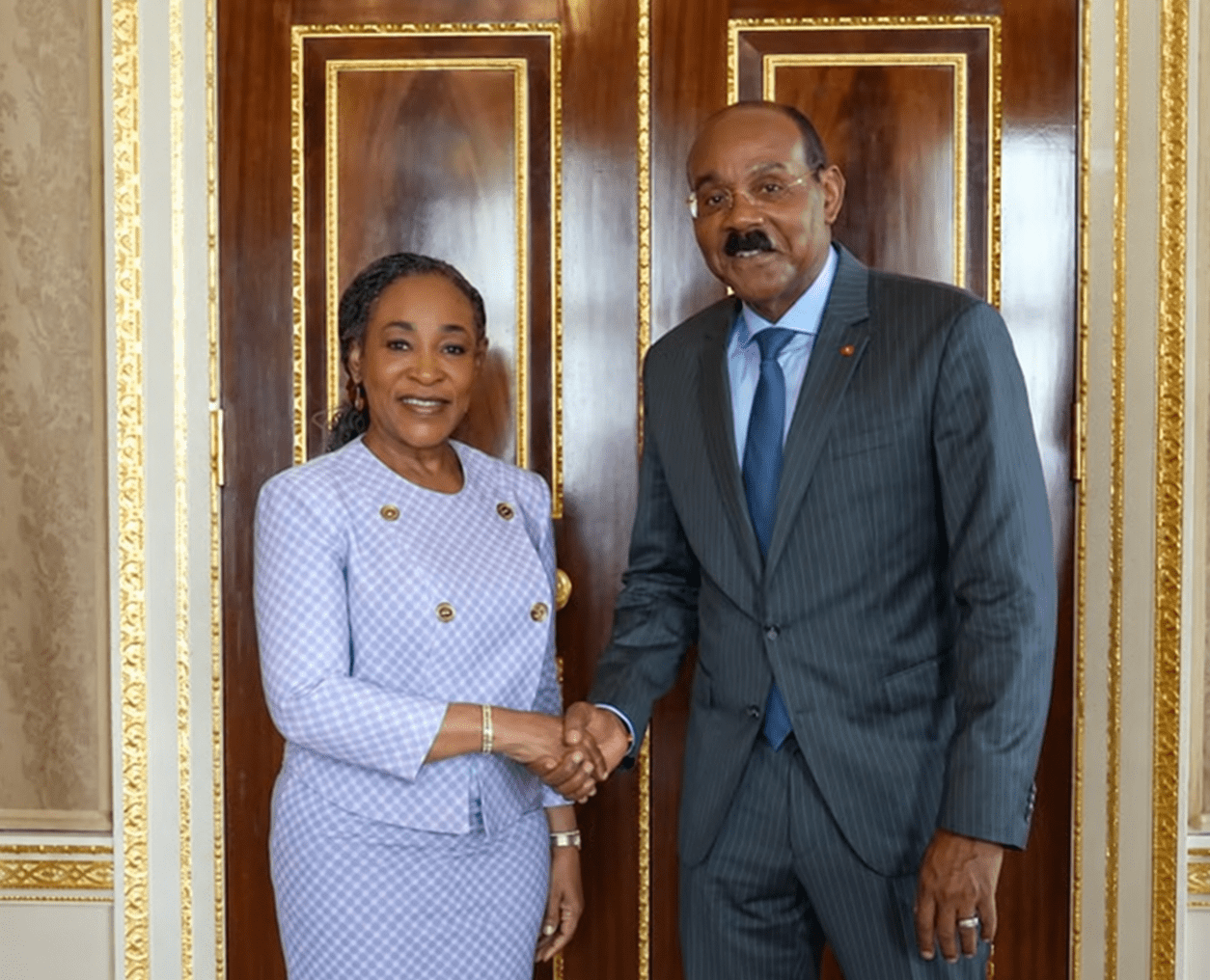
Browne, Commonwealth Secretary-General Review Final Preparations for CHOGM 2026
By Editorial Staff
Comments (3)
Stone April 2, 2025, 1:58 PM
Luka Johnson April 2, 2025, 2:49 PM
Juju Bee April 2, 2025, 8:00 PM