
Young Farmer Presented with Cheque After Winning CARICOM Young Farmer Award

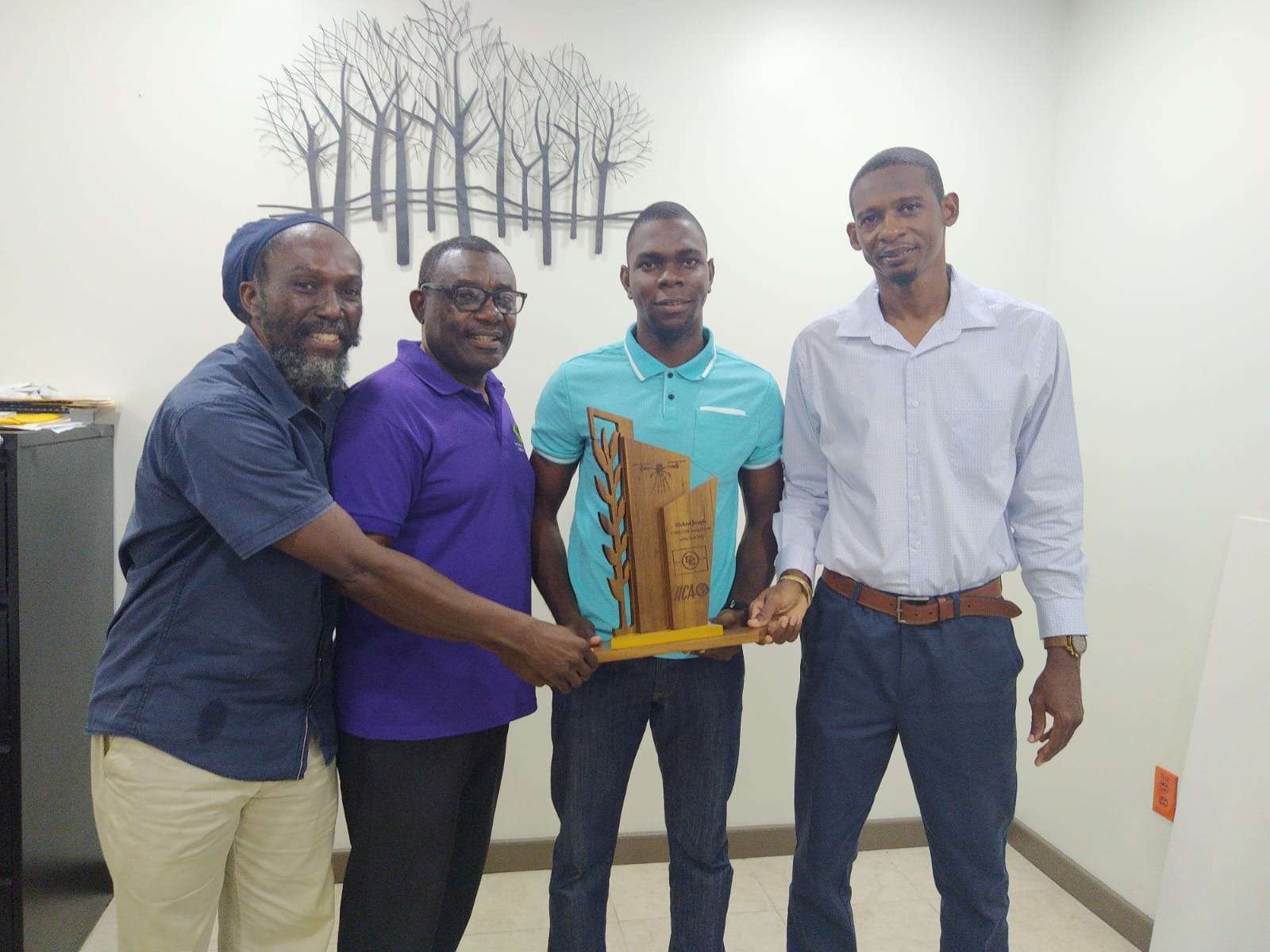
Twenty-two-year-old Michael Joseph of Bendals has officially been presented with his winnings after capturing the CARICOM Young Farmer Award 2025, marking a proud moment for Antigua and Barbuda’s growing agricultural sector.
The young farmer received his cheque and commendations from senior officials of the Ministry of Agriculture and the local representative of the Inter-American Institute for Cooperation on Agriculture (IICA) during a brief ceremony on Wednesday.
Joseph’s triumph was announced during the Caribbean Week of Agriculture held in St. Kitts last week, where he emerged the overall winner among competitors from across the region, including Guyana, Suriname, Belize, and Jamaica.
Operating a 1.5-acre farm in Bendals, Joseph specializes in okras and tomatoes, but what truly set him apart was his innovative use of technology in farming.
Joseph, who farms full-time, also offers drone-spraying and tractor services to other farmers as part of his business model, emphasizing innovation and efficiency.
The Ministry of Agriculture and IICA hailed Joseph’s success as a powerful example of the future of farming in the Caribbean, demonstrating how youth, innovation, and technology can transform traditional agriculture into a modern, sustainable enterprise.
His victory, seen by many as an upset against more experienced farmers from larger countries, has made Joseph a symbol of what’s possible for young entrepreneurs across Antigua and Barbuda who dare to merge passion with progress.
This story was first published by Antigua News on : antigua.news/2025/10/09/young-farmer-presented-with-cheque-after-winning-caricom-young-farmer-award. © 2025 Antigua News. Republication without permission is not allowed.

About the author
The Editorial Staff refers to all reporters employed by Antigua.news. When an article is not an original creation of Antigua.news—such as when it is based on a press release, other media articles, letters to the editor, or court decisions—one of our staff members is responsible for overseeing its publication.
Read our editorial standards and corrections policy. Spotted an error? Contact the newsroom.
More from Antigua and Barbuda
View section
Browne Promises Consequential CHOGM as Antigua and Barbuda Marks Independence
PM Gaston Browne urges meaningful action at CHOGM 2026 as Antigua and Barbuda celebrates 45 years of independence and welcomes Commonwealth delegates.
By Shermain Bique-Charles

Akeyjah Nibbs Identified as Victim of Fatal Ottos Shooting
Family and friends mourn the 24-year-old, who died after reportedly being shot while travelling in a vehicle with a female companion.
By Shermain Bique-Charles

Royal Reception Marks Antigua and Barbuda’s 45th Independence Anniversary and Welcomes Commonwealth Delegates
Government House reception marks the nation’s independence milestone and welcomes Commonwealth delegates with calls for partnership, resilience and opportunity.
By Shermain Bique-Charles

Halo Art Workshop Nears Finale, With Royal Drawing School Scholarships on Offer
Free classes at Government House bring generations together, with two participants set to earn Royal Drawing School online scholarships.
By Shermain Bique-Charles
Comments (1)
Rita Brathwaite October 9, 2025, 2:07 PM